Local vs Remote MCP Servers: When NPX Is Not Enough
Learn when an MCP server should run locally over stdio and when an always-on workflow needs a remote Streamable HTTP deployment.
Table of Contents10 sections
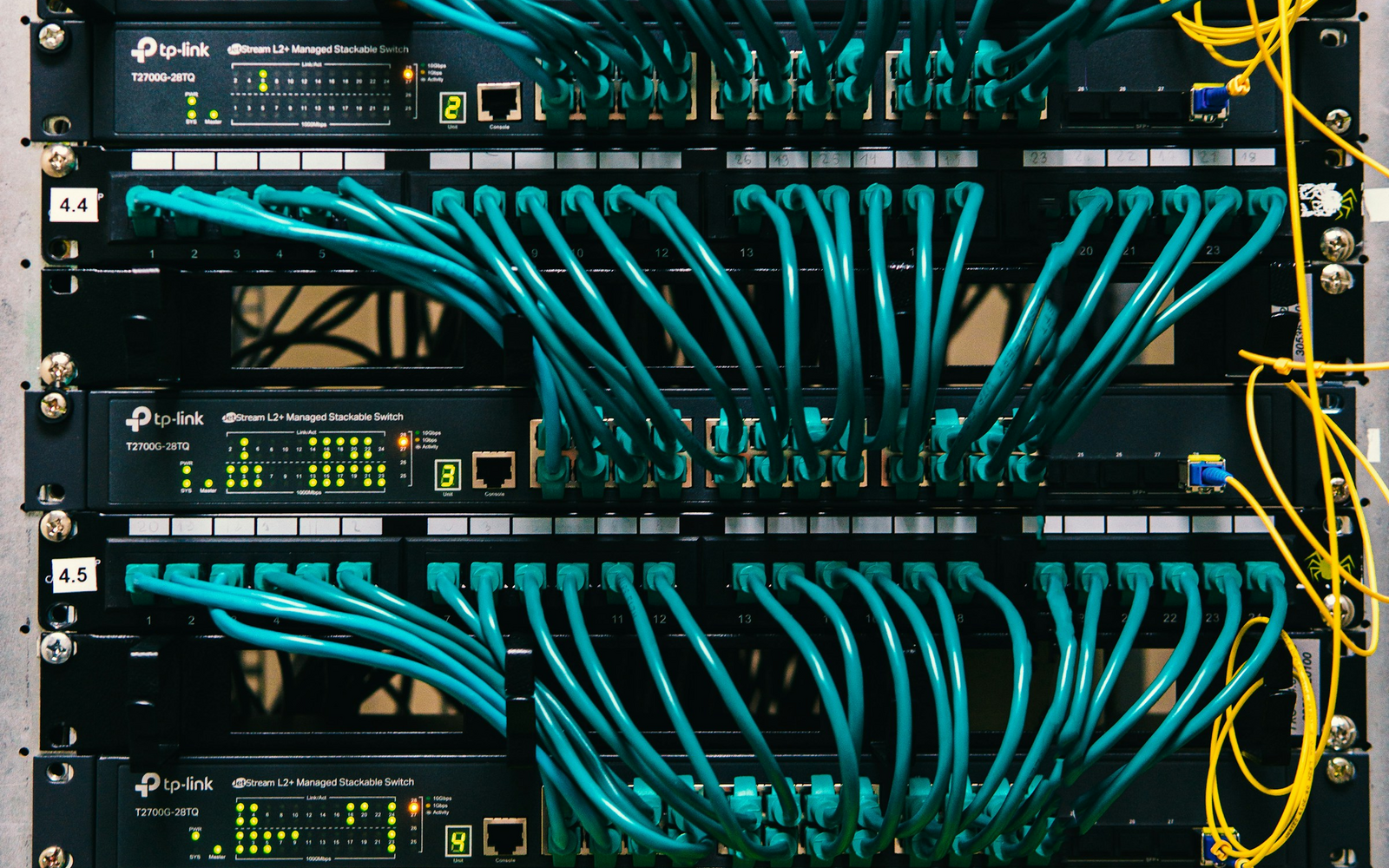
A Model Context Protocol server can work perfectly from a terminal and still be the wrong architecture for an automation that must run while your laptop is offline. The confusion usually starts with an installation command such as npx: if a client launches the MCP server as a local child process, the integration lives on that machine.
The practical rule is simple: use stdio for MCP integrations that belong to one local host, and use Streamable HTTP when the MCP server must be reachable independently over the network. NPX is only a way to execute a Node package. It does not make the resulting MCP server remotely available.
That distinction becomes important as soon as an agent moves from an interactive desktop workflow to a scheduler, VPS, CI runner, or hosted application.
NPX Does Not Define the MCP Architecture
It is easy to treat an installation command as if it describes the deployment model.
For example:
npx some-mcp-server
This tells Node tooling to resolve and execute a package. What matters to MCP is the transport the server uses after it starts.
The official MCP TypeScript SDK separates the common transports clearly:
stdiois intended for local integrations where the client starts the server process.- Streamable HTTP is the recommended transport for remote servers.
- the older HTTP plus SSE transport exists for backwards compatibility.
With stdio, the MCP client and server are coupled through the process boundary. The client starts a command, writes protocol messages to standard input, and reads responses from standard output.
That is excellent for a desktop coding tool. It is not an always-on network service.
What a Local MCP Server Actually Depends On
A stdio integration has a dependency chain that is easy to overlook:
MCP client
   |
   +-- starts local command
          |
          +-- Node / package runtime
          |
          +-- local credentials
          |
          +-- MCP server process
If the machine is asleep, disconnected, or shut down, the server is unavailable because the process is unavailable.
The same applies when a package is launched with another runtime. uvx, Python, Java, or a compiled executable can all be used for local process-based MCP servers. The architectural property is not the package manager. It is that the client spawns the server locally.
This is why copying an MCP configuration from a laptop into a hosted scheduler often fails. The scheduler may not have the same executable, filesystem, environment variables, OAuth tokens, or permission boundary.
For configuration basics, the RayLabs guide on configuring MCP JSON files for AI agents covers the client-side contract. Deployment adds another question: where does that configured command actually run?
When Local stdio Is the Better Choice
Remote is not automatically better.
A local stdio server is often the cleanest option when the tool needs direct access to resources on the same machine. Examples include a local repository, desktop application, development database, or filesystem.
It also has a small operational surface. There is no public endpoint to deploy, no reverse proxy to maintain, and no network authentication layer merely to move JSON-RPC messages between two processes on one host.
Choose local stdio when these statements are true:
| Requirement | Local stdio fit |
|---|---|
| Client and tool run on the same machine | Strong |
| Tool needs local filesystem access | Strong |
| Integration only runs during interactive sessions | Strong |
| Laptop can be the availability boundary | Acceptable |
| Multiple remote clients need the tool | Weak |
| Scheduler must work while laptop is off | Weak |
The key question is not whether local MCP is production quality. It can be. The question is whether the local machine is an acceptable part of the service boundary.
When You Need a Remote MCP Server
An always-on automation changes that boundary.
Suppose a scheduled agent needs to query an external service every hour. If the MCP server exists only as a child process on a developer laptop, the scheduler cannot reach it after that laptop disappears.
A remote design moves the MCP server to infrastructure that is available to the client:
scheduled agent
      |
      | HTTPS
      v
remote MCP endpoint
      |
      +-- authentication
      +-- external API
      +-- server-side credentials
The official TypeScript SDK recommends Streamable HTTP for remote servers. Its client documentation likewise distinguishes StdioClientTransport for spawned local processes from StreamableHTTPClientTransport for remote HTTP servers.
The server can live on a VPS, container platform, internal service, or another environment that can expose a compatible HTTPS endpoint. The exact hosting product is secondary to the boundary.
This pattern is appropriate when:
- the client and MCP server do not share a host;
- more than one authorized client needs the same MCP capability;
- the integration must survive a laptop shutdown;
- credentials should remain on server infrastructure;
- the MCP endpoint needs independent deployment and observability.
This is similar to the broader availability trade-off in running an AI coding agent on a VPS or Mac: the correct host depends on which machine is allowed to become the availability bottleneck.
Remote MCP Adds Security Work
Moving MCP from stdio to HTTP removes the local-process dependency, but it creates a network security boundary.
Do not expose a local MCP server to the internet merely by binding it to a public interface.
A remote deployment needs, at minimum, a deliberate answer for:
- Transport security. Use HTTPS outside a trusted local boundary.
- Authentication. Decide which clients may connect and how credentials are issued and revoked.
- Authorization. A valid client should receive only the tools and data it needs.
- Origin and host validation. HTTP deployments should reject unexpected hosts and origins where applicable.
- Secret storage. External API credentials belong in the server’s secret boundary, not in article text, client configuration committed to Git, or query strings.
- Logging. Record operational events without leaking tokens or sensitive tool payloads.
- Rate and resource limits. A remotely callable tool has a different abuse and cost profile from a local child process.
Current MCP SDK documentation includes protections for HTTP deployments such as host and origin validation, and documents OAuth-oriented client helpers. The exact mechanism depends on the SDK and hosting environment, so treat the SDK version you deploy as authoritative.
Do Not Turn a Local Tool Into a Remote Shell
One dangerous migration pattern is to take an MCP server designed for trusted local use and expose all of its capabilities remotely.
A filesystem tool that is reasonable on a developer workstation may be far too powerful as a network service. The same is true for arbitrary command execution.
Instead of exposing the local capability unchanged, narrow the remote contract.
For example, a reporting automation usually does not need:
run arbitrary shell command
read arbitrary file
write arbitrary file
It may only need:
list verified properties
query performance for date range
return aggregated rows
The second interface is easier to authorize, validate, audit, and rate-limit.
Remote deployment should therefore trigger a capability review, not just a transport change.
A Practical Migration Pattern
If an MCP integration already works locally, migrate it in small steps.
1. Identify the actual dependency
Write down what the local server needs: runtime, credentials, files, ports, external APIs, and any interactive login state.
This catches integrations that secretly depend on a browser session or a file stored only on one laptop.
2. Separate tool logic from transport
Keep the domain operation independent from stdio or HTTP where possible.
tool handler
   |
service logic
   |
external API
Then attach either a local stdio transport or a remote HTTP transport around that logic.
3. Narrow the exposed tools
Remote clients should receive the smallest useful capability set.
If the automation only reads analytics, do not ship write operations just because the underlying API supports them.
4. Add authentication before public reachability
Do not deploy first and secure later. Make unauthorized calls fail closed before the endpoint is reachable from untrusted networks.
5. Test from the real client environment
A successful curl from the server itself proves very little.
Test from the scheduler, hosted agent, or application that will actually consume the MCP endpoint. Verify DNS, TLS, authentication, protocol negotiation, tool discovery, timeouts, and error handling.
6. Remove the laptop from the critical path
Finally, shut down or disconnect the development machine and run the workflow again.
If the automation still depends on the laptop, the migration is incomplete.
Common Failure Modes
Several problems recur when teams move from a local MCP demo to an always-on integration.
The command exists only on the laptop. The remote client cannot execute an NPX command installed somewhere else. Install the server in the client’s environment or expose it through a supported remote transport.
Credentials were tied to an interactive session. Move service credentials into an appropriate server-side secret store and design a refresh or reauthorization path.
The server binds only to localhost. That is correct for many local deployments. Do not change it blindly. A remote deployment needs a deliberate network and authentication design.
The client supports stdio but not remote MCP. Hosting a Streamable HTTP endpoint does not help if the consuming client cannot use that transport. Check client capabilities first.
The endpoint is remote but the data is still local. A server running on a VPS cannot magically read a repository or file that exists only on a laptop. Move the required data, use a synchronization boundary, or keep that capability local.
The remote service has no health boundary. Add timeouts and useful failure reporting so an unavailable MCP server does not leave an agent waiting indefinitely.
The Decision Rule
The local-versus-remote MCP decision can be reduced to one question:
Where must the capability remain available?
If the answer is “only while this desktop client is running,” stdio is usually simpler and safer.
If the answer is “from a scheduler, hosted agent, CI job, or another machine even when my laptop is offline,” the capability needs to live in infrastructure reachable by that client. For MCP, that normally means a remote server using Streamable HTTP, with authentication and a deliberately restricted tool surface.
Do not choose remote MCP because it sounds more advanced. Choose it when the availability boundary requires it. And do not treat npx as the architecture. It is only one way to start a process.
Continue Exploring
You Might Also Like
Choosing Between ChatGPT and Claude for Developer Workflows
A task-based guide to selecting the right AI assistant for coding, documentation, and automation workflows by evaluating model strengths and operational trade-offs.
How to Read AI Model Leaderboards Without Picking the Wrong Model
A practical framework for comparing AI model leaderboards by task fit, uncertainty, cost, speed, and evaluation methodology instead of trusting a single rank.

Agent Orchestrator vs Model Router: When You Need Both
Separate workflow orchestration from model routing so multi-agent systems can choose the right worker and the right model without duplicating control logic.