Why Android Push Notifications Duplicate and How to Fix Them
A practical debugging workflow for duplicate Android notifications, covering FCM payload ownership, stable notification IDs, PendingIntent identity, and idempotent handling.
Table of Contents11 sections
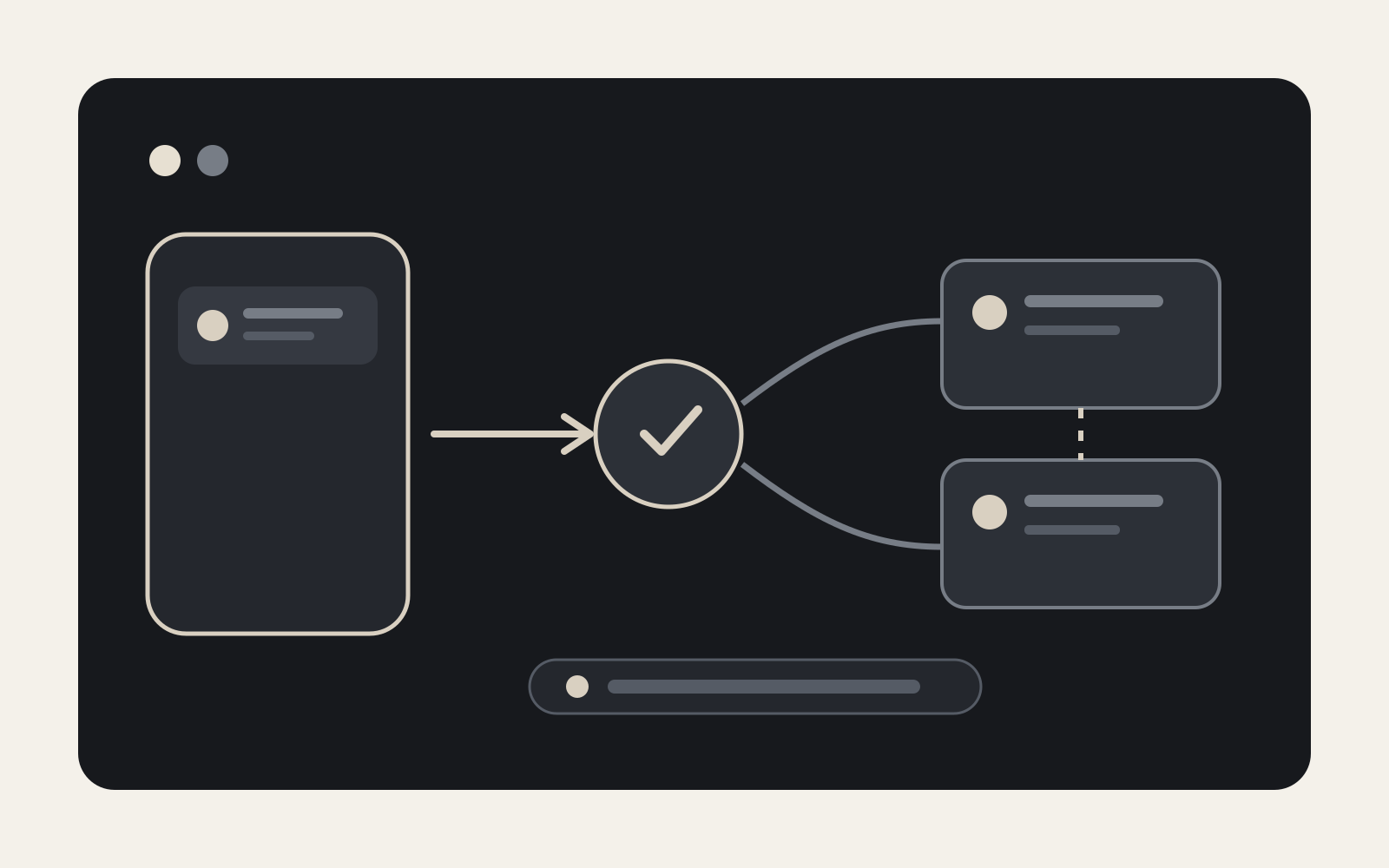
A push arrives once, but the user sees it twice.
The fastest way to debug this is not to start changing NotificationManager calls. First determine who owns notification display for each app state. Duplicate notifications are usually an ownership or identity problem: two paths display the same event, or one path treats the same event as two different notifications.
For Firebase Cloud Messaging (FCM), the distinction between notification and data payloads matters. Firebase documents that background notification messages are delivered to the system tray, while data messages are delivered to onMessageReceived(). Messages containing both notification and data payloads also have state-dependent behavior. Firebase’s Android receive guide is therefore the first reference to compare against your implementation.
The practical fix is to make notification ownership explicit, give every business event a stable identity, and make repeated delivery safe.
Start With an Ownership Matrix
Before touching code, write down what happens in each state.
| App state | Payload type | Who displays the notification? |
|---|---|---|
| Foreground | notification | app callback |
| Foreground | data | app callback |
| Background | notification | FCM/system tray |
| Background | data | app callback |
| Background | notification + data | system tray for notification; data arrives through the launch intent |
This matrix follows FCM’s documented Android behavior. It exposes a common architectural mistake: designing the client as though onMessageReceived() is always the single display path.
If your backend sends a notification payload and another layer also posts a local notification for the same business event, you can end up with two display owners.
Choose one model deliberately:
Model A: FCM owns background display
notification payload -> system tray
app code -> handles foreground behavior

Model B: app owns display
data payload -> app decides when and how to notify
Model B gives you more control, but it also makes your code responsible for idempotency, background constraints, channels, and notification construction.
Log the Message Before You Log the Notification
A screenshot showing two notifications does not prove that FCM delivered twice.
Add structured diagnostics around the receive boundary:
override fun onMessageReceived(message: RemoteMessage) {
    Log.d(
        "PushTrace",
        "messageId=${message.messageId}, " +
            "from=${message.from}, " +
            "hasNotification=${message.notification != null}, " +
            "dataKeys=${message.data.keys.sorted()}"
    )

    handlePush(message)
}
Then log every place that calls NotificationManager.notify() or NotificationManagerCompat.notify().
You are trying to distinguish three cases:
one receive -> two notify() calls
two receives -> two notify() calls
one system display + one app display
Those are different bugs and need different fixes.
Avoid logging sensitive payload values in production diagnostics. Message IDs, event IDs, payload shape, and code-path labels are usually enough.
Give the Business Event a Stable Identity
A notification ID is not merely a random integer used to satisfy an API. It defines replacement behavior.
If every retry generates a new random notification ID, Android has no reason to understand that the second post represents the same event.
For events that should appear once, derive a stable ID from a stable server-side event identifier:
fun notificationId(eventId: String): Int =
    eventId.hashCode()
Then:
NotificationManagerCompat.from(context)
    .notify(notificationId(event.id), notification)
Now reposting the same logical event updates the existing notification instead of necessarily creating another entry.
Do not use this pattern blindly for events that are intentionally separate. Two chat messages in the same conversation may need distinct identities; a continuously updated order-status notification may need one shared identity. The ID policy should match the product semantics.
Separate Notification Identity From PendingIntent Identity
A second source of confusion is the PendingIntent.
Android describes a PendingIntent as a token that allows another component, such as the notification manager, to perform an operation on your app’s behalf. Android’s intent documentation also recommends explicit intents and immutable pending intents whenever possible.
A robust tap intent might look like:
val intent = Intent(context, OrderActivity::class.java).apply {
    putExtra("order_id", orderId)
}

val pendingIntent = PendingIntent.getActivity(
    context,
    orderId.hashCode(),
    intent,
    PendingIntent.FLAG_UPDATE_CURRENT or PendingIntent.FLAG_IMMUTABLE
)
The important design decision is that the request code is stable for the target action.
If every notification gets request code 0, several notifications may share a PendingIntent identity unexpectedly. If every retry gets a random request code, logically identical events may become unrelated tokens.
Neither behavior directly proves why two notifications were posted, but incorrect PendingIntent identity often creates the adjacent symptom: tapping notification A opens data from notification B.
Treat these as two separate contracts:
notification ID -> should these tray entries replace each other?
PendingIntent identity -> should these tap actions represent the same operation?
Make the Receive Path Idempotent
Stable notification IDs improve the UI, but they are not a complete deduplication strategy.
Messaging systems should be designed with retries in mind. Your product often has a useful business key: transaction ID, order event ID, conversation message ID, job ID, or another immutable event identifier.
Store a bounded record of handled event IDs:
interface PushReceiptStore {
    suspend fun wasHandled(eventId: String): Boolean
    suspend fun markHandled(eventId: String)
}
Then guard the side effect:
suspend fun handle(event: PushEvent) {
    if (receiptStore.wasHandled(event.id)) return

    postNotification(event)
    receiptStore.markHandled(event.id)
}
For a real implementation, consider concurrency. Two workers can both pass wasHandled() before either writes. A database-backed unique constraint or transactional insert is safer than a check-then-write sequence when simultaneous processing is possible.
The deeper rule is simple: deduplicate at the side-effect boundary using the identity of the business event.
Audit Every Notification Producer
Large Android apps often have more notification producers than expected.
Search for:
notify(
NotificationManager
NotificationManagerCompat
FirebaseMessagingService
Worker
BroadcastReceiver
Service
AlarmManager
Then draw the path from event to tray.
A typical duplicate might be:
FCM message
   ├─ Firebase auto-display
   └─ app receiver -> repository -> local notification
Another might be:
FCM data message
   ├─ immediate notification
   └─ WorkManager retry -> same notification with a new ID
Or:
scheduled event
   ├─ AlarmManager
   └─ restored/synchronized schedule creates a second alarm
This is why the debugging unit should be the event lifecycle, not one class.
The same discipline is useful elsewhere in Android background work. When you reason about Android date and scheduling behavior, stable identity and explicit scheduling ownership help prevent multiple components from representing the same logical event.
Test Foreground, Background, and Terminated States Separately
FCM behavior changes with app state, so a foreground-only test is incomplete.
Use the same payload and record whether onMessageReceived() ran, whether the system displayed anything automatically, how many times your notification-posting function ran, which notification ID was used, and which event ID was processed.
Test at least:
foreground
background
process not running
notification-only payload
data-only payload
notification + data payload
Also test a deliberate duplicate send using the same business event ID. A robust client should produce the product behavior you intended, not blindly repeat the side effect.
If message processing exceeds the short callback window, Firebase recommends handing longer work to an appropriate background mechanism such as WorkManager. That handoff should preserve the same event identity rather than minting a new one.
Do Not “Fix” Duplicates With Presentation Flags
setOnlyAlertOnce(true) is useful when updating an existing notification and you do not want every update to sound or vibrate again. It does not solve duplicate ownership.
Likewise, grouping notifications can improve presentation without removing duplicate side effects. Changing channel importance can reduce interruption without fixing duplicate delivery. Replacing all IDs with one constant can hide duplicates by forcing unrelated notifications to overwrite one another.
These are presentation controls, not root-cause fixes.
A Repeatable Debugging Workflow
When duplicate push notifications appear, use this order:
Capture one business event ID
        ↓
Record FCM payload type
        ↓
Test each app state
        ↓
Count receive callbacks
        ↓
Count notification-post calls
        ↓
Identify every display owner
        ↓
Stabilize notification identity
        ↓
Stabilize PendingIntent identity
        ↓
Make the side effect idempotent
        ↓
Replay the same event intentionally
The workflow matters because it prevents a local patch from masking a distributed-system problem.
If one event reaches the device twice, your client should know whether repeated processing is safe. If one event reaches the device once but appears twice, your architecture should reveal which two components both believed they owned display.
Design Notifications as an Event Pipeline
The durable fix is architectural.
Treat push as an event pipeline with explicit boundaries:
transport
   -> decode
   -> identify event
   -> deduplicate
   -> decide presentation
   -> post/update notification
   -> route tap action
Each boundary should have one responsibility and one observable identity.
FCM is the transport. NotificationManager is the presentation mechanism. Your application still owns the semantic decision that says whether two deliveries represent one event or two.
Once that distinction is explicit, duplicate notifications stop being a mysterious Firebase problem. They become what they usually were all along: an ownership or identity bug that can be traced, tested, and prevented.
Continue Exploring
You Might Also Like

Android elapsedRealtime and Monotonic Deadlines
Learn how to use Android elapsedRealtime and Kotlin cancellation to reject late coroutine responses during startup health checks, preventing stale data from overwriting UI state.

CameraX ZXing YUV rowStride pixelStride crop QR scanner
Learn how row stride, pixel stride, crop bounds, and rotation interact when feeding CameraX YUV frames into ZXing, and ensure proper proxy lifecycle management.

Fix Firebase Variant CI Configuration
Learn how the Google Services Gradle plugin matches build variants to configuration files, where variant-specific JSON files live, and how to verify that your CI pipeline exercises the intended Firebase project.