Obsidian Voice Notes: Record, Transcribe, and Summarize Without Losing the Original
A resilient voice-note workflow for Obsidian that keeps the original recording, transcription, and AI summary as separate recoverable stages.
Table of Contents9 sections
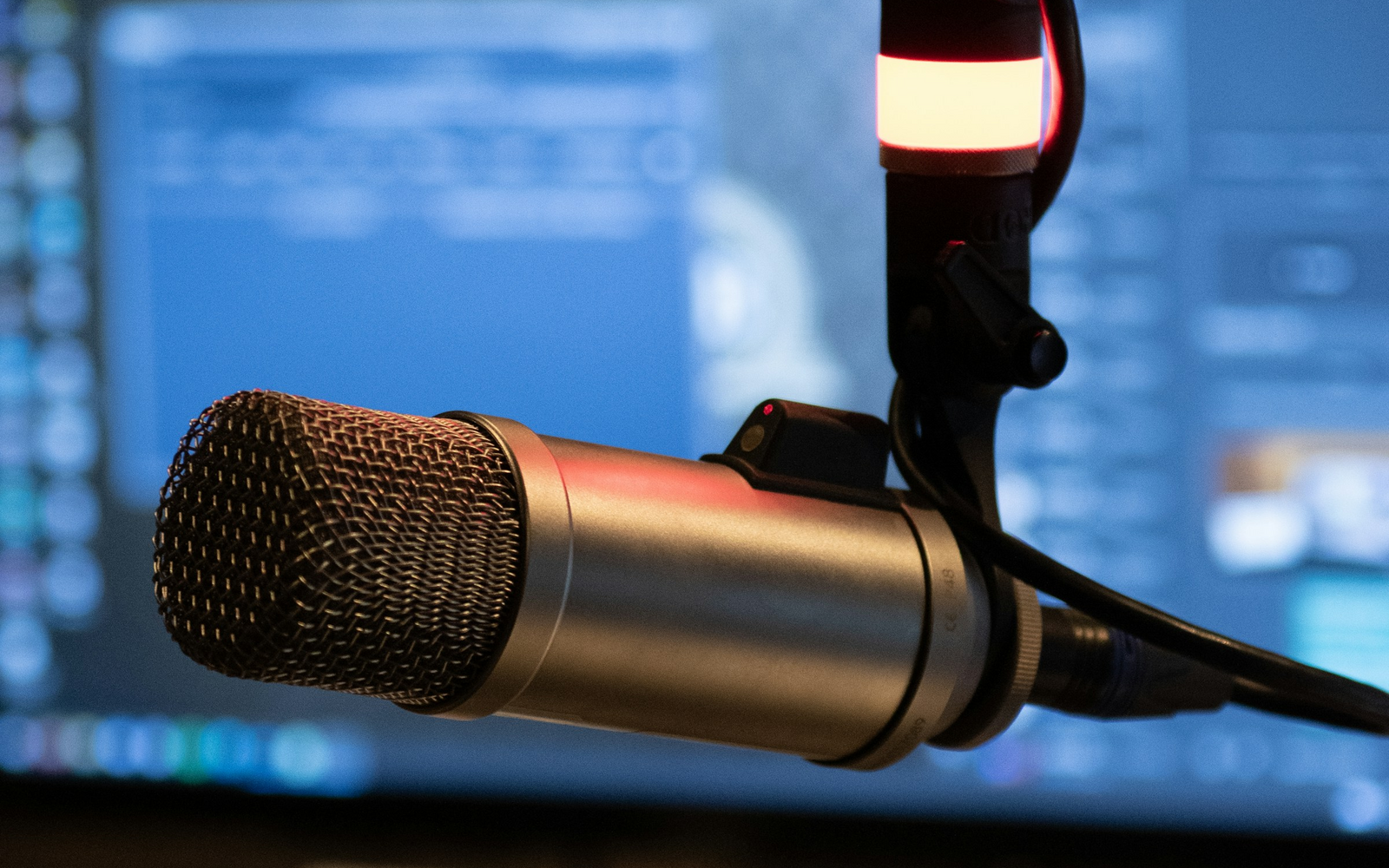
Voice notes become useful in a knowledge system only when the audio can survive every later automation step. Recording, transcription, summarization, and filing are different jobs. Treating them as one opaque action makes the workflow convenient when everything works and frustrating when one API call, plugin, or scheduled task fails.
A more reliable Obsidian setup keeps the original recording as the source of truth, creates a transcript as a derived artifact, and generates the summary from that transcript. This design is less magical, but much easier to debug, retry, and migrate. It follows the same principle as a good publishing pipeline: preserve the source, make transformations explicit, and verify outputs before discarding anything. For a related example, see Stock Photos for Technical Articles.
Separate capture from intelligence
The first architectural decision is simple: recording should not depend on AI.
When a meeting or idea starts, the capture layer has one responsibility: write an audio file into a predictable location. It should work even if the network is down, the transcription provider is unavailable, or an API key has expired. The note can reference that file immediately and add processing metadata around it.
A minimal note might look like this:
---
voice_status: recorded
recorded_at: 2026-10-01T09:00:00+07:00
audio: attachments/voice/2026-10-01-team-sync.m4a
transcript: null
summary: null
---

## Voice note

![[attachments/voice/2026-10-01-team-sync.m4a]]
The important field is not the exact YAML shape. It is the explicit state. A scheduler can find voice_status: recorded later without guessing whether a note has already been processed.
Make transcription retryable
Speech-to-text should consume an existing audio file and produce a separate transcript. OpenAI currently exposes dedicated transcription models, including file-oriented and realtime options, so the transcription provider can be chosen independently from the recorder. The same architecture also works with a local speech-to-text engine if privacy, offline use, or cost matters more than managed accuracy.
Do not overwrite the audio after transcription succeeds. Store the transcript beside the note or in a dedicated transcript section, then advance the state only after the text has been written successfully.
A small worker can model the transition explicitly:
def process_voice_note(note):
    if note.status == "recorded":
        transcript = transcribe(note.audio_path)
        save_transcript(note, transcript)
        note.status = "transcribed"
        save_metadata(note)

    if note.status == "transcribed":
        summary = summarize(load_transcript(note))
        save_summary(note, summary)
        note.status = "summarized"
        save_metadata(note)
This looks almost too simple, which is useful. If summarization fails, the next run starts from transcribed instead of paying to transcribe the same audio again.
Summaries should be derived, not canonical
AI summaries are lossy by design. They remove repetition, compress context, and decide what seems important. That is exactly why they are convenient, and exactly why they should not replace the transcript.
A practical note can expose three layers:
- Audio for the original evidence and tone.
- Transcript for searchable, quotable text.
- Summary for fast recall and follow-up actions.
The summary can be regenerated later with a different prompt or model. The transcript can be corrected without re-recording. The audio remains available when a name, number, or nuance needs to be checked.
This separation also makes model migration boring. Changing the summarizer does not require changing the recorder, and changing the transcription provider does not require redesigning the note format.
Scheduling is a queue, not a recorder
A scheduled workflow should process completed recordings, not decide when a human conversation begins. There are exceptions, such as a recurring class or daily stand-up, but even then the automation should be designed around states rather than clock time alone.
For example, a task running every evening can scan for notes in recorded or transcribed state. It processes only unfinished work and leaves completed notes untouched. If a laptop was asleep at the scheduled time, the next run can catch up because the queue lives in the vault.
This is safer than a chain of timers such as:
09:00 start recording
10:00 transcribe expected file
10:05 summarize expected transcript
That chain assumes every previous step happened exactly on schedule. A state-based queue asks what actually exists.
Decide where transcription should run
There are two useful deployment shapes.
Local transcription keeps audio on the machine and can continue without internet access. It is attractive for private recordings and predictable costs, but model downloads, CPU usage, battery consumption, and processing time become your responsibility.
API transcription moves the compute burden to a provider and is easier to use across devices or a small server. It introduces network dependency, usage cost, credential management, and a privacy decision about sending recordings outside the local vault.
A hybrid design can keep capture local while letting each note choose its processing route. Sensitive notes can stay local; ordinary notes can use an API. The note schema does not need to change.
Design failure states before the happy path
The useful test cases are not only clean recordings.
Consider what should happen when the audio file exists but is zero bytes, the transcript request times out, a 90-minute recording exceeds an upload limit, the summarizer returns an empty response, or the scheduler runs twice at the same time. Each failure should leave enough state to retry safely.
A robust worker therefore needs a few boring protections:
- verify the audio file exists and is decodable before transcription;
- write derived files atomically, using a temporary file before rename;
- record the provider and processing timestamp;
- use an idempotency key or lock so two workers do not process the same note;
- keep a retry count and last error instead of silently looping forever;
- never delete the source audio merely because downstream processing succeeded.
These controls matter more than adding another AI feature.
A practical Obsidian layout
The vault does not need a complicated database. A predictable folder structure is enough:
Voice Notes/
  2026-10-01 Team Sync.md
Attachments/
  Voice/
    2026-10-01-team-sync.m4a
Transcripts/
  2026-10-01-team-sync.md
The main note can embed or link the recording and transcript while keeping the generated summary near the top. Search still works over Markdown, and the audio remains an ordinary file that can be backed up or moved without a proprietary export step.
If a plugin is used for recording, treat it as an input adapter rather than the owner of the workflow. The durable contract should be files and metadata in the vault.
The workflow worth automating
The strongest version of this system is not “press record and let AI do everything.” It is a recoverable pipeline:
recorded -> transcribed -> summarized -> reviewed
Each transition produces a durable artifact. Each failed transition can be retried. The original recording remains available throughout the process.
That structure makes voice notes fit naturally into a local-first knowledge system. Automation saves the repetitive work, while the vault keeps enough evidence to recover when the automation is wrong.
Continue Exploring
You Might Also Like

Microsoft Family Safety Setup and Limits
Learn how to configure Microsoft Family Safety on Windows 11, manage screen-time and app limits, troubleshoot missing activity reports, and understand privacy boundaries.
Notion or Obsidian for a Personal Knowledge Base? Start With the Storage Model
Choose between Notion and Obsidian by deciding what should own your knowledge: a cloud workspace or durable local Markdown files.

Structuring Reusable Templates and Documentation
Learn how to structure reproducible templates and README files for cross-functional developer tools and multi-platform projects.