Turn Usability Feedback into Actionable Design Changes
Learn how to transform vague user feedback into testable design hypotheses by separating raw observations from interpretations and validating changes through structured research.
Table of Contents1 sections
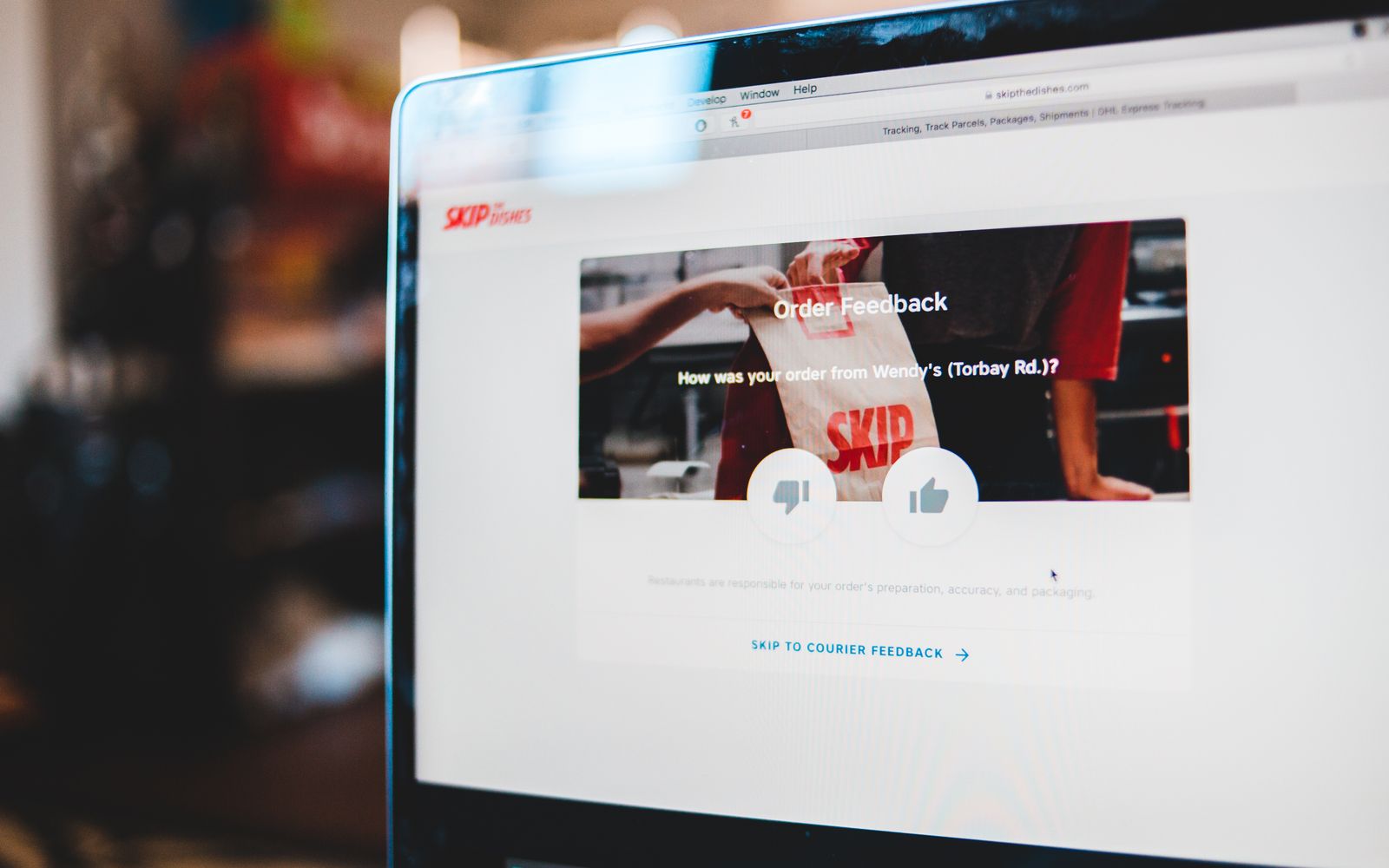
Teams often struggle when raw user comments are treated as immediate design requirements, leading to solutions that address symptoms rather than root causes. To turn usability feedback into actionable design changes, you must decouple what a user says from the design hypothesis you intend to test. Quick solution: Use a structured observation log to map feedback to specific tasks. Example format: [Task Name] | [Observation] | [Interpretation] | [Proposed Change]. By documenting these elements separately, you avoid conflating user preferences with objective research findings. When preparing for these sessions, it is essential to plan a round of user research to ensure your tasks align with the specific behaviors you need to observe. Once you have gathered your data, you can validate readable source IDs in content pipelines to ensure your documentation remains consistent across your research repository. When conducting sessions, using moderated usability testing allows you to probe deeper into why a user encountered a specific friction point, providing the context necessary to form a valid change hypothesis. Distinguishing between observation and interpretation prevents the team from jumping to conclusions based on isolated preferences. Consider the following scenario: A user attempts to upload a profile photo but clicks the ‘Save’ button instead of ‘Upload’. The observation is the click on ‘Save’. The interpretation is that the user expected ‘Save’ to trigger the upload process. The change hypothesis is that renaming the button to ‘Upload and Save’ will reduce confusion. | Option | When to use it | Trade-off or failure mode | Recommendation | | :— | :— | :— | :— | | Direct UI Change | High-confidence interpretation | May mask underlying workflow issues | Use for minor friction | | Contextual Prompt | Ambiguous user intent | Adds cognitive load | Use for complex tasks | | Workflow Redesign | Systemic navigation failure | High development cost | Use for core blockers | Use the following checklist to verify your design changes: 1. Confirm the observation is tied to a specific task or user outcome. 2. Ensure the interpretation is supported by the observed behavior rather than team opinion. 3. Define a clear, testable change hypothesis based on the interpretation. 4. Schedule a follow-up test to measure the impact of the implemented change.
Continue Exploring
You Might Also Like

Accessibility Testing Early Prototypes and User Research
Learn how product teams can include accessibility checks in early user research and prototypes before interaction choices become expensive to change.
Design Mobile Controls for Reach and Accuracy
Learn how to design mobile controls that balance visual layout with physical accessibility by applying platform-specific touch target standards and real-device testing.

Design Visual Hierarchy for Tasks, Not F/Z Templates
Move beyond rigid F and Z scanning patterns by prioritizing user tasks and evidence-based layout design.