WorkManager vs AlarmManager: How to Choose for Android Background Work
A practical decision guide for choosing WorkManager or AlarmManager based on timing precision, persistence, constraints, retries, and user-visible intent.
Table of Contents10 sections
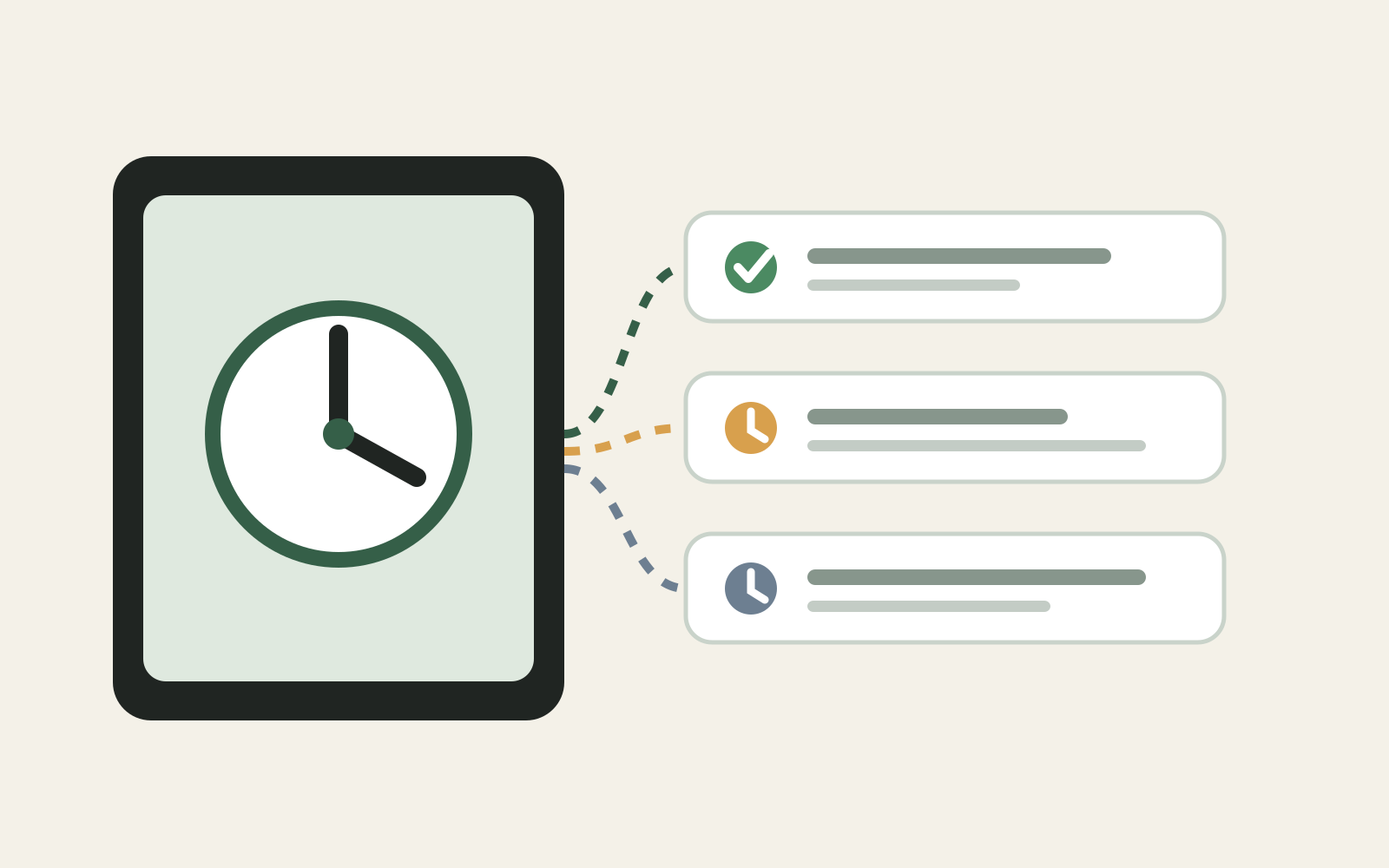
If an Android task must survive the app process, the first question is often framed as WorkManager vs AlarmManager. The useful answer is not that one API is newer or better. They solve different scheduling problems.
Use WorkManager when the work must eventually run and can tolerate system-controlled timing. Use AlarmManager when the time itself is part of the user-facing requirement. If a task must happen at an exact clock time, treat that precision as an explicit product requirement because modern Android deliberately restricts exact alarms.
That distinction prevents a common architecture mistake: choosing a scheduler by implementation convenience instead of by the contract the app makes with the user.
The Decision Starts With the Timing Contract
Before choosing an API, write the requirement without naming Android classes.
Compare these two statements:
- “Sync pending records when connectivity is available, even if the app restarts.”
- “Notify the user at exactly 06:00 because they explicitly scheduled a reminder.”
The first describes durable work with constraints. The second describes clock-driven behavior.
That maps naturally to WorkManager and AlarmManager respectively.
Android’s alarm scheduling guidance describes alarms as a way to perform time-based operations outside the lifetime of the application. But exact alarms are intentionally reserved for cases where precise timing matters to a user-facing feature.
Choose WorkManager for Durable, Deferrable Work
WorkManager is usually the stronger default when completion matters more than the exact second the task starts.
Typical examples include uploading queued data, refreshing a local cache, synchronizing offline changes, sending logs, or running maintenance after constraints are satisfied.
The important architectural benefit is not merely scheduling. WorkManager gives the task a durable lifecycle and lets the system coordinate execution with device conditions.
A sync request can express constraints such as network availability rather than manually polling connectivity:
val constraints = Constraints.Builder()
    .setRequiredNetworkType(NetworkType.CONNECTED)
    .build()

val request = OneTimeWorkRequestBuilder<SyncWorker>()
    .setConstraints(constraints)
    .build()

WorkManager.getInstance(context).enqueue(request)
This is a better fit for an offline-first repository than an alarm that wakes at a particular clock time and then discovers that the network is unavailable.
If your application already uses a local source of truth, the worker should normally trigger the synchronization boundary rather than duplicate business rules. That keeps background execution aligned with the same architecture used by foreground flows. The same principle appears in offline paging architecture with Room: persistence and synchronization should have explicit ownership.
Choose AlarmManager When the Clock Is the Feature
AlarmManager becomes appropriate when users would consider the feature incorrect if it fired substantially later than the requested time.
Examples include an alarm clock, calendar-style reminder, or another explicitly time-sensitive user action.
Even then, distinguish inexact from exact alarms. If a reminder can occur within a reasonable window, an inexact alarm lets Android batch wakeups and reduce battery cost. Exact alarms should be the exception rather than the default.
This matters because Android has progressively tightened exact-alarm access. The Android 14 behavior changes state that SCHEDULE_EXACT_ALARM is denied by default for most newly installed apps targeting Android 13 or higher. That means exact timing is not just an API call; it can involve a user-visible permission and a fallback path.
A robust design therefore asks:
Does the user truly require exact timing?
        |
        +-- no --> WorkManager or an inexact alarm
        |
        +-- yes --> exact AlarmManager path
                    + capability check
                    + permission UX when required
                    + graceful fallback
Do Not Use AlarmManager as a Generic Background Worker
A recurring alarm can look attractive because it feels deterministic: schedule something every hour and run your code.
But periodic background work is not the same as a user alarm. Android’s power-management model exists specifically to reduce unnecessary wakeups and coordinate background execution. The background optimization documentation also shows that background restrictions can affect alarms, jobs, and services.
If the real requirement is “keep data reasonably fresh,” waking at a precise wall-clock interval is usually the wrong contract. Let WorkManager express the work and its constraints instead.
This also makes retries easier to reason about. A failed synchronization is a work-state problem: retry with backoff, preserve local state, and make the operation idempotent. Re-scheduling arbitrary alarms around failures tends to create a second scheduling system inside your app.
Do Not Use WorkManager as an Alarm Clock
The opposite mistake is assuming WorkManager can replace every scheduler because it is the recommended API for persistent background work.
WorkManager is not an exact-clock guarantee. The operating system may delay execution to satisfy constraints and power-management policies.
If a product requirement says “at 08:30,” replacing that with “some time after 08:30 when the system runs the worker” silently changes the feature.
This is why the decision should happen at product-requirement level before implementation. Precision has battery, permission, and reliability consequences.
A Practical Selection Matrix
| Requirement | Prefer | Why |
|---|---|---|
| Upload pending data | WorkManager | Durable work, retries, network constraints |
| Refresh cache periodically | WorkManager | Exact clock time is usually irrelevant |
| Retry a failed background operation | WorkManager | Backoff and work state match the problem |
| User alarm at an exact time | AlarmManager | Clock precision is part of the feature |
| Reminder that can be batched | Inexact AlarmManager | Time-based without unnecessary exactness |
| Run code every N minutes “just in case” | Revisit requirement | Usually a symptom of missing event/constraint design |
The last row is deliberately not an API recommendation. When a requirement is vague, choosing a scheduler too early can encode unnecessary battery cost into the architecture.
Model Scheduling as a Boundary, Not Business Logic
Whichever API you choose, keep the scheduler thin.
An alarm receiver should not contain the entire reminder domain. A Worker should not become a second repository layer. Both should enter an application-level use case that can also be tested without the Android scheduler.
A useful shape is:
Android scheduler
      ↓
small adapter
      ↓
application use case
      ↓
repository / domain boundary
That separation makes migrations easier. If a periodic alarm later becomes deferrable WorkManager work, the scheduling adapter changes while the actual operation remains stable.
It also improves testing: unit tests verify the use case, while scheduler-specific tests verify that the right input reaches it.
Plan for Reboot and State Changes Explicitly
Persistent scheduling often fails not because the API is wrong, but because the lifecycle assumptions are incomplete.
Ask what should happen after reboot, app update, permission changes, manual cancellation, or a user changing the scheduled time. Also consider manufacturer and system background restrictions rather than assuming every device behaves like an emulator.
For exact alarms, re-check capability when the relevant permission state can change. For WorkManager, use unique work when duplicate scheduling would be harmful and make the underlying operation idempotent.
The goal is not to make the scheduler “run no matter what.” The goal is to define what correctness means under Android’s lifecycle and power-management constraints.
The Rule of Thumb
The durable decision rule is simple:
If completion is the contract, start with WorkManager. If clock precision is the contract, evaluate AlarmManager.
Then narrow the choice further. Prefer inexact timing when the feature allows it. Reserve exact alarms for genuinely user-visible precision, and design the permission and fallback experience as part of the feature rather than as an implementation afterthought.
That framing scales better than memorizing which API is fashionable. Android background restrictions will continue to evolve, but the architectural distinction remains stable: work scheduling and clock scheduling are different problems.
Continue Exploring
You Might Also Like

Android elapsedRealtime and Monotonic Deadlines
Learn how to use Android elapsedRealtime and Kotlin cancellation to reject late coroutine responses during startup health checks, preventing stale data from overwriting UI state.

CameraX ZXing YUV rowStride pixelStride crop QR scanner
Learn how row stride, pixel stride, crop bounds, and rotation interact when feeding CameraX YUV frames into ZXing, and ensure proper proxy lifecycle management.

Fix Firebase Variant CI Configuration
Learn how the Google Services Gradle plugin matches build variants to configuration files, where variant-specific JSON files live, and how to verify that your CI pipeline exercises the intended Firebase project.