How to Check Android Connectivity Without Lying to Your UI
Use ConnectivityManager and NetworkCapabilities as signals, not promises, and design Android networking around validated state, retries, and real request outcomes.
Table of Contents12 sections
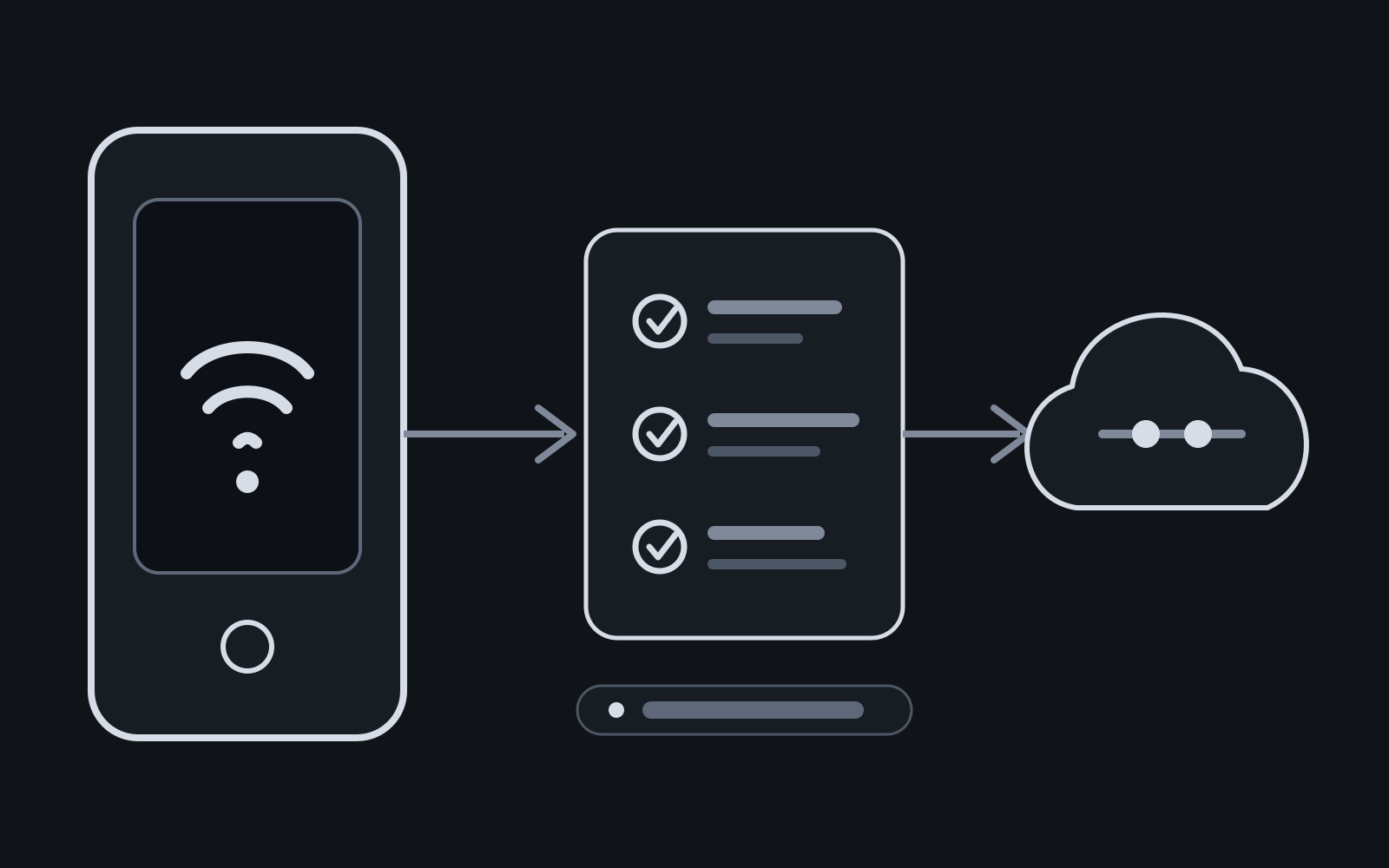
A boolean called isInternetAvailable looks convenient until the app says “online” while every request fails, or says “offline” during a network transition that would have recovered by the time the request started.
The safer Android model is: connectivity state is a signal, not a guarantee. Use ConnectivityManager and NetworkCapabilities to understand the current default network, use callbacks to observe meaningful changes, and let actual network requests remain the source of truth for whether a specific operation succeeded.
Quick Solution: Check Real Internet with NetworkCapabilities
Modern Android deprecates legacy NetworkInfo.isConnected. To check whether the active default network has validated internet access:
import android.content.Context
import android.net.ConnectivityManager
import android.net.NetworkCapabilities

fun isInternetValidated(context: Context): Boolean {
    val cm = context.getSystemService(Context.CONNECTIVITY_SERVICE) as ConnectivityManager
    val activeNetwork = cm.activeNetwork ?: return false
    val capabilities = cm.getNetworkCapabilities(activeNetwork) ?: return false

    return capabilities.hasCapability(NetworkCapabilities.NET_CAPABILITY_INTERNET) &&
           capabilities.hasCapability(NetworkCapabilities.NET_CAPABILITY_VALIDATED)
}
That distinction prevents a surprising number of production bugs.
The Problem With a Single Connectivity Boolean
Android devices can maintain multiple networks and can switch the app’s default network while your process is alive. A Wi-Fi interface may exist without useful internet access. A network can advertise internet capability before Android has validated that it can reach the public internet. A VPN can change the transports visible to your app.
This is why “Wi-Fi connected” and “request can reach my backend” are different statements.
The official network state guidance exposes this distinction through NetworkCapabilities. Instead of treating one transport or legacy connection flag as proof of internet access, inspect the capabilities of the app’s current default network.
A useful mental model has three levels:
| Question | Best signal |
|---|---|
| Does the app currently have a default network? | activeNetwork != null |
| Does that network claim internet capability? | NET_CAPABILITY_INTERNET |
| Has Android validated external connectivity? | NET_CAPABILITY_VALIDATED |
Even the third level is not a promise that your API call will succeed. DNS can fail, your backend can be down, TLS can fail, authorization can expire, and connectivity can change between the check and the request.
Declare the Permission You Actually Need
Reading network information requires ACCESS_NETWORK_STATE. Android documents it as a normal permission, so it is declared in the manifest rather than requested through a runtime permission dialog.
<uses-permission android:name="android.permission.ACCESS_NETWORK_STATE" />
The Manifest permission reference describes ACCESS_NETWORK_STATE as permission to access information about networks.
Missing this declaration is an easy way to turn a harmless helper into a production SecurityException, especially when connectivity code lives in a shared utility and the manifest dependency is less visible than the call site.
Treat platform permissions as part of the feature contract. If a component calls a protected platform API, the manifest requirement should be reviewable beside that component’s tests and integration notes.
Read Current Connectivity With NetworkCapabilities
For an immediate snapshot, get the active network and then its capabilities:
class ConnectivityReader(
    private val connectivityManager: ConnectivityManager,
) {
    fun currentState(): ConnectivityState {
        val network = connectivityManager.activeNetwork
            ?: return ConnectivityState.Unavailable

        val capabilities =
            connectivityManager.getNetworkCapabilities(network)
                ?: return ConnectivityState.Unavailable

        val hasInternet = capabilities.hasCapability(
            NetworkCapabilities.NET_CAPABILITY_INTERNET
        )

        val validated = capabilities.hasCapability(
            NetworkCapabilities.NET_CAPABILITY_VALIDATED
        )

        return when {
            validated -> ConnectivityState.Validated
            hasInternet -> ConnectivityState.Unvalidated
            else -> ConnectivityState.Unavailable
        }
    }
}

sealed interface ConnectivityState {
    data object Validated : ConnectivityState
    data object Unvalidated : ConnectivityState
    data object Unavailable : ConnectivityState
}
The important design choice is not the syntax. It is refusing to collapse every state into true or false.
NET_CAPABILITY_INTERNET means the network is configured to reach the internet. NET_CAPABILITY_VALIDATED means Android has validated connectivity. A captive portal is a classic case where those states can differ.
That difference lets the UI communicate something more useful than a misleading global “offline” banner.
Observe Changes Instead of Polling
If the screen needs to react to connectivity transitions, polling every few seconds is usually the wrong abstraction. Android provides ConnectivityManager.NetworkCallback for this job.
The connectivity monitoring guidance shows callbacks such as onAvailable, onCapabilitiesChanged, and onLost.
A Flow wrapper can expose those events to the rest of the app:
fun ConnectivityManager.observeDefaultNetwork(): Flow<ConnectivityState> =
    callbackFlow {
        val callback = object : ConnectivityManager.NetworkCallback() {
            override fun onCapabilitiesChanged(
                network: Network,
                capabilities: NetworkCapabilities,
            ) {
                val state = when {
                    capabilities.hasCapability(
                        NetworkCapabilities.NET_CAPABILITY_VALIDATED
                    ) -> ConnectivityState.Validated

                    capabilities.hasCapability(
                        NetworkCapabilities.NET_CAPABILITY_INTERNET
                    ) -> ConnectivityState.Unvalidated

                    else -> ConnectivityState.Unavailable
                }

                trySend(state)
            }

            override fun onLost(network: Network) {
                trySend(ConnectivityState.Unavailable)
            }
        }

        registerDefaultNetworkCallback(callback)
        awaitClose { unregisterNetworkCallback(callback) }
    }
        .distinctUntilChanged()
There is a subtle race worth avoiding. Android’s documentation warns against calling synchronous network-property methods from onAvailable() to inspect the newly available network. On modern Android versions, wait for onCapabilitiesChanged() and use the capabilities delivered to that callback.
That keeps the observer aligned with the event Android actually delivered instead of immediately asking for another snapshot that may already describe a different transition.
Do Not Gate Every Request Behind the Connectivity Check
A common anti-pattern looks like this:
if (connectivityReader.isOnline()) {
    repository.refresh()
} else {
    showOfflineError()
}
This creates a time-of-check/time-of-use problem. The network can disappear after the check, or become usable after the app decides not to try.
For user-initiated operations, prefer attempting the request and handling its real outcome:
viewModelScope.launch {
    runCatching { repository.refresh() }
        .onSuccess {
            // Update state from the repository result.
        }
        .onFailure { error ->
            // Map timeout, DNS, HTTP, auth, and other failures deliberately.
        }
}
Connectivity state can still improve UX. It can explain why cached data is being shown, disable an obviously network-only affordance temporarily, or trigger a refresh when a validated network returns. It should not pretend to predict the outcome of a future HTTP call.
This is the same principle behind resilient Android state handling: represent what the application actually knows. The broader resilient Android feature checklist applies the same idea to process death, retries, persistence, and recovery.
Separate Network Availability From Backend Availability
Another fragile pattern is adding a custom “internet check” that repeatedly pings a public host before every API call.
That introduces a second network dependency that does not answer the question you care about. A public host can be reachable while your backend is unavailable, and your backend can be reachable in an environment where that public host is blocked.
Use Android’s network signals to understand device connectivity. Use your actual API result to understand service availability.
If the product needs explicit service health, model it separately:
data class AppNetworkState(
    val connectivity: ConnectivityState,
    val lastApiSuccessAt: Instant?,
    val lastFailure: ApiFailure?,
)
Now “the device has validated internet” and “our service last failed with HTTP 503” can coexist without one boolean overwriting the other.
That produces better diagnostics and more honest UI.
Background Work Has a Different Contract
Background synchronization usually should not sit in a loop waiting for a connectivity callback. Let the scheduler express the constraint.
For durable deferrable work, WorkManager can require a connected network before execution:
val constraints = Constraints.Builder()
    .setRequiredNetworkType(NetworkType.CONNECTED)
    .build()

val request = OneTimeWorkRequestBuilder<SyncWorker>()
    .setConstraints(constraints)
    .build()
The worker must still handle request failures and retries. A satisfied scheduling constraint is permission to attempt the work, not proof that the backend transaction will complete.
This distinction is explored further in WorkManager vs AlarmManager on Android: scheduling requirements belong in the scheduler, while application-level success and retry semantics belong in the work itself.
Model Failures at the Layer That Can Explain Them
“Offline” is often too broad to be actionable. A networking layer can usually distinguish more useful failure classes:
sealed interface NetworkFailure {
    data object NoValidatedNetwork : NetworkFailure
    data object Dns : NetworkFailure
    data object Timeout : NetworkFailure
    data class Http(val code: Int) : NetworkFailure
    data object Unauthorized : NetworkFailure
    data class Unknown(val cause: Throwable) : NetworkFailure
}
Do not infer all of these from ConnectivityManager. The connectivity observer only owns connectivity evidence. Your HTTP client and repository own request evidence.
That separation improves telemetry too. If Crashlytics or another observability tool reports a networking incident, you can tell whether the app lacked the platform permission, had an unvalidated network, timed out against a real request, or received a server response. Those are different failures with different fixes.
Test the States, Not the Radio
Unit tests should not need to toggle real Wi-Fi.
Hide Android framework calls behind a small interface and inject a fake into ViewModels or use cases:
interface ConnectivityObserver {
    val state: Flow<ConnectivityState>
}
Then test decisions against explicit states:
@Test
fun `cached content remains visible when connectivity is lost`() = runTest {
    connectivity.emit(ConnectivityState.Unavailable)

    assertEquals(
        cachedItems,
        viewModel.uiState.value.items,
    )
}
Instrumentation tests can cover the framework adapter if the risk justifies it, but most business behavior becomes deterministic once connectivity is a dependency rather than a global utility.
Also test transitions, not just static values:
- validated → unavailable;
- unavailable → validated;
- internet capability without validation;
- rapid replacement of one default network by another;
- request failure even while connectivity is validated.
The last case is especially important. It proves the architecture does not confuse a connectivity signal with application success.
A Practical Connectivity Contract
For most Android applications, the contract can stay small:
- Declare
ACCESS_NETWORK_STATE. - Read the current default network through
ConnectivityManager. - Interpret
NetworkCapabilities, especiallyINTERNETandVALIDATED. - Observe changes with
NetworkCallbackwhen the product actually needs reactive connectivity state. - Keep connectivity state separate from API health.
- Attempt user-driven requests and handle their real outcomes.
- Express network requirements as WorkManager constraints for deferrable background work.
- Keep cached or durable state available when connectivity disappears.
- Test connectivity-dependent behavior through an injected abstraction.
The result is less code than a web of isOnline() checks, and it behaves better under the conditions mobile devices encounter every day: handoffs, captive portals, VPNs, temporary DNS failures, background restrictions, and backend outages.
The most useful rule is simple: Android can tell you what it currently knows about the network. It cannot promise that your next request will succeed. Build the UI and retry model around that boundary.
Continue Exploring
You Might Also Like

Android elapsedRealtime and Monotonic Deadlines
Learn how to use Android elapsedRealtime and Kotlin cancellation to reject late coroutine responses during startup health checks, preventing stale data from overwriting UI state.

CameraX ZXing YUV rowStride pixelStride crop QR scanner
Learn how row stride, pixel stride, crop bounds, and rotation interact when feeding CameraX YUV frames into ZXing, and ensure proper proxy lifecycle management.

Fix Firebase Variant CI Configuration
Learn how the Google Services Gradle plugin matches build variants to configuration files, where variant-specific JSON files live, and how to verify that your CI pipeline exercises the intended Firebase project.