Android Release Build Crashes with R8: A Practical Debugging Workflow
Debug Android bugs that appear only after R8 optimization by reproducing the release artifact, retracing mappings, finding dynamic runtime edges, and writing narrow keep rules.
Table of Contents12 sections
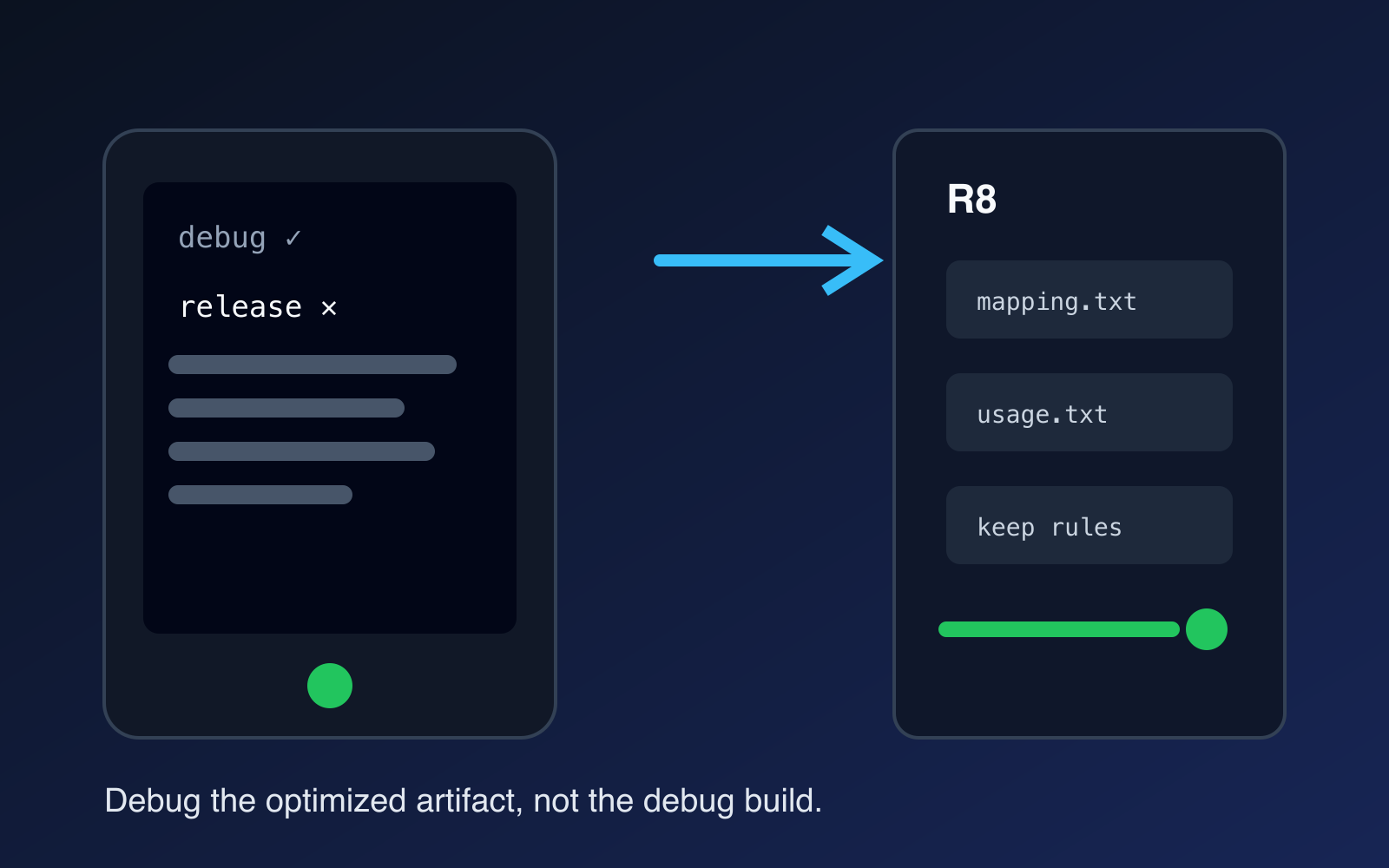
A bug that appears only in an Android release build is not random. It is evidence that the optimized artifact behaves differently from the build you normally debug.
The fastest response is not to disable R8 or keep an entire package. Reproduce the failure with the optimized variant, identify the runtime boundary R8 cannot see, inspect the optimizer outputs, and add the narrowest rule that restores the missing contract.
That workflow keeps the optimization benefits while turning a mysterious release-only crash into a testable build problem.
Why Release-Only Bugs Happen
R8 does more than rename classes. Android’s current R8 optimization guide describes code shrinking, logical optimization, obfuscation, and resource optimization as parts of the release optimization pipeline.
That means a debug build and an optimized release build can differ in meaningful ways. Code that is reachable only through reflection, JNI, serialization metadata, framework callbacks, or dynamically discovered names may look unused to static analysis even though the runtime still needs it.
A typical failure pattern looks like this:
debug build
  -> direct references remain visible
  -> feature works

optimized release build
  -> R8 rewrites or removes code
  -> hidden runtime contract breaks
  -> crash, empty data, or missing feature
The important distinction is between code reachability that the compiler can prove and runtime reachability that exists only by convention.
First Reproduce the Real Release Conditions
Do not investigate a release-only failure from the debug APK.
Build the same optimized variant that fails in production, with the same minification and resource-shrinking settings. Install that artifact on a representative device and reproduce the smallest failing flow.
Capture three things before changing rules:
- the exact release artifact,
- the exception or behavioral symptom,
- the optimizer outputs from that build.
This gives you a stable baseline. Without it, every keep rule becomes guesswork.
If your CI produces the release bundle, preserve its mapping and diagnostic outputs as build artifacts. A local build created from a different commit is weaker evidence.
Read the Stack Trace Through the Mapping
Obfuscation can make a production stack trace look useless because application classes and methods have shortened names. The mapping file is the bridge back to the original program.
Treat mapping.txt as release evidence. Keep it associated with the exact artifact that shipped. When a crash arrives, retrace it against the matching mapping instead of reasoning from obfuscated names.
This matters because a stack trace often tells you which boundary failed. A constructor removed from a reflected model, a renamed field expected by serialization, or a callback reached only by name all point toward different fixes.
Do not start by adding -keep to the package named near the crash. First establish what runtime contract was lost.
Ask What R8 Could Not See
Once you know the failing class or feature, trace how the runtime reaches it.
Common boundaries include:
- reflection that loads a class or member by name,
- serializers that inspect fields or annotations,
- JNI lookups,
- dependency injection or plugin systems with generated or dynamic entry points,
- framework components referenced from metadata,
- APIs that require generic signatures or annotations to survive optimization.
The question is not “What package should I keep?”
The better question is “Which symbol or attribute must remain observable for this runtime mechanism to work?”
That framing naturally produces smaller rules.
Use Targeted Keep Rules
Google’s guidance for library optimization explicitly warns against broad package-wide keep rules because they can prevent shrinking and optimization across large parts of the app. The same principle is useful when repairing application rules: preserve the contract, not the neighborhood.
A broad emergency rule can be useful as a diagnostic experiment:
-keep class com.example.feature.** { *; }
If that makes the release failure disappear, you have evidence that optimization is involved. It is not the final fix.
Reduce the rule until it describes the actual runtime requirement. Depending on the mechanism, that may mean keeping a constructor, annotated members, a class name, or required attributes instead of every class and member in a package.
After each reduction, rebuild the optimized variant and rerun the failing flow.
Inspect What the Optimizer Kept and Removed
A release artifact should be inspectable, not treated as a black box.
Android’s DEX optimization guidance recommends inspecting app bundles with APK Analyzer and using mapping information to understand what remains optimized. Current Android tooling also includes R8 configuration analysis for finding overly broad or redundant keep rules.
Use these tools for two complementary questions:
Correctness question:
Did R8 remove or rewrite something the runtime needs?

Optimization question:
Did my fix keep much more code than the runtime needs?
Both matter. A rule that stops the crash but disables optimization for a large dependency graph is only a partial solution.
A Practical Release-Only Debugging Loop
A disciplined loop is short:
1. reproduce with the optimized release variant
2. capture the exact crash or broken behavior
3. retrace obfuscated symbols with the matching mapping
4. identify the dynamic runtime boundary
5. add one narrow rule
6. rebuild the optimized artifact
7. rerun the failing scenario
8. inspect the optimization impact
9. turn the scenario into a regression check
The order matters. If you write rules before identifying the boundary, the configuration tends to grow by accumulation. Months later, nobody knows which rules are still required.
Do Not “Fix” the Bug by Disabling Optimization
Disabling R8 can prove that optimization participates in the failure, but it should be a diagnostic switch rather than the destination.
R8 is intended to make release apps smaller and faster, and Android’s current guidance recommends enabling optimization for release builds. Removing optimization globally trades one visible bug for a permanent loss of size and runtime benefits.
The same warning applies to -dontobfuscate or package-wide keep rules. They are tempting because they make symptoms disappear quickly, but they erase useful optimizer behavior far beyond the broken boundary.
Use them to isolate cause, then remove them.
Make Release Behavior Testable Before Shipping
The strongest fix is not a ProGuard rule. It is a workflow that exercises optimized code before users do.
Add a CI or pre-release path that builds the optimized variant and runs the flows most exposed to dynamic behavior. You do not need to duplicate every debug test. Prioritize serialization, reflection-heavy SDK integration, deep links, background entry points, startup, and other boundaries that optimization can change.
This is the same principle behind useful Android code coverage gates: protect behavior with evidence rather than optimizing for a vanity metric.
For release optimization, the evidence is simple: the artifact you plan to ship can execute the runtime contracts your app depends on.
Keep Optimizer Rules Reviewable
Treat keep rules like production code.
For every non-obvious rule, document:
- which runtime mechanism requires it,
- which failure it prevents,
- how to reproduce that failure,
- whether a library update may make the rule obsolete.
Then periodically inspect the configuration for broad rules that were added during incidents and never narrowed.
Modern Android tooling is moving further in this direction. R8 configuration analysis can identify rules that suppress optimization too broadly, while Android vitals can surface DEX optimization quality for eligible apps. Those signals are useful after correctness is established.
The Reusable Mental Model
Release-only R8 failures become easier when you stop treating the optimizer as an unpredictable post-processing step.
Think of R8 as a static program analyst. It can preserve what it can prove is needed. Your job is to describe the runtime contracts that static analysis cannot infer.
The debugging sequence then becomes mechanical:
reproduce the optimized artifact -> map the failure -> find the invisible runtime edge -> preserve only that edge -> verify again.
That produces a smaller ruleset, a healthier release artifact, and a failure mode your team can actually regression-test.
Continue Exploring
You Might Also Like

Android elapsedRealtime and Monotonic Deadlines
Learn how to use Android elapsedRealtime and Kotlin cancellation to reject late coroutine responses during startup health checks, preventing stale data from overwriting UI state.

CameraX ZXing YUV rowStride pixelStride crop QR scanner
Learn how row stride, pixel stride, crop bounds, and rotation interact when feeding CameraX YUV frames into ZXing, and ensure proper proxy lifecycle management.

Fix Firebase Variant CI Configuration
Learn how the Google Services Gradle plugin matches build variants to configuration files, where variant-specific JSON files live, and how to verify that your CI pipeline exercises the intended Firebase project.