Android Code Coverage in CI: JaCoCo Setup, Exclusions, and Thresholds
Build useful Android coverage gates with JaCoCo, variant-aware reports, CI artifacts, and thresholds that protect behavior instead of rewarding test-count theater.
Table of Contents11 sections
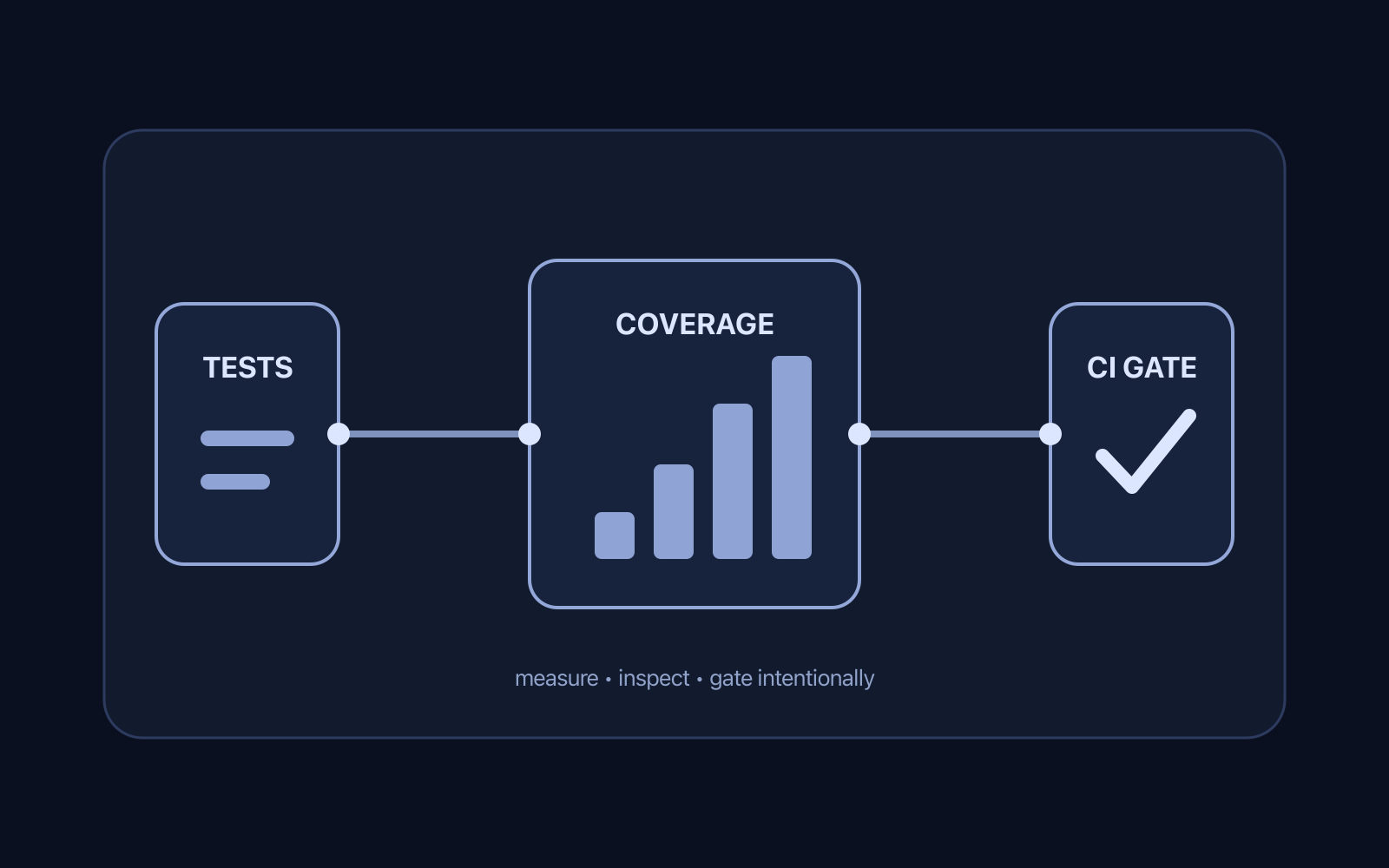
A coverage percentage is useful only when it answers a concrete engineering question. For Android teams, the useful question is not “Can we reach 90%?” It is “Can CI tell us when important tested behavior disappears?”
Quick Setup: Gradle JaCoCo Report Task with Exclusions
// In app/build.gradle.kts
tasks.register<JacocoReport>("jacocoTestReport") {
    dependsOn("testDebugUnitTest")
    reports {
        xml.required.set(true)
        html.required.set(true)
    }

    val fileFilter = listOf(
        "**/R.class", "**/R$*.class", "**/BuildConfig.*", "**/Manifest*.*",
        "**/*_MembersInjector.class", "**/Dagger*Component*.*", "**/Hilt_*.*",
        "**/*_Factory.class", "**/*_Provide*Factory.class"
    )

    val debugTree = fileTree("${layout.buildDirectory.get()}/intermediates/javac/debug") {
        exclude(fileFilter)
    }
    val kotlinDebugTree = fileTree("${layout.buildDirectory.get()}/tmp/kotlin-classes/debug") {
        exclude(fileFilter)
    }

    sourceDirectories.setFrom(files("src/main/java", "src/main/kotlin"))
    classDirectories.setFrom(files(debugTree, kotlinDebugTree))
    executionData.setFrom(fileTree(layout.buildDirectory).include("outputs/unit_test_code_coverage/debugUnitTest/testDebugUnitTest.exec"))
}
A practical setup therefore has four parts: generate coverage for the build variant you actually care about, keep the report reproducible, gate only metrics that carry signal, and preserve the report as a CI artifact so a failure can be investigated.
That makes coverage a regression detector rather than a scoreboard.
Start With the Variant, Not the Percentage
Android applications rarely have one undifferentiated test target. Build types, product flavors, generated code, instrumentation tests, and local JVM tests can all change what “coverage” means.
The Android Gradle plugin can generate coverage reports per test type and variant. The current Android coverage documentation distinguishes unit-test coverage from instrumented-test coverage and documents variant-specific report tasks. That is the right mental model: decide which executable surface you are measuring before deciding what number is acceptable.
For a typical app, begin with the variant that gives developers fast and deterministic feedback,often a debug-like variant running local unit tests. Add instrumentation coverage when it protects behavior that genuinely requires Android framework or device integration.
Do not merge every possible source into one number simply because a dashboard can display it. A single percentage can hide the difference between a well-tested domain layer and an untested integration boundary.
Enable Coverage Where It Has a Job
For Android Gradle Plugin coverage, enable the relevant coverage type on the build type you intend to measure:
android {
    buildTypes {
        debug {
            enableUnitTestCoverage = true
            enableAndroidTestCoverage = true
        }
    }
}
You do not necessarily need both from day one. Local unit coverage is usually the cheaper first feedback loop. Instrumented coverage becomes valuable when important logic crosses Android APIs, database integration, navigation, or other device-dependent boundaries.
If you use Gradle’s JaCoCo plugin directly for JVM test tasks, the official JaCoCo plugin documentation exposes JacocoReport for reports and JacocoCoverageVerification for rules. One subtle but important detail is that report generation and test execution are separate concerns: configure task dependencies deliberately instead of assuming a report task always executes the tests you need.
The principle is simple:
run tests -> collect execution data -> generate report -> evaluate gate
Make that dependency chain explicit in Gradle and CI.
Separate Reports From Gates
A report explains. A gate decides.
Those are different responsibilities.
HTML coverage is excellent for a developer investigating missed branches. XML is useful when another tool consumes the result. A verification task should do one thing: fail the build when a deliberately chosen rule is violated.
For example, a JVM module can configure a verification rule around a minimum ratio:
tasks.jacocoTestCoverageVerification {
    violationRules {
        rule {
            limit {
                minimum = "0.70".toBigDecimal()
            }
        }
    }
}
The exact threshold above is an example, not a universal recommendation. A mature domain module and a UI-heavy integration module should not automatically share the same target.
More importantly, never choose a threshold merely because the current project happens to pass it. Decide what regression you want the gate to prevent.
Prefer a Coverage Floor Over a Coverage Race
Coverage becomes unhealthy when every pull request is expected to increase a global number forever.
That incentive produces predictable failure modes:
- tests that execute lines without checking meaningful outcomes;
- trivial getters and generated code tested only to inflate the metric;
- important edge cases ignored because they add little line coverage;
- developers avoiding useful refactors because they temporarily move the percentage;
- exclusions added whenever a difficult area lowers the dashboard.
A better policy is a floor plus risk-based tests.
Use the floor to detect large accidental regressions. Then require strong tests around business rules, state transitions, persistence boundaries, retry behavior, and failure paths even when those tests barely change the global percentage.
This pairs well with the broader RayLabs approach in How to Handle Partial Success in Android ViewModels: correctness often lives in transitions and failure semantics, not in how many source lines were executed.
Treat Exclusions as Architecture Documentation
Some exclusions are reasonable. Generated classes, framework glue, or code that cannot carry meaningful application behavior may distort a report.
But an exclusion list is not housekeeping. It is an architectural claim: this code does not need to influence our coverage signal.
Keep exclusions narrow and reviewable. Prefer patterns tied to known generated artifacts over broad package exclusions. If a package contains hand-written orchestration logic, excluding the entire package can hide exactly the regressions coverage was supposed to reveal.
A useful review question is:
If this excluded code breaks, which other test or verification layer catches it?
If the answer is “nothing,” the exclusion probably weakens the quality system.
Make Multi-Module Coverage Intentional
Multi-module Android projects introduce another decision: should coverage be evaluated per module, globally, or both?
Per-module gates make ownership clear and prevent a highly covered utility module from masking an untested feature module. Aggregated reports are useful for portfolio-level visibility, but they should not erase module boundaries.
Gradle also provides a JaCoCo report aggregation plugin for supported JVM test-suite setups. Android projects should adopt aggregation only when the build model and report inputs are understood; a giant combined percentage is not automatically more truthful.
A pragmatic hierarchy is:
| Level | Purpose |
|---|---|
| Test task | Prove behavior |
| Module report | Diagnose missed code in one ownership boundary |
| Module gate | Prevent local regression |
| Aggregated report | Observe broader trends |
The gate belongs as close as possible to the code whose quality contract it protects.
Preserve Coverage Output in CI
A failed percentage without a report is frustrating. CI should retain enough evidence for a developer to answer “what became uncovered?” without reproducing the run immediately.
GitHub documents workflow artifacts specifically for preserving build and test output, including coverage results. Use actions/upload-artifact to retain the HTML or XML report produced by the coverage job:
- name: Upload coverage report
  if: always()
  uses: actions/upload-artifact@v4
  with:
    name: android-coverage
    path: app/build/reports/coverage/
    retention-days: 7
The if: always() choice is useful when the report exists even though a later verification step fails. Adapt the path to the report task your project actually generates.
This is a better debugging experience than a badge alone. A badge tells you the number changed; the artifact gives you evidence.
Put the Gate in the Same Path Developers Run Locally
CI-only quality rules decay because developers discover them after pushing.
If coverage verification matters enough to block a pull request, expose a stable local command that runs the same rule. For example:
./gradlew testDebugUnitTest jacocoTestCoverageVerification
The exact task names depend on the project and plugin configuration. The important property is parity: local and CI execution should share Gradle configuration rather than duplicating thresholds in workflow YAML.
That keeps the repository as the source of truth.
The same principle appears in Reliable Android Benchmark Automation Without Brittle UI Selectors: automation becomes dependable when the contract is executable and reproducible, not when CI contains a second hidden interpretation of the project.
Do Not Confuse Coverage With Test Quality
Coverage can prove that code executed. It cannot prove that the test asserted the right outcome, covered the dangerous input, detected a race, or modeled a production failure correctly.
A line can be covered by a test with no meaningful assertion. Conversely, a small number of tests around a state machine can provide enormous confidence while moving the project-wide percentage only slightly.
Use coverage to find suspicious gaps and detect regressions. Use test design, code review, mutation testing where appropriate, integration tests, and production observability to answer different quality questions.
The most useful coverage review is often not “Why are we below 80%?” but:
- Which behavior became uncovered?
- Is that behavior risky?
- Which test layer should own it?
- Is the missing coverage intentional and documented?
A Practical CI Contract
A maintainable Android coverage pipeline can be summarized as a small contract:
1. Choose the relevant build variant.
2. Run the tests that own that behavior.
3. Generate a deterministic report.
4. Apply a modest, explicit regression floor.
5. Fail CI when the floor is violated.
6. Upload the report for diagnosis.
7. Review exclusions as architecture decisions.
8. Keep local and CI commands aligned.
That contract scales better than chasing an impressive badge.
If your Android project already has a coverage percentage but developers cannot explain what a drop means, start there. Map the report to variants and modules, make the verification rule executable locally, and preserve the evidence in CI. The goal is not maximum coverage. The goal is a coverage system that tells the truth when tested behavior disappears.
Continue Exploring
You Might Also Like

Android elapsedRealtime and Monotonic Deadlines
Learn how to use Android elapsedRealtime and Kotlin cancellation to reject late coroutine responses during startup health checks, preventing stale data from overwriting UI state.

CameraX ZXing YUV rowStride pixelStride crop QR scanner
Learn how row stride, pixel stride, crop bounds, and rotation interact when feeding CameraX YUV frames into ZXing, and ensure proper proxy lifecycle management.

Fix Firebase Variant CI Configuration
Learn how the Google Services Gradle plugin matches build variants to configuration files, where variant-specific JSON files live, and how to verify that your CI pipeline exercises the intended Firebase project.