Bulk Edit in Android Jetpack Compose: Multi-Select and Batch Update Guide
Design bulk editing in Android as an explicit selection workflow, with stable item identity, draft state, validation, and one transactional commit.
Table of Contents13 sections
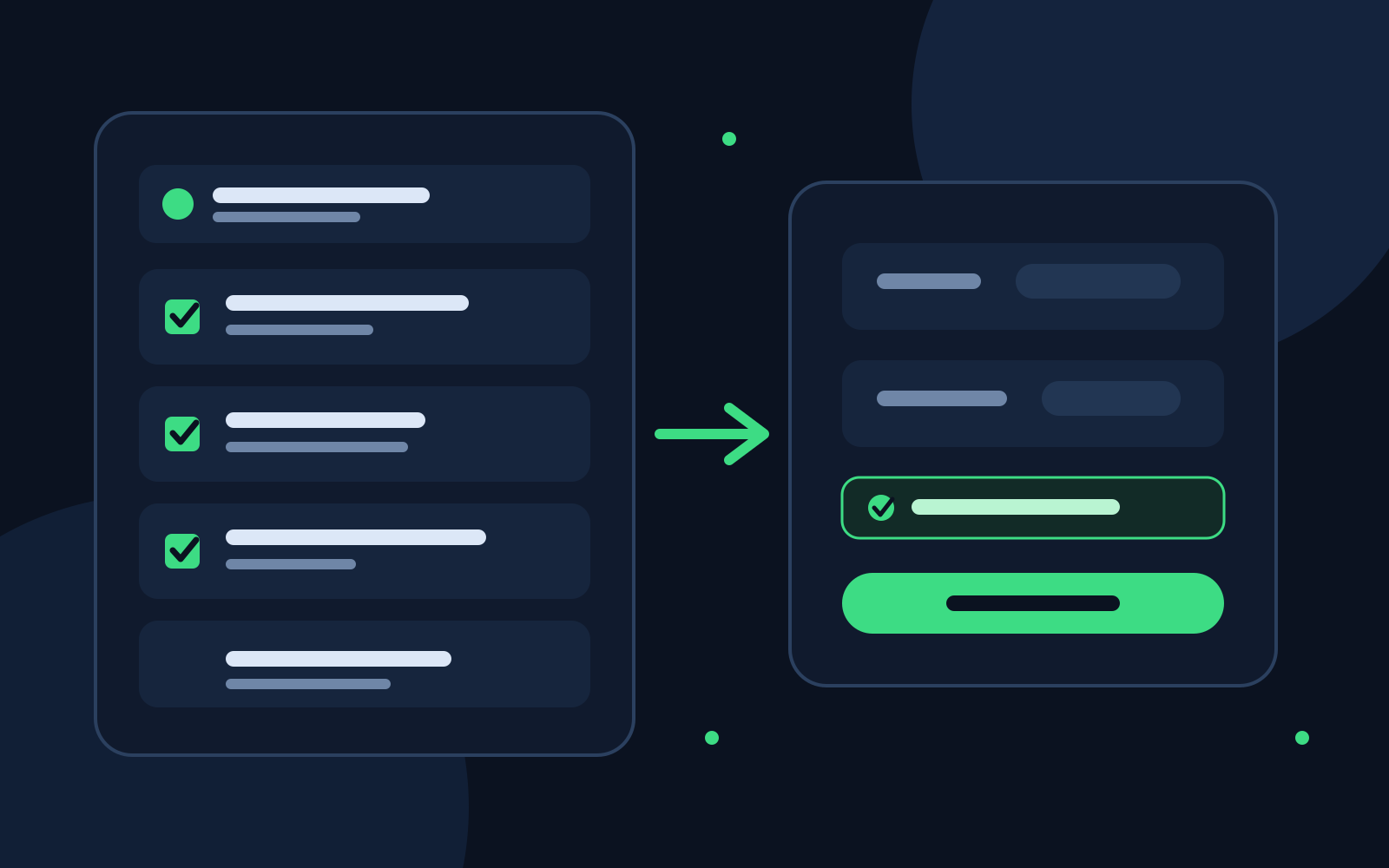
Bulk edit looks like a small feature until the first destructive mistake.
Quick Implementation: Compose Multi-Select Selection State
@Composable
fun BulkEditTopBar(
    selectedCount: Int,
    isSelectionMode: Boolean,
    onSelectAll: () -> Unit,
    onClearSelection: () -> Unit,
    onDeleteSelected: () -> Unit
) {
    if (isSelectionMode) {
        TopAppBar(
            title = { Text("$selectedCount selected") },
            navigationIcon = {
                IconButton(onClick = onClearSelection) {
                    Icon(Icons.Default.Close, contentDescription = "Cancel selection")
                }
            },
            actions = {
                IconButton(onClick = onSelectAll) {
                    Icon(Icons.Default.SelectAll, contentDescription = "Select all")
                }
                IconButton(onClick = onDeleteSelected) {
                    Icon(Icons.Default.Delete, contentDescription = "Delete selected items")
                }
            }
        )
    }
}
The safe Android pattern is not “loop over the selected rows and update them.” Treat bulk edit as a short-lived workflow with four explicit phases:
select items -> build a draft -> validate the draft -> commit once
That separation matters because selection is UI state, proposed changes are draft state, and persistence is a data operation. Mixing the three makes it easy to apply stale values, lose selection after recomposition, or leave half the batch updated after a failure.
This guide shows a practical Jetpack Compose structure for bulk editing a list backed by Room. The same pattern works for orders, inventory, tasks, messages, or any screen where a user can change one field across several records.
1. Give selection its own state
Do not add isSelected to the database entity just because the UI needs checkboxes. Selection is transient screen state.
A compact state model can keep item identity separate from the edit draft:
data class BulkEditUiState(
    val selectedIds: Set<Long> = emptySet(),
    val draft: BulkEditDraft = BulkEditDraft(),
    val isSaving: Boolean = false,
    val error: String? = null
)

data class BulkEditDraft(
    val status: String? = null,
    val category: String? = null,
    val note: String? = null
)
The important detail is selectedIds, not selected positions. Positions can change when a list is filtered, sorted, paged, or refreshed. Stable IDs keep the user’s intent attached to the actual records.
This follows the broader Compose recommendation to hoist screen state to the owner that needs to coordinate it. Android’s state hoisting guidance is useful here because selection affects the list, the action bar, and the edit surface at the same time.
2. Use stable keys in the list
A selectable LazyColumn should identify rows with the same stable ID used by the selection set.
LazyColumn {
    items(
        items = orders,
        key = { it.id }
    ) { order ->
        OrderRow(
            order = order,
            selected = order.id in uiState.selectedIds,
            onToggle = { viewModel.toggleSelection(order.id) }
        )
    }
}
Android documents the key parameter for Compose lists as the way to give items stable identity when their positions change. See the official lists and grids documentation.
Without stable identity, a bulk-edit UI can look correct during the happy path and become confusing as soon as the underlying collection moves.
3. Make bulk mode visually explicit
Bulk editing should feel like a mode, not an invisible side effect of tapping rows.
Once the first item is selected, change the top-level controls to show:
- the selected count
- a clear exit or cancel action
- the bulk action that is about to run
- a way to select or clear all visible items when that behavior is appropriate
Avoid immediately opening a full edit form after the first selection. Let users finish selecting first, then enter the edit step.
For large lists, define what “select all” actually means. It might mean all visible rows, all rows matching the current filter, or every record in the dataset. Those are very different operations.
4. Edit a patch, not a fake complete object
A common implementation mistake is to preload one selected record into a form and then write that whole object over every selected record.
That can silently overwrite fields the user never intended to change.
Model the bulk form as a patch instead:
data class OrderPatch(
    val status: String? = null,
    val paymentMethod: String? = null,
    val remark: String? = null
)
Here, null means “leave this field unchanged.” A non-null value means “apply this value to every selected record.”
If the product needs to support explicitly clearing a nullable field, use a richer type than nullable values so the app can distinguish these three states:
UNCHANGED
SET(value)
CLEAR
That small distinction prevents a surprising amount of data loss.
5. Keep the draft in the ViewModel
The bulk-edit sheet or dialog can disappear because of configuration changes or navigation. The workflow should not depend on a composable retaining all of its own state.
Keep the screen-level draft and selection in the ViewModel, then expose them through a StateFlow.
class OrdersViewModel : ViewModel() {
    private val _uiState = MutableStateFlow(BulkEditUiState())
    val uiState = _uiState.asStateFlow()

    fun toggleSelection(id: Long) {
        _uiState.update { state ->
            val next = state.selectedIds.toMutableSet()
            if (!next.add(id)) next.remove(id)
            state.copy(selectedIds = next)
        }
    }

    fun updateDraft(draft: BulkEditDraft) {
        _uiState.update { it.copy(draft = draft) }
    }
}
For state that must survive process recreation, use a SavedStateHandle or rememberSaveable only for the minimum values that are reasonable to restore. Android’s UI state saving guidance explains the trade-off: save small state needed to reconstruct the screen, not large business objects.
6. Validate once before touching storage
The Save button should not start persistence until the complete operation is valid.
fun validate(state: BulkEditUiState): String? {
    if (state.selectedIds.isEmpty()) return "Select at least one item."

    val hasChange =
        state.draft.status != null ||
        state.draft.category != null ||
        state.draft.note != null

    if (!hasChange) return "Choose at least one field to update."
    return null
}
Domain validation belongs here too. If a status transition is illegal for some selected records, decide whether the product should reject the whole batch or show which records cannot be changed. Do not discover that rule halfway through a persistence loop.
7. Commit the batch as one data operation
The repository should receive one explicit command containing the selected IDs and the patch.
data class BulkUpdateOrders(
    val ids: Set<Long>,
    val patch: OrderPatch
)

interface OrderRepository {
    suspend fun bulkUpdate(command: BulkUpdateOrders)
}
At the Room layer, prefer a transaction when multiple database writes must succeed or fail together. Room’s DAO documentation covers transaction support and transactional DAO methods in the official Room data access guide.
@Transaction
suspend fun applyBulkUpdate(command: BulkUpdateOrders) {
    command.patch.status?.let { status ->
        updateStatus(command.ids.toList(), status)
    }
    command.patch.paymentMethod?.let { method ->
        updatePaymentMethod(command.ids.toList(), method)
    }
    command.patch.remark?.let { remark ->
        updateRemark(command.ids.toList(), remark)
    }
}
The exact SQL depends on the schema, but the architectural rule is stable: the UI asks for one bulk operation, and the data layer owns how that operation becomes atomic storage work.
8. Do not clear selection before success
This failure is subtle:
tap Save
-> clear selection
-> close sheet
-> start update
-> database fails
The UI has already thrown away the context needed to retry.
Use this order instead:
tap Save
-> validate
-> set saving state
-> run repository operation
-> observe success
-> clear draft and selection
-> leave bulk mode
On failure, keep the selection and draft intact and show a retryable error. The user should not have to reconstruct the batch because storage or network work failed.
9. Decide how remote sync changes the guarantee
A local Room transaction can make local writes atomic. It cannot make several independent network requests atomic.
If the backend exposes a real batch endpoint, prefer sending one idempotent bulk command. If it only supports one update per record, define the partial-failure behavior explicitly:
| Backend behavior | Safer product behavior |
|---|---|
| Atomic batch endpoint | Commit once and report one result |
| Per-item idempotent endpoint | Track each result and allow retry of failures |
| Per-item non-idempotent endpoint | Avoid blind automatic retry |
| Offline-first queue | Persist operation identity and sync state |
The UI should not say “12 items updated” if only 9 actually reached the server. This is where bulk edit stops being a checkbox feature and becomes a consistency problem.
10. Test the workflow as state transitions
Bulk edit benefits from tests that describe the workflow rather than individual composables. At minimum, cover:
- selecting and deselecting stable IDs
- preserving selection when list order changes
- rejecting an empty patch
- applying only fields included in the patch
- keeping selection after repository failure
- clearing selection only after success
- preventing duplicate Save actions while a request is running
- handling records that disappear before commit
For the UI, verify the selected count, bulk-mode controls, disabled saving state, and retry path. For the repository, verify transaction boundaries and patch semantics separately.
A reusable architecture
The complete flow can stay small:
LazyColumn
    |
selectedIds
    v
ViewModel UI state
    |
BulkEditDraft
    v
validate()
    |
BulkUpdateCommand
    v
Repository
    |
Room transaction / batch API
    v
Success -> clear selection
Failure -> preserve draft + retry
The key is not a particular Compose component. It is the boundary between what the user selected, what they intend to change, and when those changes become durable.
That boundary keeps bulk actions predictable even as the screen gains filtering, pagination, offline support, or remote synchronization.
Practical checklist
Before shipping bulk edit, check these questions:
- Does selection use stable IDs rather than list positions?
- Is bulk mode obvious and reversible?
- Does the form represent only fields the user intends to change?
- Can the model distinguish unchanged from cleared values?
- Is the complete operation validated before persistence starts?
- Are local multi-write changes transactional?
- Does failure preserve enough state to retry?
- Is partial remote failure visible rather than silently reported as success?
- Are duplicate Save taps prevented?
- Are destructive bulk actions confirmed?
If any answer is unclear, the feature probably needs another pass before release.
Bulk edit is safest when it behaves like a small transaction editor, not a loop hidden behind a button.
If you are validating the final workflow on hardware, the RayLabs guide to fixing an Android USB debugging device that is not detected covers the physical-device side of the test loop.
Continue Exploring
You Might Also Like

Android elapsedRealtime and Monotonic Deadlines
Learn how to use Android elapsedRealtime and Kotlin cancellation to reject late coroutine responses during startup health checks, preventing stale data from overwriting UI state.

CameraX ZXing YUV rowStride pixelStride crop QR scanner
Learn how row stride, pixel stride, crop bounds, and rotation interact when feeding CameraX YUV frames into ZXing, and ensure proper proxy lifecycle management.

Fix Firebase Variant CI Configuration
Learn how the Google Services Gradle plugin matches build variants to configuration files, where variant-specific JSON files live, and how to verify that your CI pipeline exercises the intended Firebase project.