Git Sparse Checkout Cone Mode Root Files
Learn how to secure autonomous AI coding agents in monorepo sparse worktrees by neutralizing Git cone-mode root file leaks and preventing unauthorized agent self-expansion.
Table of Contents5 sections
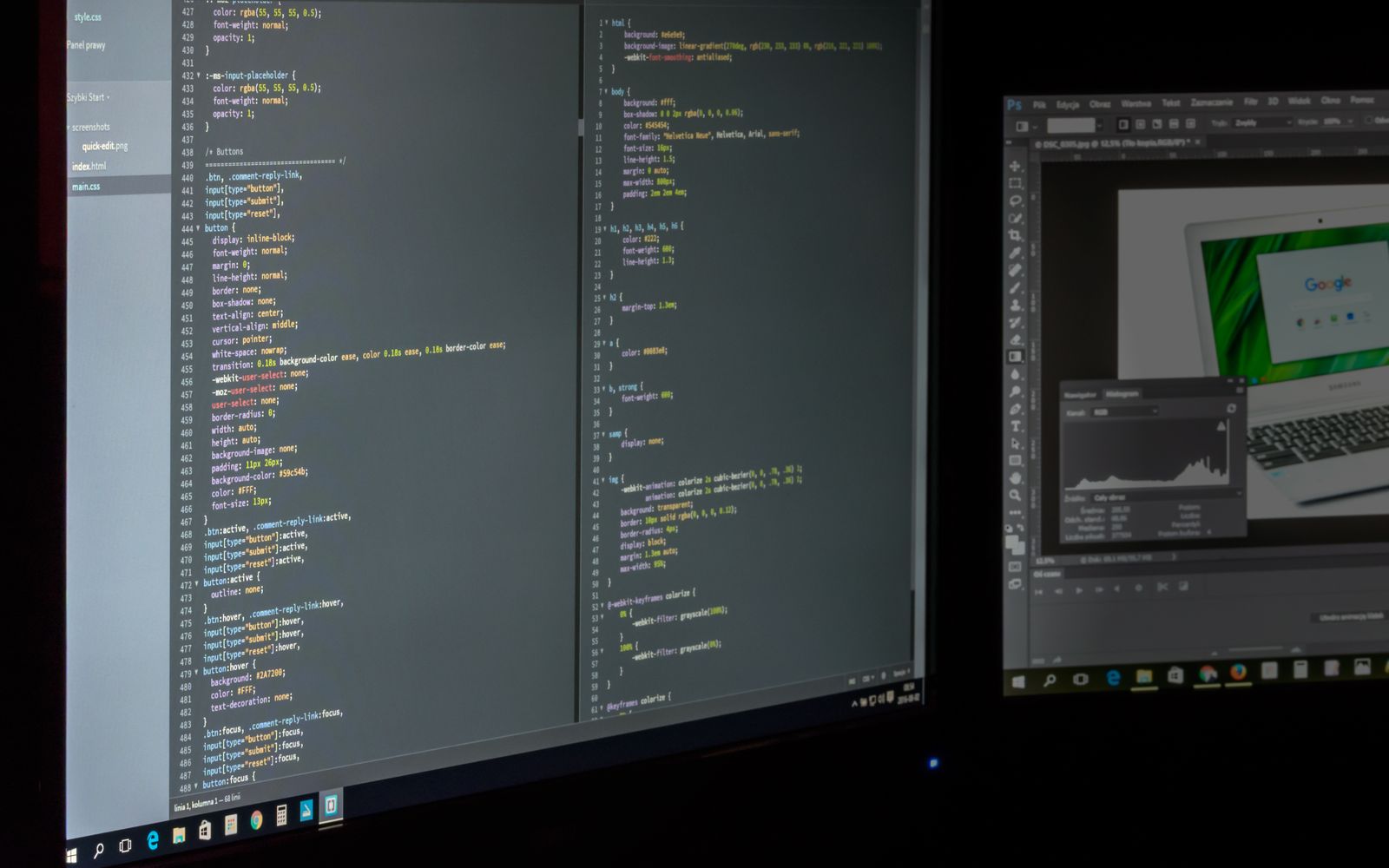
Using Git sparse-checkout worktrees is one of the most effective ways to run autonomous AI coding agents in large monorepos. Scoping the working directory slashes token consumption in large context windows and protects unrelated microservices from unintentional prompt edits. When configuring repositories, developers often review guidance on Use Git Sparse Checkout To Scope Agent Worktrees to optimize local developer and agent environments.
Quick solution:
Prevent root-file modification by applying read-only file permissions immediately after initializing your sparse worktree, and block autonomous agent self-expansion by restricting shell tool permissions as documented in the official Git Documentation.
git worktree add ../agent-worktree-billing feature/billing-refactor
cd ../agent-worktree-billing
git sparse-checkout set --cone apps/billing
find . -maxdepth 1 -type f -exec chmod 444 {} +
Prerequisites include a multi-module monorepo structure and an agent execution harness that restricts raw shell access. Cautions involve potential build failures if local tooling expects to mutate root lockfiles during test runs. Developers can explore detailed mitigation patterns in related workflows like the analysis on Agent Sparse Worktree Blindness In Monorepo.
The Cone-Mode Root Bleed and Agent Self-Expansion
Under Git cone mode, Git uses fast prefix-based hash matching rather than recursive glob parsing. By design specification, cone mode always materializes every file in the top-level root directory, regardless of the specified cone. Root files such as package.json, pnpm-lock.yaml, tsconfig.json, Cargo.toml, and .gitignore are always checked out on disk. When an AI agent encounters a missing dependency or type resolution error inside apps/billing/, it inspects the filesystem, spots package.json in the root, and hallucinates that it should install the package globally or adjust monorepo build scripts. A task meant strictly for apps/billing/ silently commits breaking changes to monorepo-wide configuration files.
Furthermore, when an LLM agent with bash or Git tool execution encounters an import error referencing an unmaterialized package, its chain-of-thought frequently reasons that it can hydrate the missing folder by running git sparse-checkout add as outlined in official reference guides. The agent autonomously expands its own sparse boundary, ballooning the worktree context window with untracked source trees and bypassing developer blast-radius containment.
Architectural Decision Matrix
| Option | When to Use It | Trade-off or Failure Mode | Recommendation |
|---|---|---|---|
| Local Git Sparse-Checkout Alone | Human developers working on isolated services | Autonomous agents easily bypass scoping via git sparse-checkout add | Do not use alone for AI agents |
| Filesystem Read-Only Jailing | Protecting root configuration files from agent writes | Legitimate automated build tasks cannot update root config files | Recommended for Layer 1 defense |
| CI Merge-Time Diff Allowlist | Enforcing strict module boundaries at promotion | Fails late in the pipeline if local checks are absent | Essential unforgeable final gate |
Implementing a 3-Layer Defense Architecture
Engineering teams must treat the local worktree as a prompt-optimization boundary, not a security boundary. True blast-radius isolation requires defense-in-depth across three distinct layers to ensure automated tasks remain safe.
Layer 1: Read-Only Jailing of Root Configuration Files
Because cone mode requires root files to exist for Git operations, teams cannot simply delete them. Instead, the agent provisioning harness applies filesystem-level read-only locks immediately after initializing the sparse worktree using chmod 444 commands. If the agent attempts to modify package.json or tsconfig.json, the write tool fails with permission denied errors, forcing the agent to resolve the issue within its scoped directory or report a dependency blocker.
Layer 2: Sandboxed Git Tool Whitelisting
Agents should never have unrestricted access to raw Git shell commands. The orchestrator must mediate Git interactions through explicit tool functions with strict parameter validation. Expose safe commands like status, diff, and scoped add while omitting administrative commands such as git sparse-checkout, git config, and git worktree. Even if the LLM attempts to execute self-expansion via bash, a shell wrapper or container security profile intercepts and denies the call.
Layer 3: The Unforgeable CI Merge-Time Diff Allowlist
No local sandbox can be trusted completely if an agent has arbitrary code execution. The only unbypassable fence is a deterministic merge-time diff allowlist in continuous integration. You can implement this verification using a straightforward automation script:
#!/usr/bin/env bash
set -euo pipefail

ALLOWED_PREFIX="apps/billing/"
CHANGED_FILES=$(git diff --name-only origin/main...HEAD)

VIOLATIONS=$(echo "$CHANGED_FILES" | grep -v -E "^${ALLOWED_PREFIX}" || true)

if [ -n "$VIOLATIONS" ]; then
  echo "::error::Agent modified files outside assigned scope '${ALLOWED_PREFIX}':"
  echo "$VIOLATIONS"
  exit 1
fi

echo "Scope check passed: All modified files reside within ${ALLOWED_PREFIX}"
Regardless of what tricks or self-expansion the agent performs locally, CI evaluates the diff against the trunk branch. Any alteration to root files or out-of-scope packages halts promotion immediately.
Verification and Execution Checklist
- Verify that the agent worktree provisioning script applies read-only permissions to all top-level root configuration files.
- Test agent tool sandboxing by attempting an intentional git sparse-checkout add command and confirming the runner rejects it.
- Configure a CI validation step running the scope guard script to verify that all commit diffs match the assigned module prefix.
- Test pull request rejection by simulating a commit that modifies both an assigned service directory and a restricted root configuration file.
Continue Exploring
You Might Also Like

AI User Story Examples
Learn how to use AI user story examples to convert vague feature requests into structured role, need, and value statements with testable acceptance criteria.

Alpha Beta UAT Differences in Software Testing
A practical guide for product teams distinguishing alpha testing, beta testing, and user acceptance testing through definitions, exit criteria, and trade-offs.

Ai Agent Crash Recovery Idempotency Key Drift
Explore why hash-only idempotency fails during AI agent crashes and learn how intent locking and full payload replay prevent duplicate external mutations upon reboot.