Reliable Android Benchmark Automation Without Brittle UI Selectors
Build Android Macrobenchmark flows that survive UI refactors by separating navigation, semantic checkpoints, measurement, and outcome verification.
Table of Contents11 sections
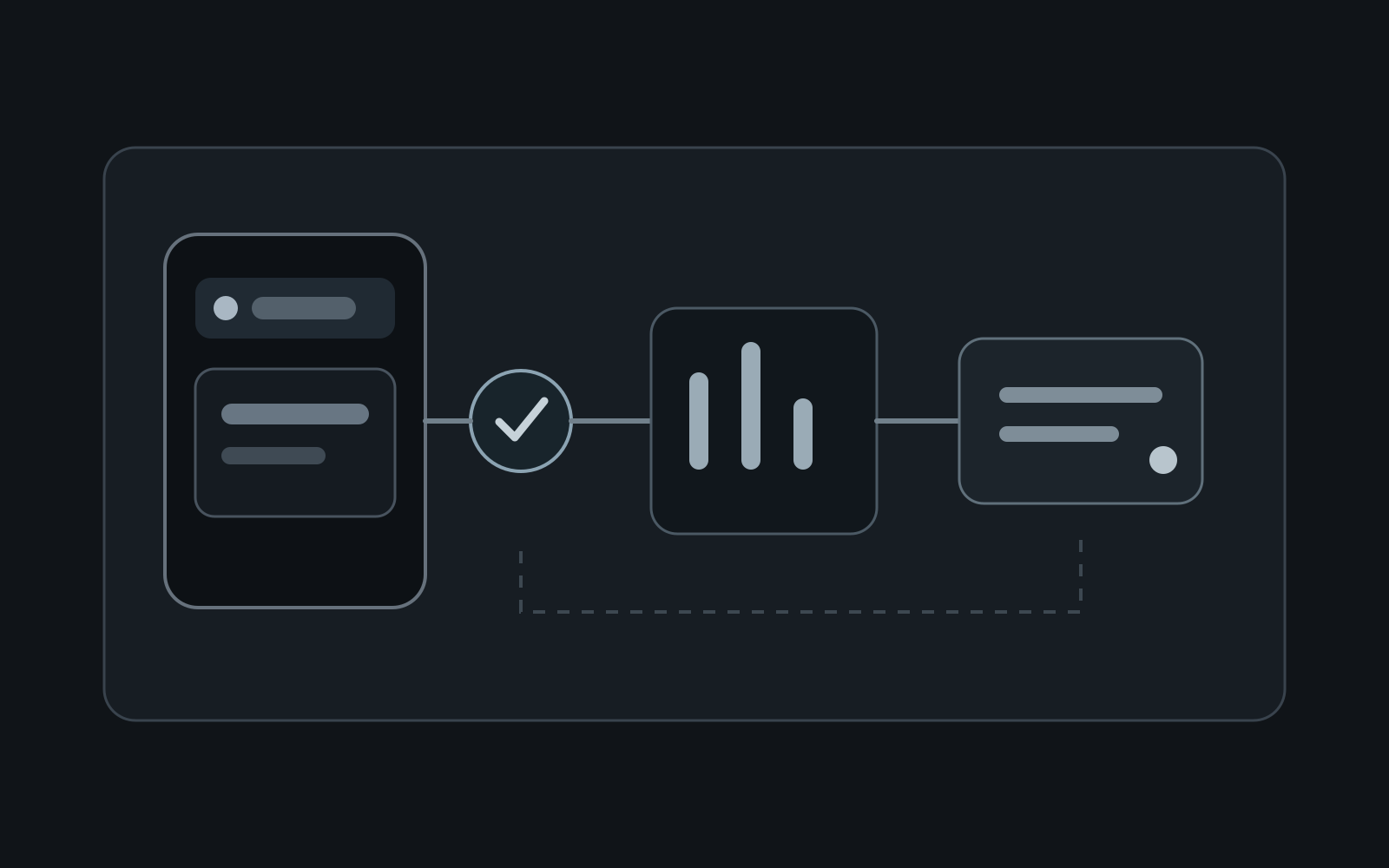
Android performance benchmarks are most useful when they fail because performance changed, not because a button moved.
That sounds obvious, but benchmark automation often becomes a second UI test suite built on fragile selectors: visible text, coordinates, hierarchy depth, or implementation-specific resource IDs. A harmless redesign then breaks the benchmark before measurement even starts.
A more reliable approach is to treat benchmark navigation as a small automation contract. Make setup deterministic, expose stable checkpoints where necessary, keep the measured interaction narrow, and verify the user-visible outcome rather than the exact path the UI took to get there.
This matters because Macrobenchmark measures larger end-user interactions from outside the app. The benchmark driver has to navigate like a user, but it does not need to imitate every detail of your UI implementation.
The Real Problem Is Selector Ownership
A benchmark usually has four jobs:
- put the app into a known starting state;
- navigate to the behavior being measured;
- perform the measured interaction;
- confirm that the intended outcome happened.
Flakiness appears when those responsibilities collapse into a long sequence of assumptions.
Imagine a startup-to-search benchmark that does this:
device.findObject(By.text("Products")).click()
device.findObject(By.text("Search")).click()
device.findObject(By.res("search_input")).text = "coffee"
device.findObject(By.text("Coffee Beans")).click()
Every line encodes UI structure. Copy changes can break it. Localization can break it. A navigation redesign can break it. Replacing a text button with an icon can break it. None of those changes necessarily affect the performance behavior you wanted to measure.
The benchmark is accidentally testing the screen’s implementation details.
Build a Small Stable Automation Contract
The fix is not to eliminate UI automation. Macrobenchmark is intentionally external to the app, so real UI interaction is part of its value. The fix is to reduce the number of unstable assumptions between the benchmark and the product.
For Compose screens, semantics are the natural boundary. The Compose testing APIs use the semantics tree to find elements, inspect attributes, and perform actions. Semantics already describe what an element means to accessibility and testing infrastructure.
Where normal semantic properties are sufficient, prefer them. For example, a stable content description or test tag can identify a benchmark entry point without depending on visible copy.
IconButton(
    modifier = Modifier.testTag("open_search"),
    onClick = onSearch,
) {
    Icon(
        imageVector = Icons.Default.Search,
        contentDescription = "Open search",
    )
}
Do not turn every composable into a benchmark API. Expose only the few anchors required to enter, exercise, and verify the measured journey.
The Android documentation also supports custom semantics properties when existing finders and matchers cannot express the state you need. That is useful for complex controls, but it should remain an exception. A custom property that mirrors every internal state field simply moves coupling into a different layer.
Separate Navigation From Measurement
A reliable benchmark should make the boundary between setup and measurement obvious.
Suppose you want to measure scrolling performance on a populated feed. Logging in, dismissing onboarding, waiting for synchronization, and opening the feed may all be necessary setup, but they are not part of the scroll measurement.
Keep them outside the measured block whenever the benchmark API permits it.
Conceptually:
benchmarkRule.measureRepeated(
    packageName = targetPackage,
    metrics = listOf(FrameTimingMetric()),
    setupBlock = {
        startActivityAndWait()
        navigateToFeed()
        waitForFeedReady()
    },
) {
    performMeasuredScroll()
}
This separation does two things.
First, it prevents setup variance from contaminating the metric. Second, it makes failures easier to classify. If waitForFeedReady() fails, you have an automation or environment problem. If the measured scroll completes but frame timing regresses, you have a performance signal.
Those are different incidents and should produce different debugging paths.
Prefer Checkpoints Over Sleeps
Fixed delays are attractive because they are easy:
Thread.sleep(2_000)
They are also a poor synchronization contract. Two seconds may be unnecessarily slow on one device and insufficient on another.
Instead, wait for evidence that the app reached the required state. That evidence might be a semantic node becoming visible, a stable accessibility label, or another externally observable condition.
The goal is not “wait long enough.” The goal is “continue when the precondition is true.”
Compose’s own test infrastructure emphasizes synchronization and provides APIs for waiting on UI state. Even when a Macrobenchmark driver uses UI Automator rather than ComposeTestRule, the principle transfers: synchronize on observable state rather than elapsed time.
This also keeps benchmark failures diagnostic. “Feed checkpoint did not appear within 10 seconds” tells you much more than “object not found” after an arbitrary sleep.
Verify Outcomes, Not the Exact Journey
A benchmark action should finish with a small assertion that proves the intended user outcome happened.
If the benchmark measures opening a detail screen, the useful contract is not necessarily:
- tap the third row;
- wait 300 ms;
- find a toolbar title at hierarchy level five.
A better contract is:
- select a stable item;
- perform the navigation;
- confirm a detail-screen checkpoint exists.
This is the same testing principle behind decoupled application architecture. Android’s testing fundamentals recommend separating logic and making dependencies replaceable. Benchmark automation benefits from the same discipline: depend on the smallest stable public behavior instead of a chain of internal details.
If the product changes from a full-screen detail page to a sheet but the measured behavior remains “open item details,” you can update one checkpoint instead of rewriting the entire navigation script.
Do Not Turn Macrobenchmark Into Your Functional Test Suite
Macrobenchmarks are expensive compared with local tests and focused component UI tests. They need a device or emulator, realistic app packaging, controlled compilation modes, and repeated measurements.
Use them for questions that require that environment:
- startup latency;
- scrolling and frame timing;
- expensive user journeys;
- performance regressions that emerge only in packaged builds.
Use smaller tests for behavior that does not need performance instrumentation.
RayLabs already covers this distinction in Jetpack Compose UI testing assertions: component-level UI behavior belongs close to the UI test APIs. Business and state behavior should move even lower when possible. A benchmark should not become the only place where you verify that a search button works.
Android’s testing strategy guidance makes the same economic point: smaller tests generally provide faster, cheaper feedback, while large end-to-end tests should be used where their broader environment is actually valuable.
Design for Failure Classification
A useful benchmark failure should answer one of three questions quickly.
Did setup fail?
Examples:
- the app did not reach the expected initial screen;
- fixture data was unavailable;
- authentication or onboarding blocked the route;
- the semantic checkpoint never appeared.
Treat this as an environment or automation failure. Do not interpret the run as a performance regression.
Did the interaction fail?
The measured action could not complete even though setup succeeded.
This may indicate a product regression, a stale automation contract, or a genuine interaction bug. Capture enough state to distinguish those possibilities.
Did performance regress?
The interaction completed and the outcome checkpoint passed, but metrics crossed your accepted threshold or changed materially from the baseline.
Only this category is primarily a benchmark signal.
Keeping these failure modes separate prevents teams from ignoring noisy performance tests. A suite that frequently fails for unrelated UI reasons eventually stops being trusted.
A Practical Benchmark Contract
For each important benchmark journey, document five things:
| Contract | Question |
|---|---|
| Entry point | How does the driver reach the scenario without unnecessary UI traversal? |
| Ready checkpoint | What observable state proves setup is complete? |
| Measured action | What is the smallest user interaction whose performance matters? |
| Success checkpoint | What proves the action completed correctly? |
| Failure evidence | What should be captured when setup, interaction, or measurement fails? |
That table is more valuable than a large collection of selectors.
It also gives product and test code a deliberate relationship. A test tag or semantic property is no longer a random escape hatch added after a flaky CI run. It exists because a specific externally driven journey needs a stable contract.
Keep the Contract Stable Through UI Refactors
UI structure will change. The benchmark contract should change much less often.
When reviewing a redesign, ask whether it changes:
- the benchmark entry point;
- the ready checkpoint;
- the measured action;
- the success condition.
If none of those change, the benchmark should usually survive the refactor.
If a checkpoint does need to change, update the contract intentionally and review whether the benchmark still measures the same user behavior. This is safer than repeatedly patching selectors until CI turns green.
For broader release confidence, pair this approach with Android CI verification so benchmark execution is one deliberate layer in the pipeline rather than an opaque device test that blocks merges without useful evidence.
The Rule of Thumb
Use the UI only where the benchmark genuinely needs the UI.
Everything else should be deterministic setup, a stable semantic checkpoint, or an outcome assertion.
Reliable Android benchmark automation is not about finding a selector that never changes. It is about designing a small contract that deserves to stay stable. When navigation, synchronization, measurement, and verification have separate responsibilities, UI refactors become cheaper and performance regressions become easier to trust.
Continue Exploring
You Might Also Like

Android elapsedRealtime and Monotonic Deadlines
Learn how to use Android elapsedRealtime and Kotlin cancellation to reject late coroutine responses during startup health checks, preventing stale data from overwriting UI state.

CameraX ZXing YUV rowStride pixelStride crop QR scanner
Learn how row stride, pixel stride, crop bounds, and rotation interact when feeding CameraX YUV frames into ZXing, and ensure proper proxy lifecycle management.

Fix Firebase Variant CI Configuration
Learn how the Google Services Gradle plugin matches build variants to configuration files, where variant-specific JSON files live, and how to verify that your CI pipeline exercises the intended Firebase project.