Why Android Wireless Debugging Keeps Turning Off Automatically
Diagnose why Android wireless debugging turns off during sleep, lock screen, or reboot. Learn the AOSP 120-second watchdog mechanics and OEM power policies.
Table of Contents7 sections
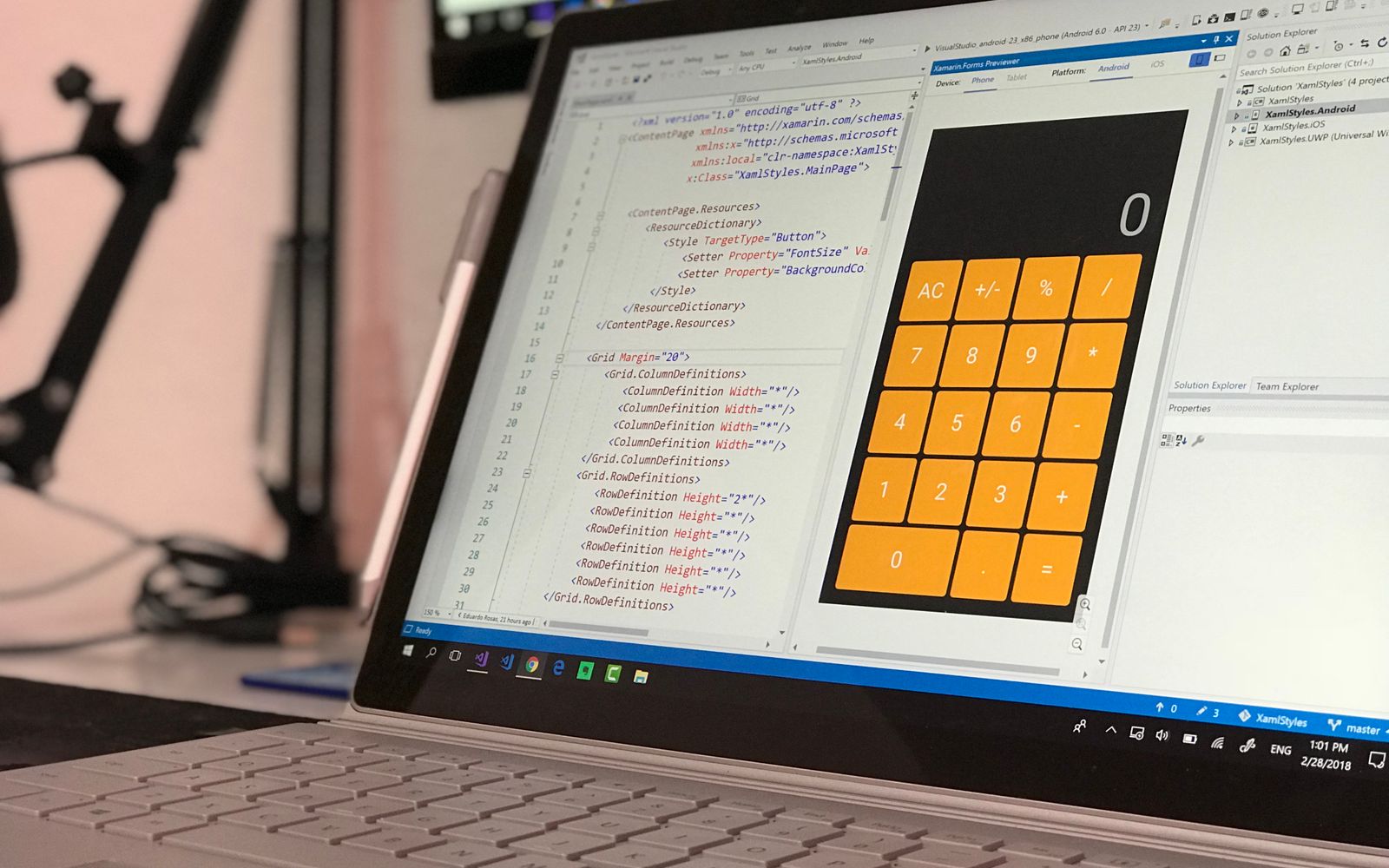
You step away from your workstation for ten minutes, and Android silently switches off your Wireless Debugging toggle inside Developer Options. When you unlock the screen to deploy a build from Android Studio, the device is unreachable. You open Settings, toggle the switch back on, pair again, and ten minutes later, it resets once more.
This issue is not caused by your Wi-Fi router or a faulty ADB server. The physical toggle reset is an intentional operating system security policy enforced by the Android Open Source Project (AOSP) and exacerbated by aggressive OEM power managers. Understanding these mechanisms allows you to configure stable developer workarounds without compromising device stability.
AOSP Security Watchdog: The 120-Second Inactivity Timer
Beginning with Android 11, wireless debugging runs as an authenticated daemon via TLS. In the underlying system framework, the AdbDebuggingManager service oversees the lifecycle of the Wi-Fi ADB server:
// AOSP AdbDebuggingManager.java lifecycle watchdog
class AdbDebuggingHandler extends Handler {
    static final int MESSAGE_ADB_WIFI_DISABLED = 7;
    static final int INACTIVITY_TIMEOUT_MS = 120000; // 2 minutes

    // When no authenticated ADB connection is established or active
    // within 2 minutes of enabling the switch, the OS disables the toggle.
}
If you enable Wireless Debugging on your phone but your workstation does not immediately establish an authenticated connection, or if your laptop goes to sleep and closes the TCP socket, the Android system watchdog fires after 120 seconds of zero network activity. The toggle is automatically turned off to ensure your open debugging port is not exposed indefinitely on shared or public Wi-Fi networks.
Screen Lock, Doze Mode, and OEM Battery Optimizations
Beyond the default AOSP inactivity timer, custom manufacturer skins (such as Samsung OneUI, Xiaomi HyperOS, and Google Pixel power profiles) inject additional power-saving constraints:
- Deep Sleep Socket Teardown: When the phone screen locks and remains stationary, the OS transitions into Doze mode. To conserve battery, the kernel disables non-critical background network listeners, terminating the
adbdwireless socket. - Aggressive Process Trimming: Certain OEM skins treat the background developer service as an idle RAM consumer. Upon screen lock, the memory manager terminates the listener process, causing the Settings app to reflect the toggle in the OFF state.
- Network Interface Cycling: When the device enters low-power standby, Wi-Fi radio power-save polling can alter the internal network interface state (
wlan0). Any disruption to the local interface causesAdbDebuggingManagerto shut down the wireless server immediately.
Why the Toggle Never Persists Across Device Reboots
Many developers wonder why Android does not remember the Wireless Debugging state after restarting the phone.
Under Android platform security architecture, the global setting adb_wifi_enabled is explicitly designed as a non-persistent, ephemeral state. During boot initialization, the system service defaults this value to 0. This fail-closed design guarantees that if an engineer loses a test device or restarts it on an untrusted public network, the device does not boot with a live remote root shell listening on Wi-Fi.
Step-by-Step Fixes to Prevent Toggle Resets
To keep Wireless Debugging continuously active throughout your development session, apply these three verified configurations:
1. Enable Quick Settings Developer Tile
Instead of repeatedly navigating through Settings > System > Developer Options > Wireless Debugging, expose a direct toggle in your notification drawer:
- Open Settings > Developer Options.
- Scroll to Quick settings developer tiles.
- Enable the Wireless debugging tile.
Now, swiping down from the top of your screen reveals a dedicated button to restore the debugging daemon with a single tap.
2. Keep Screen Awake While Plugged In
If your test phone is connected to a charging dock or USB power supply on your desk, you can instruct the operating system to prevent Doze mode sleep:
# Prevent sleep while connected to AC or USB power
adb shell settings put global stay_on_while_plugged_in 3
(Value 3 corresponds to BATTERY_PLUGGED_AC | BATTERY_PLUGGED_USB. To revert back to standard sleep behavior, execute settings put global stay_on_while_plugged_in 0).
3. Automate a Background Workstation Keepalive Loop
To prevent the AOSP 120-second inactivity watchdog from triggering when you are reading code or in meetings, run a lightweight keepalive loop on your development machine:
#!/usr/bin/env bash
# Keep ADB socket active to prevent AOSP 120s idle timeout
while true; do
  adb shell "echo 1" > /dev/null 2>&1
  sleep 60
done
Because the OS detects continuous ping telemetry every 60 seconds, the 120-second countdown timer never reaches expiration, keeping the toggle energized indefinitely.
Toggle Reset vs. Connection Drop: Companion Diagnostics
Be sure to distinguish between setting revocation and network transport failure:
- Toggle physically OFF: The OS watchdog or power manager killed the service. Follow the power keepalive steps above.
- Toggle remains ON, but terminal says
offlineorconnection refused: The OS service is still running, but your local Wi-Fi router altered the device IP address, mDNS discovery failed, or dynamic port drift occurred.
If your toggle is enabled but your connection continues to drop, follow our comprehensive guide on troubleshooting Android wireless debugging disconnects and mDNS drops to resolve network-layer and socket reachability errors.
Key Engineering Takeaways
- Android automatically turns off wireless debugging after 120 seconds of socket inactivity by design in
AdbDebuggingManager. - Screen lock and OEM battery policies kill the background listening daemon during deep sleep unless stay-awake settings are configured.
- Wireless debugging state intentionally resets upon reboot as a fail-closed security measure.
- Running a 60-second workstation keepalive script satisfies the inactivity watchdog and prevents unexpected toggle shutdowns.
Continue Exploring
You Might Also Like

XREAL Aura Android XR Glasses: Initial Review
An overview of the XREAL Aura Android XR glasses, detailing the hardware design, processing capabilities, and the implications of its two-part architecture.

Google Voice Android Redesign and RCS Implications
Google Voice for Android has received a significant UI redesign, sparking speculation about future RCS integration based on new interface elements.
Apple 2027 Product Roadmap and Rumored Releases
An analysis of reported plans for 18 new Apple products in 2027, covering rumored iPhone, iPad, and wearable hardware, alongside practical considerations for consumers.