How to Handle Partial Success in Android ViewModels
A practical pattern for Android mutations that succeed before a follow-up refresh fails, without lying to the user or turning Compose callbacks into orchestration code.
Table of Contents12 sections
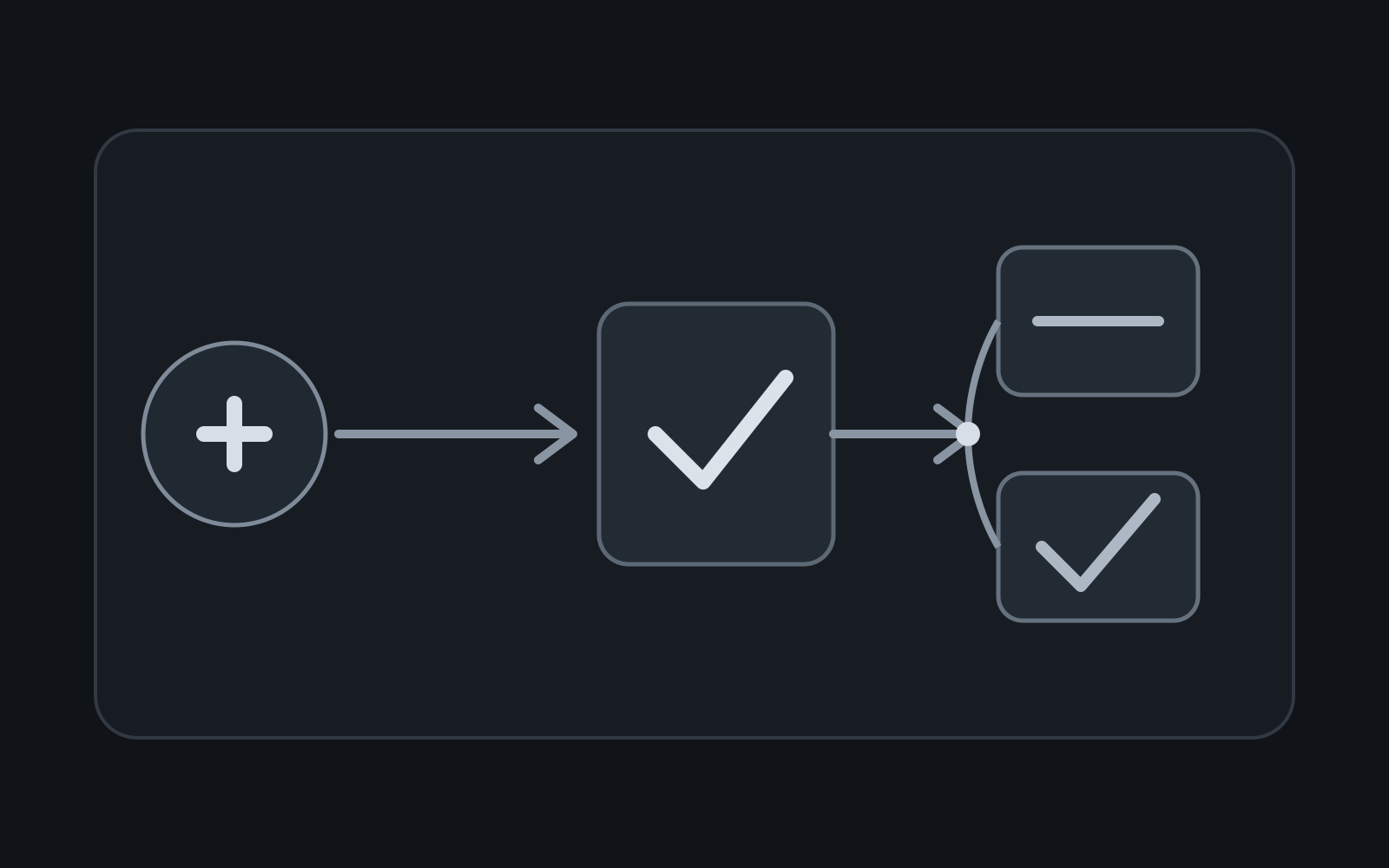
A user taps Save. The server accepts the write. Then your app refreshes the screen, that read fails, and the UI says Save failed.
That message is wrong.
The mutation succeeded. The synchronization step failed. Treating both operations as one success/failure unit creates misleading UX, risky retries, and code that becomes difficult to test.
The durable pattern is simple: model the write and the follow-up refresh as separate outcomes, keep orchestration in the ViewModel or use-case layer, and let observable state remain the source of truth.
The Failure Pattern
A common implementation looks harmless:
fun save(item: Item) {
    viewModelScope.launch {
        _uiState.update { it.copy(isSaving = true) }
        try {
            repository.update(item)
            val refreshed = repository.getItems()
            _uiState.value = UiState(items = refreshed)
            _events.emit(UiEvent.ShowMessage("Saved"))
        } catch (error: Throwable) {
            _events.emit(UiEvent.ShowMessage("Save failed"))
        } finally {
            _uiState.update { it.copy(isSaving = false) }
        }
    }
}
One try block collapses two different business facts: did the write commit, and did the subsequent read synchronize the screen? If update() succeeds and getItems() throws, the catch block reports the write as failed. A user may press Save again even though the backend already contains the change.
For non-idempotent operations, repeating a payment, order creation, message send, or inventory adjustment can create duplicate business effects.
Give the Mutation Its Own Outcome
Make the state transition explicit:
fun save(item: Item) {
    viewModelScope.launch {
        _uiState.update { it.copy(isSaving = true) }

        val writeResult = runCatching { repository.update(item) }
        if (writeResult.isFailure) {
            _uiState.update { it.copy(isSaving = false) }
            _events.emit(UiEvent.ShowMessage("Could not save"))
            return@launch
        }

        _events.emit(UiEvent.ShowMessage("Saved"))

        runCatching { repository.getItems() }
            .onSuccess { items ->
                _uiState.update {
                    it.copy(items = items, isSaving = false, isStale = false)
                }
            }
            .onFailure {
                _uiState.update {
                    it.copy(isSaving = false, isStale = true)
                }
            }
    }
}
Now the UI tells the truth. A failed refresh does not rewrite history.
Prefer an Observable Source of Truth
Android’s coroutine guidance recommends that ViewModel classes create coroutines for business operations and expose observable state rather than pushing orchestration into views. The Android coroutine best-practices guide also recommends exposing immutable state to consumers.
If your repository already exposes a Flow, the mutation can be much smaller:
class ItemsViewModel(
    observeItems: ObserveItemsUseCase,
    private val updateItem: UpdateItemUseCase,
) : ViewModel() {
    val uiState: StateFlow<UiState> =
        observeItems()
            .map { UiState(items = it) }
            .stateIn(
                scope = viewModelScope,
                started = SharingStarted.WhileSubscribed(5_000),
                initialValue = UiState()
            )

    fun save(item: Item) {
        viewModelScope.launch { updateItem(item) }
    }
}
The write changes the repository’s source of truth; the observable stream updates the screen. This follows the architecture shown in Android’s StateFlow guidance: the ViewModel exposes state and collectors react to updates instead of manually rebuilding state after every action.
The same boundary appears in Android’s DataStore guidance, which keeps persistence in the data layer and exposes it through a ViewModel instead of performing storage operations directly inside composables.
The implementation differs for Room, DataStore, network-backed caches, and in-memory repositories, but the principle survives: write through the data layer and observe the canonical state.
Do Not Turn Compose Callbacks Into Workflows
This is easy to write:
Button(onClick = {
    scope.launch {
        viewModel.save()
        viewModel.reload()
        snackbarHostState.showSnackbar("Saved")
    }
}) {
    Text("Save")
}
It is also where ownership starts to blur. The composable now decides operation ordering, success semantics, refresh policy, and user messaging. Testing the business workflow may require Compose instrumentation even though none of those decisions are inherently UI concerns.
Prefer:
Button(onClick = viewModel::save) {
    Text("Save")
}
The screen expresses intent. The ViewModel or use case owns the workflow.
Model Staleness Separately From Failure
A refresh failure after a successful write usually means the displayed snapshot may be stale, not that the mutation failed.
data class UiState(
    val items: List<Item> = emptyList(),
    val isSaving: Boolean = false,
    val isRefreshing: Boolean = false,
    val isStale: Boolean = false,
    val refreshError: String? = null,
)
This lets the UI keep usable content visible, show a subtle stale-data indicator, expose a Retry refresh action, or refresh automatically later. Do not replace usable content with a full-screen mutation error merely because synchronization failed.
Parallelize Only Independent Reads
After a mutation, screens often need several datasets. If those reads are independent, sequential execution adds latency unnecessarily:
val snapshot = coroutineScope {
    val profile = async { repository.getProfile() }
    val orders = async { repository.getOrders() }
    val inventory = async { repository.getInventory() }

    DashboardSnapshot(
        profile = profile.await(),
        orders = orders.await(),
        inventory = inventory.await(),
    )
}
But decide failure semantics before reaching for async. With regular structured concurrency, a child failure cancels siblings. Kotlin documents that behavior in its coroutine exception handling guide. If partial refresh results are genuinely useful, supervise or handle each result explicitly rather than accidentally depending on cancellation behavior.
Concurrency is an optimization. It should not define your product semantics.
Decide What Retry Means
A Retry button needs a precise target.
After a failed mutation, Retry repeats the write. After a successful mutation followed by a failed refresh, Retry repeats the read. Those actions must not be interchangeable.
For operations that can be retried by infrastructure, use a stable operation or idempotency key when the backend supports it. The UI should not need to guess whether a timed-out request committed.
This is the same identity discipline that helps prevent duplicate side effects in notification pipelines. The broader lesson from debugging duplicate Android push notifications applies here too: retries become safer when one business event has one stable identity.
Keep Loading States Scoped to the Work
A single isLoading flag often causes unrelated operations to overwrite each other. Prefer state that describes the actual work:
data class UiState(
    val isSaving: Boolean = false,
    val isRefreshing: Boolean = false,
)
A save can finish while a refresh continues. The user can receive immediate confirmation without pretending synchronization is complete.
Test the Boundary That Usually Breaks
The most valuable test is not only “everything succeeds.” Test the partial-success path:
@Test
fun `successful write remains successful when refresh fails`() = runTest {
    repository.updateResult = Result.success(Unit)
    repository.refreshResult = Result.failure(IOException())

    viewModel.save(item)
    advanceUntilIdle()

    assertTrue(repository.wasUpdated)
    assertTrue(viewModel.uiState.value.isStale)
    assertFalse(viewModel.uiState.value.isSaving)
}
Also cover write failure without refresh, complete success, refresh-only retry, and repeated intent for non-idempotent actions. These tests encode semantics rather than implementation trivia.
A Practical Decision Rule
When an Android action performs multiple asynchronous steps, ask this for every step:
If this step fails, does it invalidate the business success of the steps that already completed?
If the answer is no, do not hide everything behind one generic error boundary.
A robust mutation flow often looks like this:
UI intent
  -> ViewModel/use case
      -> mutation
          -> failed: mutation error
          -> succeeded: confirm success
              -> observable source updates
              -> optional refresh/sync
                  -> failed: stale/sync state
                  -> succeeded: fresh state
That shape keeps business truth, synchronization health, and presentation state separate.
The Takeaway
The dangerous bug is not a failed refresh. It is reporting a successful mutation as failed because a later operation failed.
Keep orchestration out of Compose callbacks. Let the ViewModel or use case own business sequencing. Keep a repository or other data-layer abstraction as the source of truth. Expose observable state. Treat synchronization health separately from mutation success, and make retry semantics explicit.
Once those boundaries are clear, partial failure stops being an edge case. It becomes a normal state your architecture knows how to represent.
Continue Exploring
You Might Also Like

Android elapsedRealtime and Monotonic Deadlines
Learn how to use Android elapsedRealtime and Kotlin cancellation to reject late coroutine responses during startup health checks, preventing stale data from overwriting UI state.

CameraX ZXing YUV rowStride pixelStride crop QR scanner
Learn how row stride, pixel stride, crop bounds, and rotation interact when feeding CameraX YUV frames into ZXing, and ensure proper proxy lifecycle management.

Fix Firebase Variant CI Configuration
Learn how the Google Services Gradle plugin matches build variants to configuration files, where variant-specific JSON files live, and how to verify that your CI pipeline exercises the intended Firebase project.