Android WebView vs Custom Tabs: How to Choose
Choose between Android WebView and Custom Tabs by comparing ownership, security, browser state, UI control, authentication, lifecycle cost, and testing.
Table of Contents14 sections
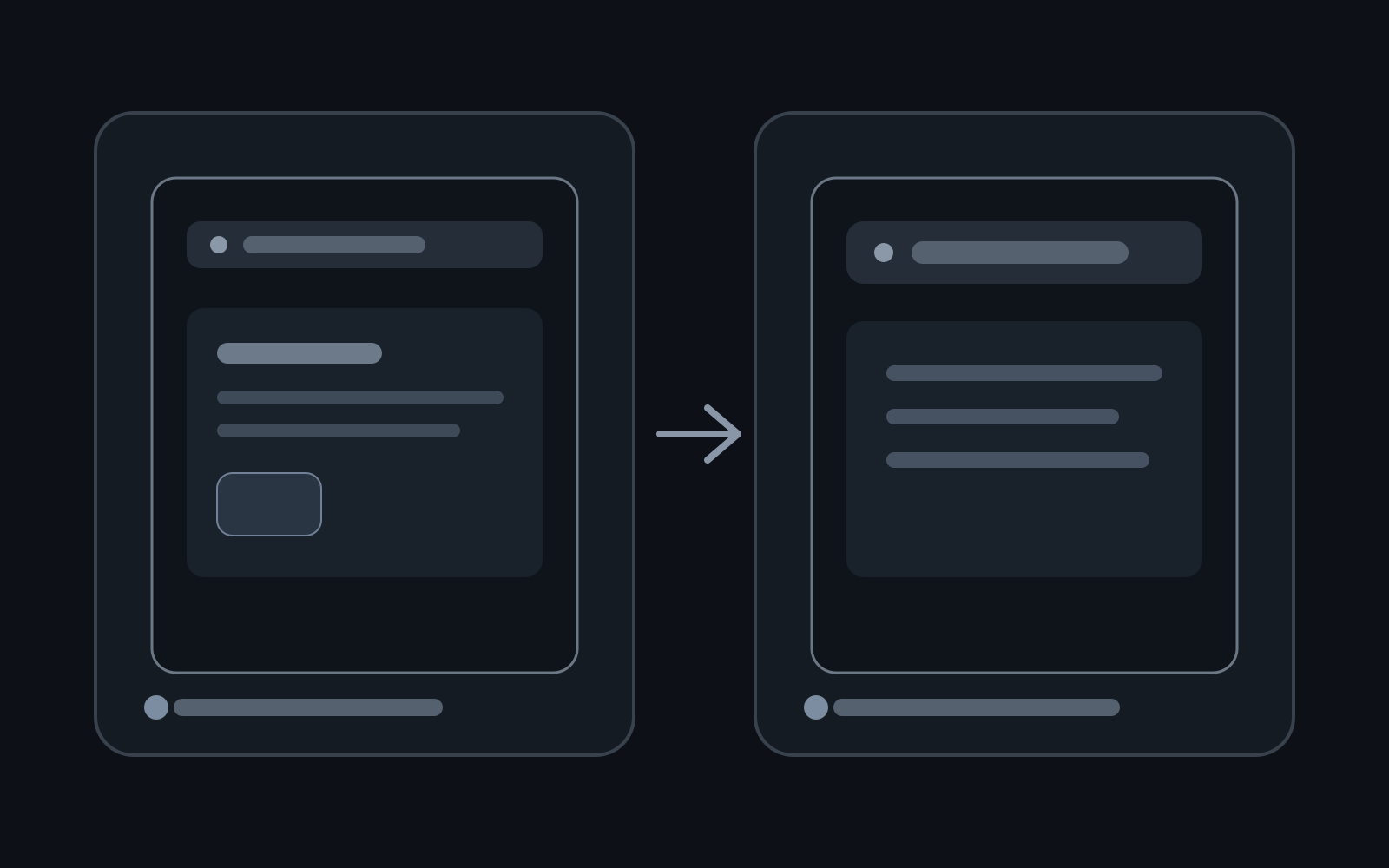
When an Android app needs to show web content, the first question should not be “Which WebView provider should I force?” It should be whether the experience belongs inside a WebView at all.
Use a WebView when web content is part of your app’s owned UI and you need deep control over rendering, navigation, or communication with native code. Use a Custom Tab when the user is visiting a web destination and you want browser capabilities, shared browser state, and a safer boundary without sending them fully out of your app.
That distinction is more durable than choosing based on which component feels easier to launch.
Android’s current web-content guidance makes the same architectural split: WebView is for inline content that you control, while Custom Tabs provide an in-app browsing experience powered by the user’s browser.
Quick Comparison: WebView vs Custom Tabs Decision Matrix
| Capability | Android WebView | Chrome / Android Custom Tabs | Recommended Choice |
|---|---|---|---|
| Shared Cookies & Saved Passwords | Isolated per-app sandbox | Shared with user’s default browser | Custom Tabs (OAuth / SSO login) |
| Native JavaScript Interface | Supported via @JavascriptInterface |
Prohibited for security isolation | WebView (hybrid web-native apps) |
| Page Load Performance | Cold engine startup penalty | Pre-warmed background browser process | Custom Tabs (faster initial render) |
| UI Layout Customization | Seamless inline composable/view | Fixed toolbar modal or slide-over sheet | WebView (rich integrated document view) |
| Maintenance Burden | High (must sanitize XSS and SSL errors) | Zero (browser vendor manages updates) | Custom Tabs (external links, help pages) |
Start With Ownership, Not Appearance
WebView and Custom Tabs can both make a web page appear “inside” an Android experience, but they give your app very different responsibilities.
A useful mental model is:
WebView
app owns the container
app owns navigation policy
app owns lifecycle handling
app owns most security decisions
app can bridge web and native code

Custom Tab
browser owns the browsing engine and browser state
app launches and customizes the surrounding experience
browser owns normal web navigation and credential context
app receives control again when the user returns
If the web page is effectively one of your app’s screens, WebView may be appropriate. If the page is a destination the user visits, Custom Tabs should usually be the default candidate.
The official Embedded Web comparison recommends Custom Tabs for common in-app browsing and positions WebView for cases that need deeper integration or control.
Use WebView When the Web Experience Is Part of the Product
WebView makes sense when removing the web surface would remove part of the app’s core interface.
Examples include a first-party document editor, a highly integrated dashboard, a web-based canvas embedded beside native controls, or a hybrid screen where native and web state must communicate.
A minimal setup is straightforward:
val webView = findViewById<WebView>(R.id.webView)

webView.webViewClient = WebViewClient()
webView.loadUrl("https://example.com/app")
The architectural cost appears after the first loadUrl().
You now need decisions for navigation, process recreation, cookies, downloads, file selection, permissions, error states, deep links, lifecycle, memory, and potentially JavaScript-to-native communication.
That is not necessarily a problem. It is simply part of choosing WebView.
If the product genuinely needs that control, paying the complexity cost is reasonable.
Use Custom Tabs When the User Is Visiting a Website
A Custom Tab is a better fit when your app is opening a web destination rather than embedding a web application as one of its own surfaces.
Typical examples are documentation, help-center articles, checkout pages, external partner pages, OAuth or third-party sign-in, and links from user-generated content.
The integration can remain small:
val intent = CustomTabsIntent.Builder()
    .setShowTitle(true)
    .build()

intent.launchUrl(
    context,
    Uri.parse("https://example.com/help")
)
The browser provides the browsing environment. Your app can customize selected chrome and transition behavior without rebuilding browser fundamentals.
This becomes especially valuable for external content because browser state can already contain cookies, sessions, password-manager integration, and user preferences.
For third-party authentication, Android’s web-content guidance specifically points developers toward Custom Tabs rather than embedding the identity provider inside a WebView.
The Security Boundary Is Different
The most important difference is not visual. It is trust.
A WebView can load HTML and execute JavaScript inside a surface controlled by your app. If you add native bridges, the trust boundary becomes even more important.
Android’s WebView documentation warns that addJavascriptInterface() can be dangerous when untrusted HTML can reach the interface. Android’s security guidance also recommends restricting WebView content to an allowlist where possible and avoiding JavaScript interfaces unless the content is fully controlled and trusted.
So the question is not simply:
Do I need JavaScript?
It is:
Which origins can execute JavaScript here?
Which origins can navigate into this surface?
Can any of them reach native capabilities?
What happens after a redirect?
If the page is third-party or open-web content, Custom Tabs often give you a cleaner trust boundary because you are using a browser for browsing rather than turning your app into a browser.
Do Not Build a Browser Accidentally
A common failure mode starts with a simple requirement:
Open this link without making the user leave the app.
A WebView is added. Then requirements arrive for back/forward navigation, downloads, file uploads, camera permissions, multiple windows, authentication, popup handling, external schemes, SSL errors, and cookie behavior.
At that point, the app is maintaining a small browser.
Before implementing each missing feature, reconsider the original ownership decision. If the product does not need to control the page itself, moving the experience to Custom Tabs can delete an entire category of maintenance work.
This is a useful engineering heuristic:
If your WebView backlog mostly contains browser features,
you probably wanted a browser.
Authentication Strongly Favors a Browser Boundary
Authentication deserves its own decision because credentials change the risk profile.
For first-party authentication, native Android flows such as Credential Manager may be more appropriate than either WebView or Custom Tabs. When a third-party identity provider must be opened on the web, Custom Tabs provide a browser-backed context instead of asking the app to host that provider inside its own WebView.
This matters for user trust as well as implementation.
A browser surface has recognizable browser behavior and can share the user’s existing browser session. A WebView is an app-controlled rectangle that can visually imitate almost anything.
If you are designing OAuth or “Sign in with…” flows, treat WebView as something that requires a specific justification, not the default because it is easy to embed.
WebView Gives More Control, but Control Has a Lifecycle Cost
WebView can be the correct choice and still require careful lifecycle engineering.
The Android documentation notes that WebView uses a Chromium-based engine with separate processes and native code, giving it a higher baseline memory cost than ordinary Android views. WebView instances also need deliberate cleanup when they are no longer needed.
In an Activity or Fragment, think about:
Who creates the WebView?
Who owns its navigation state?
What survives configuration change?
What happens after process death?
When is destroy() called?
Can the page restore without duplicating side effects?
In Jetpack Compose, the ownership question becomes even more visible because WebView is still an Android View embedded through interoperability APIs rather than a simple stateless composable.
Do not recreate a heavy WebView every time a composable recomposes. Give the WebView an explicit lifecycle and make navigation commands intentional.
The same principle appears in other Android systems: ownership bugs create duplicate work. In duplicate push notification debugging, explicit ownership prevents two components from performing the same side effect. Web surfaces benefit from the same discipline.
Custom Tabs Reduce UI Control on Purpose
Custom Tabs are not a drop-in replacement for every WebView.
You cannot treat the page DOM as part of your native UI. You do not get arbitrary JavaScript bridges into app code. Browser implementations can differ in the customization features they support. The experience is intentionally browser-owned.
That limitation is often the feature.
If the requirement says:
change elements inside the page
synchronize fine-grained web state with native UI
overlay native controls on a first-party web canvas
intercept application-specific navigation deeply
WebView may be justified.
If the requirement says:
open a URL
keep the transition visually connected to the app
reuse browser login state
let the user browse normally
return to the app afterward
Custom Tabs are usually the simpler architecture.
A Practical Decision Matrix
| Requirement | Prefer WebView | Prefer Custom Tabs |
|---|---|---|
| First-party web UI embedded as an app screen | Yes | No |
| External article or documentation link | Rarely | Yes |
| Third-party sign-in | No | Yes |
| Native-to-JavaScript bridge required | Yes, with strict trust controls | No |
| DOM-level customization required | Yes | No |
| Shared browser cookies/session useful | No | Yes |
| Need browser navigation behavior out of the box | No | Yes |
| App must own every visual detail around web content | Yes | Limited |
| Open-web or third-party browsing | Avoid if possible | Yes |
| Lowest ongoing browser-maintenance burden | No | Yes |
The table is not a substitute for threat modeling, but it prevents “WebView by default” from becoming an accidental architecture.
What About Chrome vs Android System WebView?
This question often appears after a team has already chosen WebView.
The important point is that your application should normally design against the Android WebView APIs, not build product logic around forcing a specific branded browser application as its rendering provider.
WebView is an updatable system component on supported Android devices, and its implementation and update model vary across Android versions and device ecosystems. Your app should test the WebView behavior it depends on, keep compatibility logic explicit, and use Jetpack WebKit where it helps bridge newer capabilities to older platform versions.
If you need a browser-owned experience, choosing Custom Tabs expresses that requirement more directly than trying to make an embedded WebView behave like Chrome.
That reframes the decision from:
Which WebView should I force?
to:
Does my app own this web experience, or does the browser?
That is the question that survives device changes.
Test the Boundary You Actually Chose
For WebView, test more than page rendering:
allowed and blocked origins
redirects
deep links and custom schemes
JavaScript disabled/enabled behavior
file and permission requests
process recreation
back navigation
network failure
renderer failure
memory cleanup
For Custom Tabs, test:
browser available/unavailable fallback
return-to-app behavior
deep-link callback
authentication completion/cancellation
multiple supported browsers
large-screen behavior
external app handoff
Do not compare the two only on a happy-path emulator. The architecture becomes visible at the edges.
Choose the Smallest Ownership Surface
The durable rule is simple:
Use WebView when the web content is truly part of your application. Use Custom Tabs when the user is browsing the web from your application.
WebView gives you control, but that control includes security, lifecycle, navigation, and maintenance responsibilities. Custom Tabs deliberately hand browser responsibilities back to a browser while preserving a connected in-app transition.
The best implementation is usually the one that owns the least machinery required by the product.
Before adding another WebView callback, ask whether the requirement is an app feature or a browser feature. That one distinction can save more engineering time than any WebView configuration flag.
Continue Exploring
You Might Also Like

Android elapsedRealtime and Monotonic Deadlines
Learn how to use Android elapsedRealtime and Kotlin cancellation to reject late coroutine responses during startup health checks, preventing stale data from overwriting UI state.

CameraX ZXing YUV rowStride pixelStride crop QR scanner
Learn how row stride, pixel stride, crop bounds, and rotation interact when feeding CameraX YUV frames into ZXing, and ensure proper proxy lifecycle management.

Fix Firebase Variant CI Configuration
Learn how the Google Services Gradle plugin matches build variants to configuration files, where variant-specific JSON files live, and how to verify that your CI pipeline exercises the intended Firebase project.