Google Sheets as an Android Backend: Architecture and API Guide
Use Google Sheets as a lightweight backend for an internal Android app without turning spreadsheet access, row updates, and credentials into production liabilities.
Table of Contents12 sections
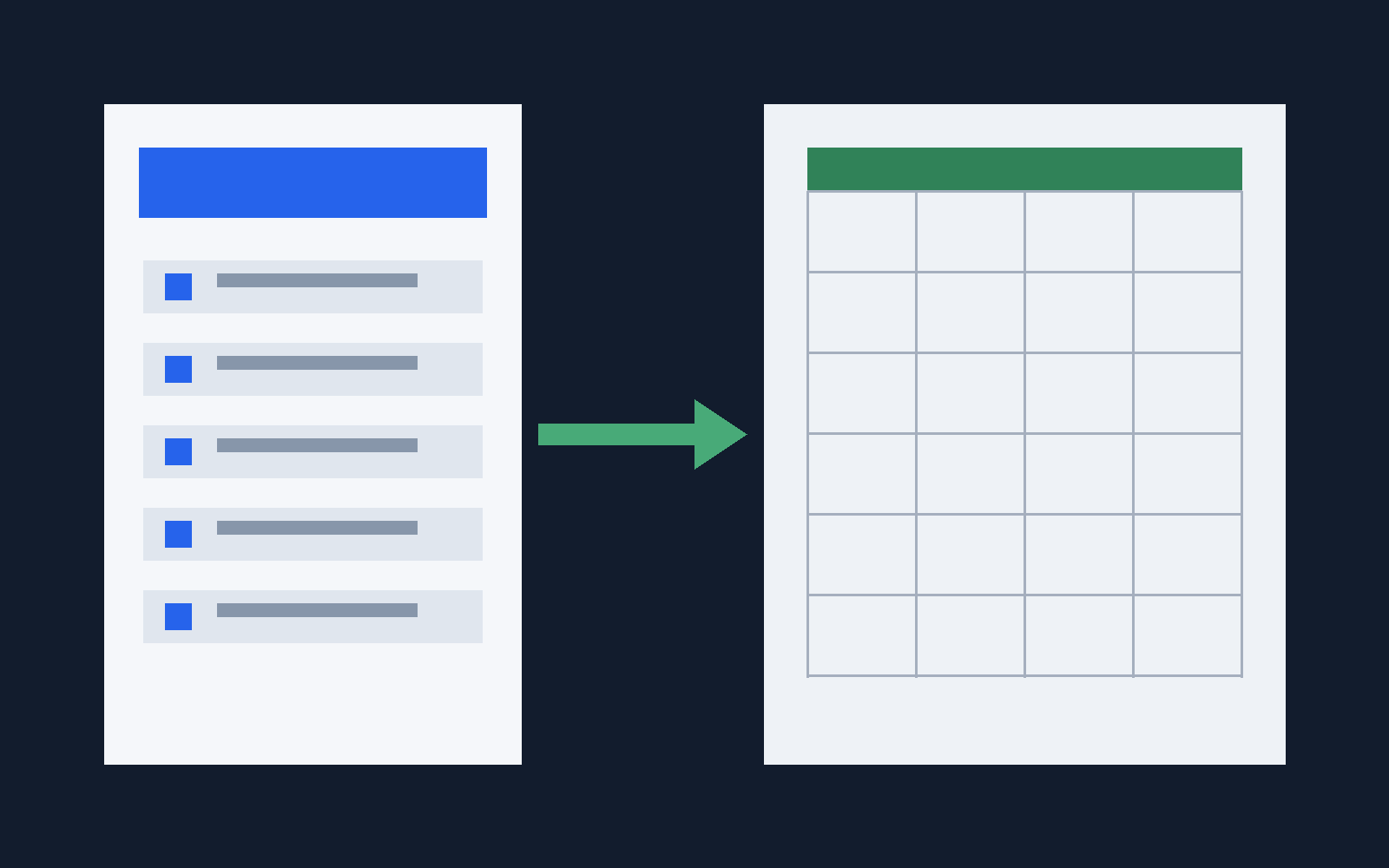
Google Sheets can work as a lightweight backend for a small internal Android app when the data model is tabular, the user count is modest, and the team values operational simplicity more than database features. The important part is to treat the spreadsheet as an external data store behind a repository boundary, not as if cells were a normal relational database.
Quick Architecture Comparison: Direct Sheets API vs Apps Script Proxy
| Feature | Direct Google Sheets API v4 | Google Apps Script Web App (Proxy) |
|---|---|---|
| Authentication | Service Account JSON or OAuth2 user token required | Keyless or simple API token query parameter |
| Android Client Complexity | High (Google API client library or OAuth dance) | Low (Standard Retrofit / OkHttp fetching clean JSON) |
| Write Integrity | Fine-grained cell updates, susceptible to row shift | Server-side validation before appending rows |
| Recommended Use | Internal tools with Google Workspace user login | Public read-only catalogs, status trackers, field rosters |
// Google Apps Script JSON endpoint (Extensions > Apps Script > Deploy as Web App)
function doGet(e) {
  const sheet = SpreadsheetApp.getActiveSpreadsheet().getSheetByName("Products");
  const rows = sheet.getDataRange().getValues();
  const headers = rows[0];
  const data = rows.slice(1).map(row => {
    let obj = {};
    headers.forEach((h, idx) => { obj[h] = row[idx]; });
    return obj;
  });
  return ContentService.createTextOutput(JSON.stringify(data))
    .setMimeType(ContentService.MimeType.JSON);
}
That distinction changes the design. Reads need explicit mapping, inserts need stable IDs, updates need a way to find the correct row, authentication must match the ownership model, and the app needs a migration path for the day a spreadsheet stops being enough.
This guide focuses on that architecture.
When Google Sheets is a reasonable backend
Sheets is strongest when humans already need to inspect or edit the same operational data. A small order tracker, inventory helper, event roster, or internal field tool can benefit from a backend that non-developers can open immediately.
The Sheets API supports reading, updating, appending, and batch-updating values, so the basic CRUD-shaped workflow is straightforward. Google also documents Java client access, although its quickstart explicitly uses simplified authentication intended for testing and recommends choosing production credentials deliberately.
Use Sheets when:
- the dataset naturally maps to rows and columns;
- write concurrency is low;
- sophisticated joins and transactions are unnecessary;
- manual spreadsheet access is a feature, not a workaround;
- the application can tolerate API latency and occasional retries.
Do not choose it merely because a database feels like too much setup. If you already need high write concurrency, complex authorization, relational integrity, server-side business rules, or large offline synchronization, start with a real backend.
Put a repository between Compose and the spreadsheet
The UI should never know that a row is stored in a spreadsheet.
A useful boundary is:
interface OrderRepository {
    suspend fun getOrders(): List<Order>
    suspend fun createOrder(draft: OrderDraft): Order
    suspend fun updateOrder(id: String, patch: OrderPatch): Order
}
Your ViewModel depends on this interface. A SheetsOrderRepository can implement it today, while a future REST or database implementation can replace it without rewriting the screen.
This is the same separation that makes bulk editing safer in a Compose application: UI state describes intent, while persistence logic owns how that intent becomes durable data.
A practical flow looks like this:
Compose screen
    |
ViewModel
    |
Use case
    |
OrderRepository
    |
Sheets data source
    |
Google Sheets API
Keep row ranges, column indexes, serialization, retries, and authentication below the repository boundary.
Treat the first row as a schema
A spreadsheet does not enforce a schema for you, so your application has to.
For an order-like record, define a fixed header contract:
order_id | created_at | customer | quantity | unit_price | status | note
Then map it explicitly:
data class OrderRow(
    val orderId: String,
    val createdAt: String,
    val customer: String,
    val quantity: Double,
    val unitPrice: Long,
    val status: String,
    val note: String,
)
Avoid scattering numeric indexes throughout the code. Keep the conversion in one mapper so a column change has one obvious failure point.
Also distinguish a missing cell from a deliberately empty value. Spreadsheet rows can be shorter than the declared range, so defensive parsing matters.
Generate IDs before appending rows
Row numbers are locations, not identities.
If row 18 represents an order today, sorting the sheet or inserting a row can move that order tomorrow. Generate a stable order_id before writing and persist it as a column.
For a new record:
- create the domain ID;
- serialize the complete row;
- append it;
- return the created domain object;
- refresh or reconcile local state.
The Sheets API provides spreadsheets.values.append for adding data after a table. The API uses the supplied range to identify the table and appends to its next row. That behavior is useful for inserts, but it is another reason not to use physical row numbers as permanent IDs.
Update by ID, not by remembered row position
Updating is harder than appending because spreadsheets.values.update targets a range.
A robust small-app strategy is to fetch the ID column, locate the matching ID, calculate the current row, and update the intended range. If the sheet is small, this extra lookup is usually a better trade-off than keeping fragile row positions in application state.
suspend fun updateOrder(id: String, patch: OrderPatch) {
    val row = findCurrentRowById(id)
        ?: error("Order no longer exists")

    sheets.update(
        range = "Orders!A$row:G$row",
        values = applyPatch(readRow(row), patch)
    )
}
For several independent ranges, the Sheets API also supports batch updates. Use them to reduce round trips, but do not confuse a batch request with the transaction guarantees of a database.
This becomes especially important when implementing multi-record changes. A bulk-edit UI may submit one user action, while the storage layer still needs to define what happens if only part of the remote work succeeds.
Model loading, failure, and retry explicitly
A spreadsheet backend is still a network backend.
The screen should not optimistically assume that an append or update succeeded. Model states such as:
sealed interface SaveState {
    data object Idle : SaveState
    data object Saving : SaveState
    data class Failed(val retryable: Boolean) : SaveState
    data object Saved : SaveState
}
Disable duplicate submissions while a request is in flight, preserve the user’s draft on a retryable failure, and make repeated operations idempotent where possible.
Stable IDs help here too. If a timeout occurs after the server accepted an append but before the client received the response, retrying blindly can create a duplicate. Reconcile by ID before deciding whether another append is safe.
Choose authentication based on who owns the sheet
Authentication is where prototypes most often need a production rethink.
Google’s OAuth documentation distinguishes client scenarios from server-to-server access. Android applications can use an Android OAuth client when access should happen on behalf of a signed-in user. Service accounts are designed for server-to-server interactions where the application itself owns the access.
That leads to two useful architectures.
User-owned access
If each authorized user should access Google data as themselves, use the appropriate OAuth flow and request only the scopes the app needs. Google documents Android-specific OAuth client credentials using the package name and signing certificate.
App-owned access
If one operational spreadsheet belongs to the application rather than each user, put service-account credentials on a trusted backend and let Android call that backend.
Do not ship a reusable service-account private key inside an APK. Moving a secret from source code into a Gradle property can keep it out of Git, but it does not turn a distributable client into a trusted server.
The security boundary should be architectural, not cosmetic.
Cache for UX, not as a second source of truth
For a small internal tool, a local Room cache can make startup and transient network failures much friendlier. The spreadsheet can remain the remote source of truth while Room provides the last known snapshot.
A simple policy is:
open screen
  -> show cached rows
  -> fetch sheet
  -> map and validate
  -> replace cache
  -> emit fresh state
Writes require more care. If offline mutation is not a real requirement, keep the design simple and require connectivity for create/update operations. If offline writes become necessary, you now need a synchronization protocol with conflict rules, retries, ordering, and reconciliation. That is often the point where Sheets stops being the simpler backend.
Add guardrails around human edits
Human editability is one of the main reasons to choose Sheets, but it also means your app cannot assume every row was produced by your serializer.
Validate incoming rows:
- reject or quarantine rows with missing IDs;
- parse numeric and date fields defensively;
- restrict status values to known domain states;
- tolerate blank optional columns;
- log malformed rows without crashing the whole list.
If operators regularly reorder columns, rename headers, or paste inconsistent values, add a lightweight schema check before parsing the dataset. Failing with a clear “expected column is missing” message is better than silently mapping the wrong cell into the wrong field.
Know the migration triggers
A Sheets backend should have an exit strategy from day one.
Consider migrating when you need several of these at once:
| Signal | Why it matters |
|---|---|
| Frequent concurrent writes | Row-oriented updates become harder to coordinate |
| Complex permissions | Spreadsheet sharing is not application authorization |
| Multi-table relationships | Referential integrity belongs in a database |
| Offline writes | Conflict resolution becomes a synchronization system |
| Server-side validation | Business rules should not depend on a mobile client |
| Audit requirements | You need durable, queryable change history |
| High request volume | API quotas and latency become product constraints |
Because the UI depends on OrderRepository instead of the Sheets API directly, migration can be incremental. Replace the data-source implementation first, then keep the ViewModel and Compose screens stable.
A practical implementation checklist
Before calling a Sheets-backed Android app production-ready, verify the following:
- every record has a stable domain ID;
- column mapping lives in one data-source layer;
- app screens do not reference sheet ranges or row numbers;
- inserts reconcile after ambiguous network failures;
- updates locate records by ID;
- malformed human-edited rows fail safely;
- authentication matches user-owned or app-owned access;
- reusable server credentials are never embedded in the APK;
- loading and retry states are explicit;
- the repository interface can survive a backend migration.
Google Sheets can be a good backend precisely because it is not pretending to be a database. Keep its role narrow, isolate its quirks, and it can power useful internal Android tools with very little operational overhead. When the requirements outgrow that model, a clean repository boundary gives you somewhere to move next.
Continue Exploring
You Might Also Like

Android elapsedRealtime and Monotonic Deadlines
Learn how to use Android elapsedRealtime and Kotlin cancellation to reject late coroutine responses during startup health checks, preventing stale data from overwriting UI state.

CameraX ZXing YUV rowStride pixelStride crop QR scanner
Learn how row stride, pixel stride, crop bounds, and rotation interact when feeding CameraX YUV frames into ZXing, and ensure proper proxy lifecycle management.

Fix Firebase Variant CI Configuration
Learn how the Google Services Gradle plugin matches build variants to configuration files, where variant-specific JSON files live, and how to verify that your CI pipeline exercises the intended Firebase project.