Native Android OTA Updates: What You Can Patch Without Shipping a New APK
A practical guide to Android update architecture: Play In-App Updates, Remote Config, server-driven UI, dynamic code limits, and why Flutter code push does not map cleanly to native Kotlin.
Table of Contents11 sections
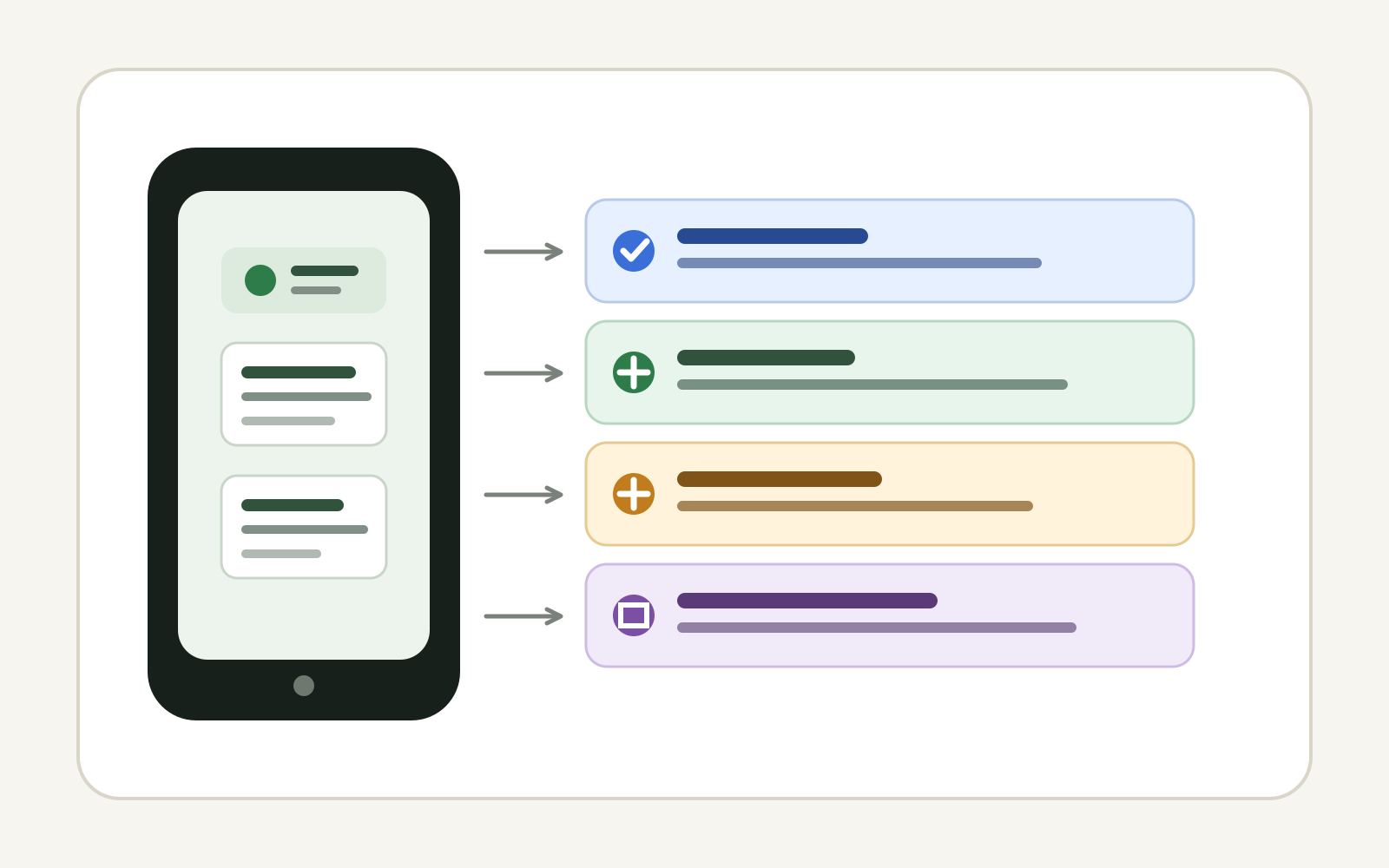
Over-the-air updates sound like a simple product request: fix production without waiting for users to install another app version. On native Android, however, the phrase OTA update can describe several very different mechanisms. Some are standard platform features. Some update configuration or content rather than executable code. Others cross directly into security and store-policy boundaries.
That distinction matters because a native Kotlin application does not have a direct equivalent to every code-push system available in other mobile stacks. A production Android app can change a surprising amount of behavior without a new APK, but the safe architecture is usually not to download replacement Kotlin or DEX code from your own server.
The useful question is therefore not, “How do I add OTA to Android?” It is:
What exactly needs to change after release, and which layer should own that change?
Once the requirement is classified correctly, the implementation options become much clearer.
OTA Is an Outcome, Not One Technology
Teams often group four different update problems under the same label:
| Requirement | Better mechanism |
|---|---|
| Deliver a new signed Android binary | Google Play release + In-App Updates |
| Change feature availability or thresholds | Remote configuration / feature flags |
| Change copy, catalog data, forms, or server-owned content | API-driven content |
| Change layout within predefined components | Server-driven UI with a constrained schema |
| Replace arbitrary Kotlin/DEX/native code | Usually requires a new app release |
This classification is more useful than starting with a code-push SDK. It keeps the update mechanism proportional to the thing that actually changes.
If a production issue can be fixed by changing a timeout, disabling a feature, switching an endpoint, or hiding a problematic flow, shipping a complete binary is unnecessarily heavy. But if the fix changes an Activity, a native SDK, a Room migration, a permission declaration, or compiled Kotlin behavior, a normal application release is usually the correct boundary.
That same risk-first thinking also applies to broader deployment work. A reliable mobile release is less about one clever update mechanism and more about executing a smooth technical rollout with explicit ownership, verification, and rollback paths.
Option 1: Use Google Play In-App Updates for New Binaries
For applications distributed through Google Play, the most straightforward native update path is the Play In-App Updates API. Google provides the API for Kotlin and Java applications through the Play Core app-update library.
The important detail is that In-App Updates does not bypass the store release process. Your new version still goes through Google Play. The API improves the user experience of discovering and installing an available version from inside the application.
Android supports two main user experiences:
- Flexible updates download while the user continues using the app and can be completed later.
- Immediate updates present a blocking update flow when continuing on the old version is not acceptable.
That makes In-App Updates useful for compatibility breaks, security-sensitive releases, mandatory backend migrations, or important fixes where adoption speed matters. It is not a mechanism for changing compiled code independently of the store.
A simple architecture might look like this:
App starts
   ↓
Check Play update availability
   ↓
Classify update policy
   ├── optional → flexible flow
   └── required → immediate flow
   ↓
Google Play delivers signed update
The policy decision should live outside the UI where possible. A ViewModel or use case can decide whether the current version is acceptable, while the Activity owns the Play update UI contract.
Option 2: Move Emergency Knobs Into Remote Configuration
Many requests for “native OTA” are actually requests for operational control.
Imagine a release where a new checkout path starts failing for a subset of users. If the app already has a remotely controlled feature flag, the team may be able to disable that path immediately while preparing a proper binary fix.
Useful remotely controlled values include:
- feature enablement,
- rollout percentages,
- API timeout thresholds,
- minimum supported version,
- maintenance banners,
- endpoint selection from a pre-approved set,
- experiment variants,
- kill switches for risky functionality.
The critical design rule is that remote configuration should select among capabilities already shipped in the binary. It should not become an improvised programming language.
For example:
data class RuntimePolicy(
    val newCheckoutEnabled: Boolean,
    val minimumSupportedVersion: Int,
    val requestTimeoutSeconds: Int,
)
The server can change the values, but the application still defines what those values are allowed to do.
This produces a powerful production property: some incidents can be mitigated in minutes without turning the app into a remote-code execution platform.
Option 3: Make Content Server-Driven
Text, product catalogs, FAQs, onboarding messages, campaign cards, and many business rules are data. They do not need to be hard-coded into the APK.
If the product changes these frequently, model them as server-owned content from the beginning.
The boundary can be as simple as an API response:
{
  "title": "Scheduled maintenance",
  "message": "Some transfers may be delayed.",
  "severity": "warning"
}
The native application owns rendering and allowed behaviors. The backend owns the current content.
This is technically an OTA change from the user’s perspective, but no executable code has changed. It is also easier to test because the client can validate the response against a stable contract.
For resilient applications, cache the last valid payload, reject unsupported schema versions, define safe defaults, and make malformed remote content fail closed rather than crashing the screen.
Option 4: Use Constrained Server-Driven UI When Layout Must Change
Server-driven UI extends the same idea from content to composition.
Instead of the server sending arbitrary executable logic, it sends a declarative schema using components that already exist in the application:
{
  "screen": "promotion",
  "components": [
    { "type": "heading", "text": "Weekend offer" },
    { "type": "product_grid", "source": "featured" },
    { "type": "button", "action": "open_checkout" }
  ]
}
The Android client decides which component types and actions are valid. Unknown components can be ignored or replaced with a safe fallback.
This architecture can reduce release pressure for highly dynamic surfaces, but it comes with real costs:
- schema versioning,
- accessibility guarantees,
- analytics consistency,
- preview tooling,
- caching and offline behavior,
- backward compatibility,
- more complex testing.
Server-driven UI is therefore not “free OTA.” It exchanges binary-release frequency for platform complexity.
Why Downloading New Kotlin or DEX Code Is a Different Category
Native Android code eventually becomes executable artifacts such as DEX and native libraries. Loading replacement executable code from a remote source changes the security model significantly.
Android’s security guidance strongly discourages dynamically loading code from outside the application APK because it increases exposure to code injection and tampering and complicates verification and version management.
Google Play’s Device and Network Abuse policy is even more important for Play-distributed applications. It states that an app distributed through Google Play may not update itself outside Google Play’s update mechanism and may not download executable code such as DEX, JAR, or .so files from another source. The policy documents an exception for code running in a virtual machine or interpreter under the described conditions, but that is not a blanket permission to build an unrestricted native code-push system.
So a custom design like this deserves immediate scrutiny:
Native Android app
      ↓
download patch.dex from private server
      ↓
load classes dynamically
      ↓
replace production behavior
Even if it can be made to work technically, technical possibility is not the same as a sound distribution architecture.
There are also platform-level hardening trends to consider. Android’s security guidance continues to push developers away from writable dynamically loaded code, reinforcing the principle that executable updates should remain tightly controlled.
Why Shorebird Feels Different
Flutter developers have a more visible example of production code push in Shorebird. Shorebird uses a modified Flutter engine that can download and apply patches to Dart code. Its documentation describes Android support and explains that patches can modify Dart application code while native Java/Kotlin changes, native dependencies, assets, and Flutter engine changes remain outside the patch boundary.
That architecture is possible because Flutter already introduces a runtime and engine boundary between much of the application’s Dart code and the native platform.
A pure native Kotlin application does not have that same boundary by default.
This is the key comparison:
| Capability | Native Android | Flutter + Shorebird |
|---|---|---|
| Update full application binary | Play release | Store release |
| Prompt/install store update in app | Play In-App Updates | Store-specific flow |
| Change remote flags/content | Yes | Yes |
| Patch Dart application code | Not applicable | Supported by Shorebird |
| Patch Java/Kotlin native code | New binary expected | Not supported by Shorebird patching |
| Patch native SDK or manifest | New binary expected | New binary expected |
Shorebird’s Code Push FAQ also documents the practical patch boundary and store-policy considerations that still apply to code-push workflows.
So the useful lesson from Shorebird is not “native Android needs a Shorebird clone.” The lesson is to identify a stable runtime boundary and be explicit about what can safely change inside it.
A Better Native Android Update Architecture
For most production Kotlin applications, a layered approach is more robust than arbitrary code push:
Layer 1: Store binary
Kotlin, Compose/XML, native SDKs, manifest, database migrations
                ↓
Layer 2: Runtime policy
Feature flags, kill switches, minimum version, rollout controls
                ↓
Layer 3: Remote content
Copy, catalogs, configuration, campaigns
                ↓
Layer 4: Constrained server-driven UI
Only when the product genuinely needs dynamic composition
Each layer has a different release velocity and a different risk profile.
This also makes CI/CD easier to reason about. Binary changes go through the strongest build and test gates. Configuration changes can have schema validation and staged rollout. Content changes can have editorial validation. Server-driven UI payloads can have contract tests and preview environments.
The goal is not to make every layer deploy at the same speed. The goal is to make the safest layer capable of solving the problem deploy quickly enough.
Design for Rollback Before You Design for OTA
Fast delivery without fast recovery is not a mature update system.
Before adding any remote-control mechanism, define its rollback behavior:
- What happens if the configuration service is unavailable?
- Is the last known-good value cached?
- Can a feature be disabled independently?
- Can a malformed payload crash application startup?
- Does the server know which client schema versions it is targeting?
- Can an emergency binary release override remote state?
For configuration, prefer typed defaults and bounded values. For server-driven UI, version schemas and reject unsupported actions. For Play releases, use staged rollouts where appropriate and monitor the version-specific failure rate.
The release mechanics should also be connected to your broader CI/CD feedback loop so a fast mitigation does not become an excuse to bypass tests for the permanent fix.
Choose the Smallest Update Surface That Solves the Problem
The strongest native Android OTA strategy is usually a collection of deliberately limited mechanisms rather than one universal patcher.
Use Play In-App Updates when users need a new signed application version. Use feature flags and remote configuration for operational switches. Move genuinely dynamic content behind APIs. Consider constrained server-driven UI only when the product benefits enough to justify the schema and testing cost. Treat arbitrary executable-code downloading as a security and policy boundary, not as a shortcut around release engineering.
That approach may sound less magical than “patch anything instantly,” but it produces a system that is easier to secure, test, roll back, and explain.
For native Android, that is often the more useful definition of OTA: not eliminating releases, but reducing how often a production problem actually requires one.
Continue Exploring
You Might Also Like

Android elapsedRealtime and Monotonic Deadlines
Learn how to use Android elapsedRealtime and Kotlin cancellation to reject late coroutine responses during startup health checks, preventing stale data from overwriting UI state.

CameraX ZXing YUV rowStride pixelStride crop QR scanner
Learn how row stride, pixel stride, crop bounds, and rotation interact when feeding CameraX YUV frames into ZXing, and ensure proper proxy lifecycle management.

Fix Firebase Variant CI Configuration
Learn how the Google Services Gradle plugin matches build variants to configuration files, where variant-specific JSON files live, and how to verify that your CI pipeline exercises the intended Firebase project.