Validate Raster Images in CI Beyond Metadata
Build a layered image gate that checks signatures, dimensions, byte hashes, decoder health, pixel anomalies, manifests, and the live deployed asset.
Table of Contents8 sections

A broken hero image can pass more checks than you might expect. The W3C PNG specification and libpng’s PNG structure guide describe the byte structure; a decoder must still confirm the actual file can be read.
Quick solution:
Run a programmatic decode check on your image assets using a verified library like sharp before allowing publication.
import sharp from 'sharp';

export async function validateRasterAsset(buffer: Buffer): Promise<{ width: number; height: number }> {
  const image = sharp(buffer);
  const metadata = await image.metadata();

  if (!metadata.width || !metadata.height) {
    throw new Error('Invalid raster dimensions');
  }

  return { width: metadata.width, height: metadata.height };
}
The file exists. The URL returns HTTP 200. The extension is .png. The dimensions say 1600 by 1000. The checksum matches the manifest. And the bottom third of the image is a black band. That failure exposes an important distinction: file identity is not the same thing as visible image health. A reliable static-site pipeline needs several layers of raster validation, each answering a different question.
Verify that the file is structurally the expected format
Start with the bytes, not the filename. PNG files begin with a defined eight-byte signature. PNG chunks also include CRC fields for integrity checking. JPEG has its own marker structure. A file named hero.png should not be trusted merely because the Content-Type header says image/png. At minimum verify expected signature or magic bytes, parseable image structure, required terminal structure, dimensions within your accepted range, and MIME type consistent with decoded format. This catches truncated uploads, HTML error pages saved as images, and extension mismatches.
Decode the image in your pipeline
Parsing metadata is not enough. Ask a real image decoder to load the raster. In a Node pipeline you might use a library such as sharp; in another environment, ImageMagick or a native decoder may be appropriate. A decode step verifies more than reading the first bytes. It forces the compressed image data through the same class of operation a renderer needs. If decode fails, the asset is not publication-ready.
Bind the exact bytes to the manifest
Once the raster decodes, compute a cryptographic hash over the final bytes. Store that hash with the asset ID, article ID, path, MIME type, width, height, byte length, and source provenance. The hash answers a narrow but important question: are these the exact bytes the editorial system approved? Without byte identity, an asset can be replaced while the manifest still describes the old file. This is particularly important when multiple pipeline stages copy, optimize, convert, or rename images.
Compare catalog metadata with the file
A governed asset should be internally consistent. Reject combinations such as manifest saying JPEG while bytes decode as PNG, manifest dimensions conflicting with decoder output, or manifest hashes not matching the file. Think of the asset manifest as a checklist backed by evidence. It is useful only when every field is derived from the actual file rather than copied from intent.
Add a small pixel-level sanity check
A decoded image can still be visibly wrong. This is where a bounded heuristic helps. Suppose a pipeline bug creates a large solid-black band across the bottom of an otherwise valid image. Structural parsing will pass. A simple heuristic can sample top, center, and bottom regions. For each region, compute lightweight statistics such as mean luminance, percentage of near-black pixels, variance, and percentage of identical pixels. Then reject only extreme cases. This is not computer vision. It is a narrow detector for a known production failure.
Validate before and after deployment
Pre-commit validation proves the repository contains a healthy asset, but it does not prove production serves that asset. After deployment, fetch the exact public hero URL and repeat essential checks including HTTP success, expected content type, non-zero bytes, decode success, expected dimensions, and hash matching. This catches stale CDN content, deployment omissions, wrong public paths, HTML fallback pages, and partial asset uploads. That philosophy is part of the broader reliability model in Building A Reliable Serverless Ai Publishing.
Raster verification execution checklist
- Confirm file signature and magic bytes match the stated image format.
- Execute programmatic decode using a library like sharp to ensure valid compression blocks.
- Compute and record the SHA-256 byte hash inside the deployment manifest.
- Verify that public production URLs return the expected bytes and match local checksums.
Continue Exploring
You Might Also Like

Deferring Publication After a Budget-Safe Draft Revision
Learn how to preserve a serverless publishing workflow draft when request limits prevent same-run publication by deferring publication.
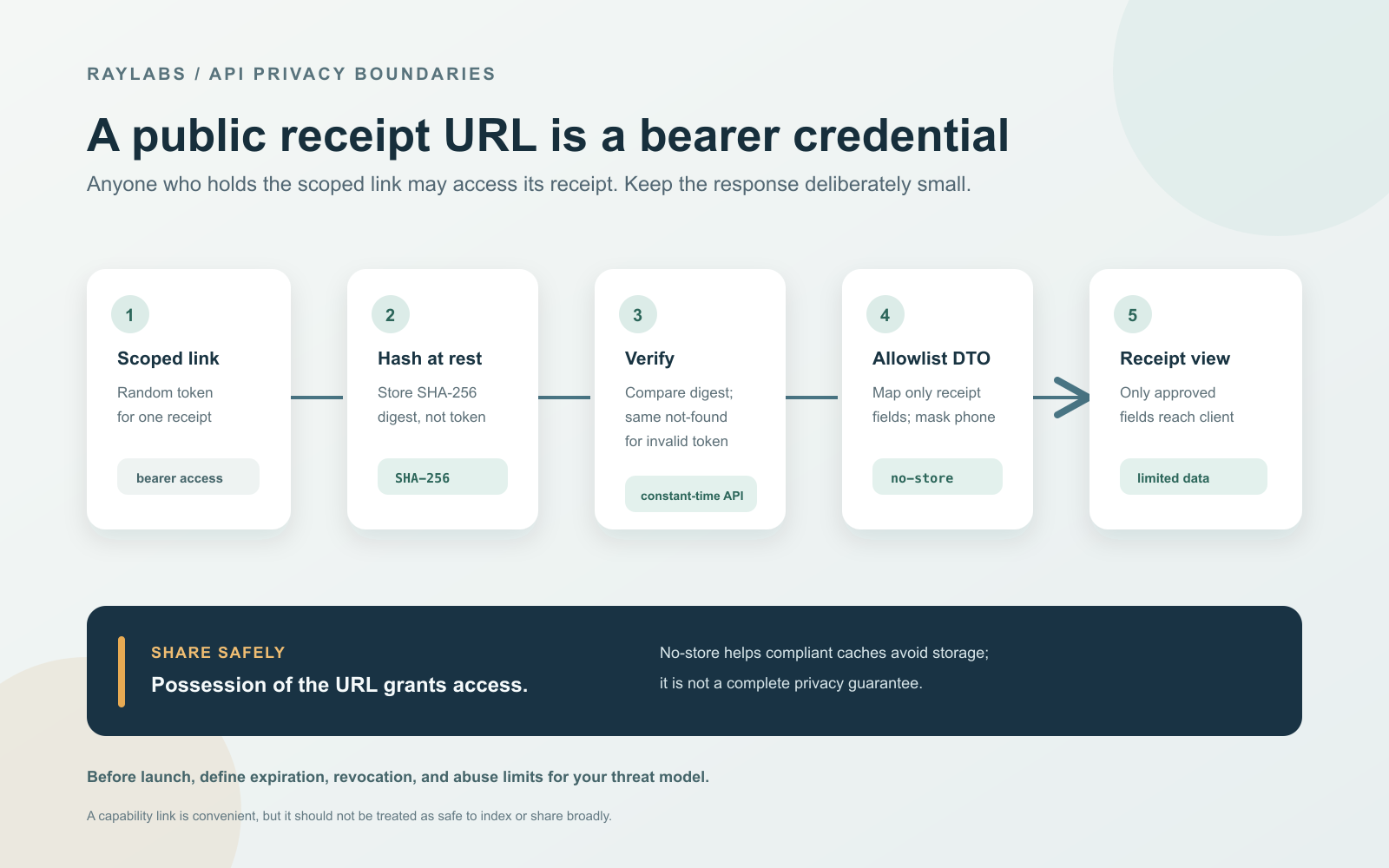
Secure Public Receipt Link with Access Token
Learn how to build a privacy-safe public receipt link using high-entropy bearer tokens, SHA-256 hashing at rest, constant-time verification, no-store caching, and an explicit allowlisted response DTO.
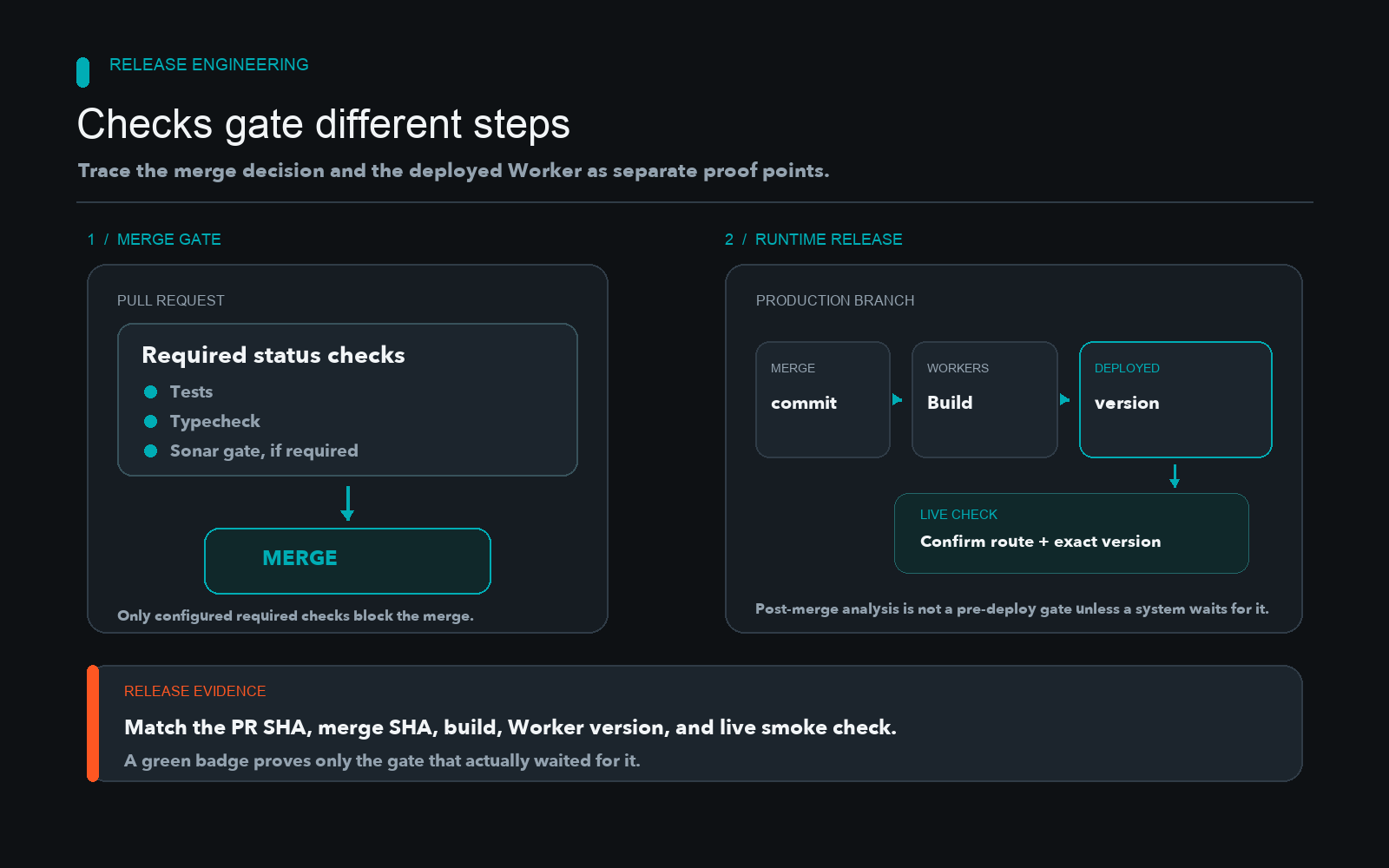
Gating Cloudflare Worker Deployments With CI
Learn how to separate CI validation from Cloudflare Worker deployments by enforcing branch protection, required status checks, and quality gates.