Gating Cloudflare Worker Deployments With CI
Learn how to separate CI validation from Cloudflare Worker deployments by enforcing branch protection, required status checks, and quality gates.
Table of Contents6 sections
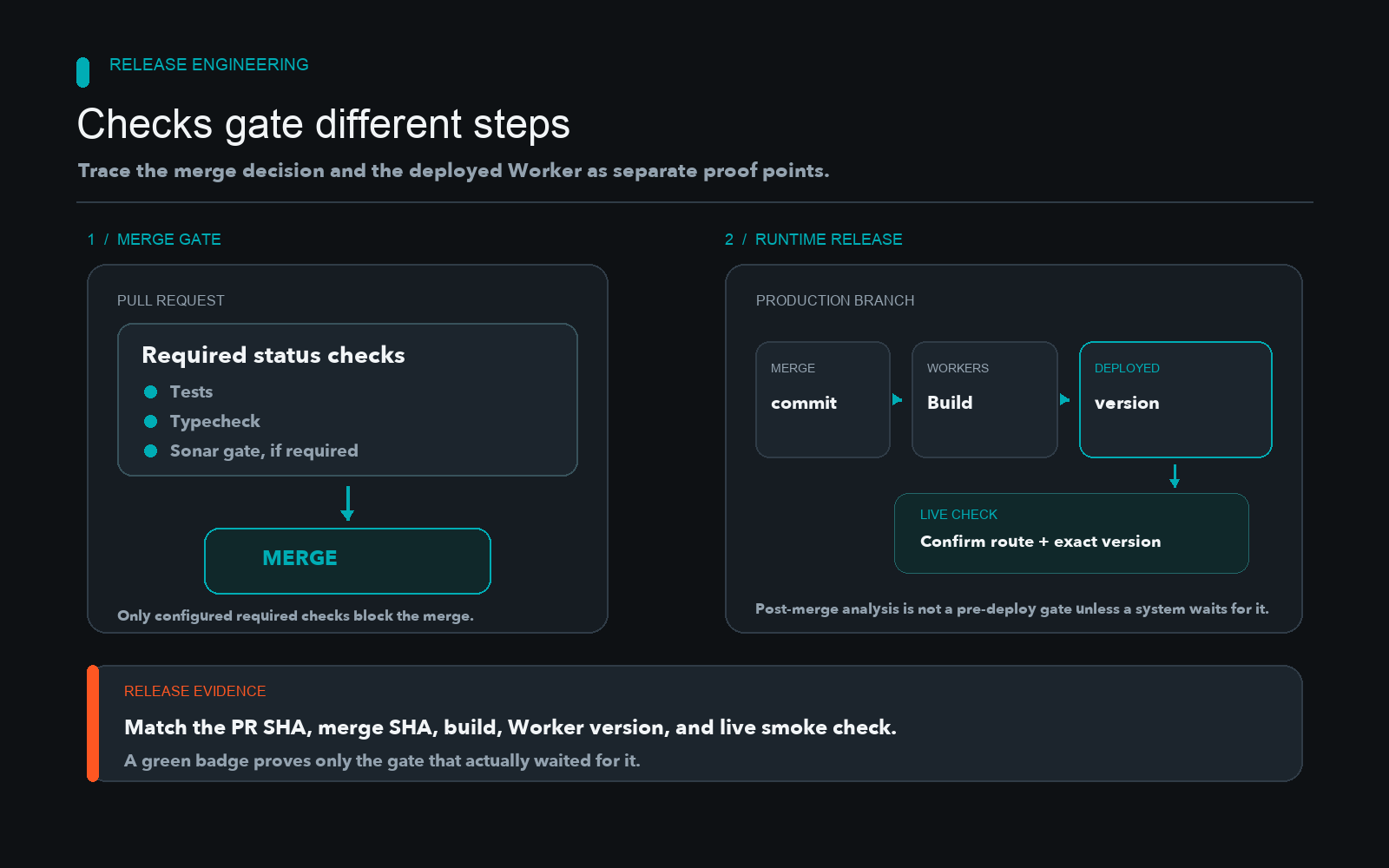
Automated build systems often deploy code immediately on merge without waiting for external quality gates to finish.
Quick solution: Configure GitHub branch protection rules to require your test and lint status checks before merging, and ensure your Workers Builds configuration targets that protected production branch as detailed in the Build branches - Cloudflare Workers docs.
name: CI Validation
on:
  pull_request:
    branches: [main]
jobs:
  validate:
    runs-on: ubuntu-latest
    steps:
      - uses: actions/checkout@v4
      - name: Run Tests
        run: npm test
Understanding the Deployment Automation Boundary
When a pull request passes all status checks and merges to the main branch, teams often assume that deployment waits for every upstream validation. In reality, automated continuous integration and platform builds run in decoupled systems. A green test suite or static analysis badge on a pull request does not guarantee that Cloudflare Workers waited for that specific result before deploying the latest script.
Understanding where validation occurs is essential for preventing regressions from reaching users. Pull request checks evaluate proposed changes in an isolated environment. However, platforms like Cloudflare Workers Builds can trigger automatically upon receiving a push to a configured branch, independently of whether external quality gates have finished or passed on that exact ref.
GitHub allows you to enforce requirements via protected branches. According to the About protected branches - GitHub Docs, repository owners can require specific status checks to pass before merging any code. If a required check fails or is missing from the protection rules, a developer can merge code that has not been fully verified.
Integrating SonarQube Cloud Quality Gates
Static analysis tools provide deep insights into code smells, vulnerabilities, and duplications. As detailed in the Introduction to quality gates - SonarQube Cloud, a quality gate defines the pass or fail criteria for a project based on clean code metrics.
A common failure mode occurs when Sonar analysis runs post-merge rather than as a blocking pull request check. If the analysis executes only after code lands on the main branch, it reports the state of the codebase after deployment has already begun. To act as a true quality gate, the Sonar analysis status must be reported back to the pull request and registered as a required status check in your version control platform.
Configuring Workers Builds and Branch Triggers
Cloudflare Workers can build and deduplicate automatically from connected Git repositories. Reviewing the CI/CD - Cloudflare Workers docs and the Configuration - Cloudflare Workers docs helps clarify how build triggers map to repository branches.
| Integration Option | When to Use It | Trade-off or Failure Mode | Recommendation |
|---|---|---|---|
| Automatic Branch Builds | Fast iterations and continuous delivery for single-service projects. | Triggers immediately on push; external analysis might still be running. | Use with strict branch protection rules. |
| Manual or API Deployment | Strict regulatory requirements or complex multi-service release sequencing. | Requires maintaining external CI pipeline tokens and credentials. | Use when deployment must wait for external sign-offs. |
Tracing Release Evidence Across Systems
Proper release engineering requires tracing a single release across multiple disconnected platforms. You should inspect the commit SHA of the pull request, verify the exact merge commit hash, confirm the corresponding Cloudflare Workers Build version, check the Sonar branch analysis report, and perform a live route check. If deployment starts immediately on merge, a later main-branch scan is not a pre-deployment gate unless another system explicitly waits for it.
Do not infer correct ordering from two separate green badges. Inspect actual branch-protection rules, Workers Builds settings, and the deployed version directly. Record the exact commit SHA for each event and report any missing gate as a configuration gap in your infrastructure.
Release Verification and Execution Checklist
Use this execution checklist to confirm that your validation steps actually gate your production releases:
- Verify branch protection rules: Confirm that pull requests cannot be merged without passing unit test and lint checks.
- Inspect status check mapping: Ensure that the exact check names in GitHub match the jobs defined in your CI pipeline configuration.
- Check analysis timing: Verify that SonarQube Cloud evaluates the pull request commit rather than only scanning the main branch post-merge.
- Audit build triggers: Inspect your Cloudflare Workers Builds settings to ensure production deployments listen only to the protected main branch.
- Perform live route testing: Execute a targeted curl command against your production worker route to verify that the newly deployed version hash matches the expected release commit.
Continue Exploring
You Might Also Like

Fix Cloudflare Workers Fetch Illegal Invocation
Learn how to resolve illegal invocation errors caused by detached fetch calls losing their receiver context inside the Cloudflare Workers runtime.
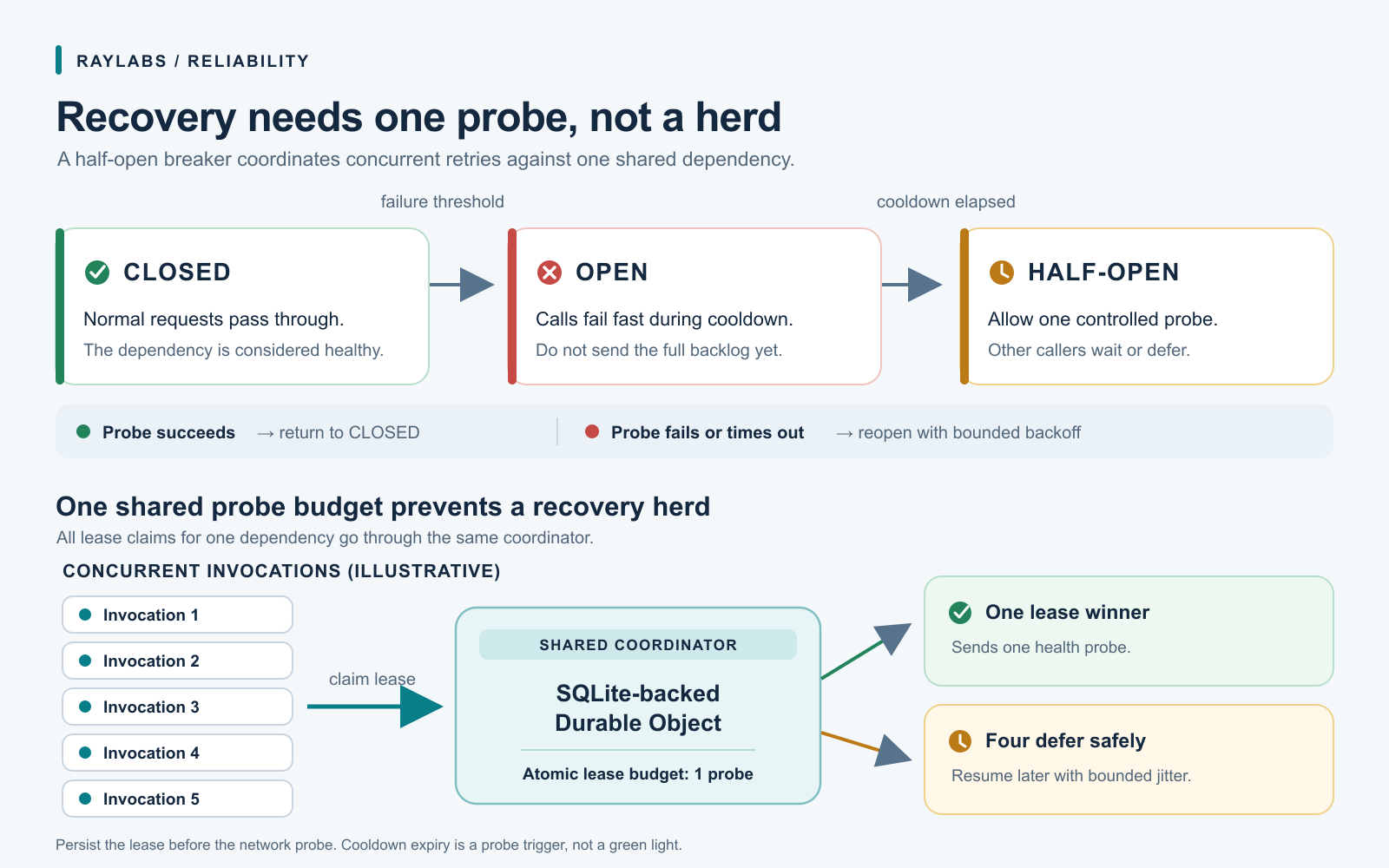
Half-Open Circuit Breaker Probes in Serverless Workers
Learn how to prevent thundering-herd recovery in serverless workers by coordinating half-open circuit breaker probes through a SQLite-backed Durable Object instead of eventually consistent key-value stores.
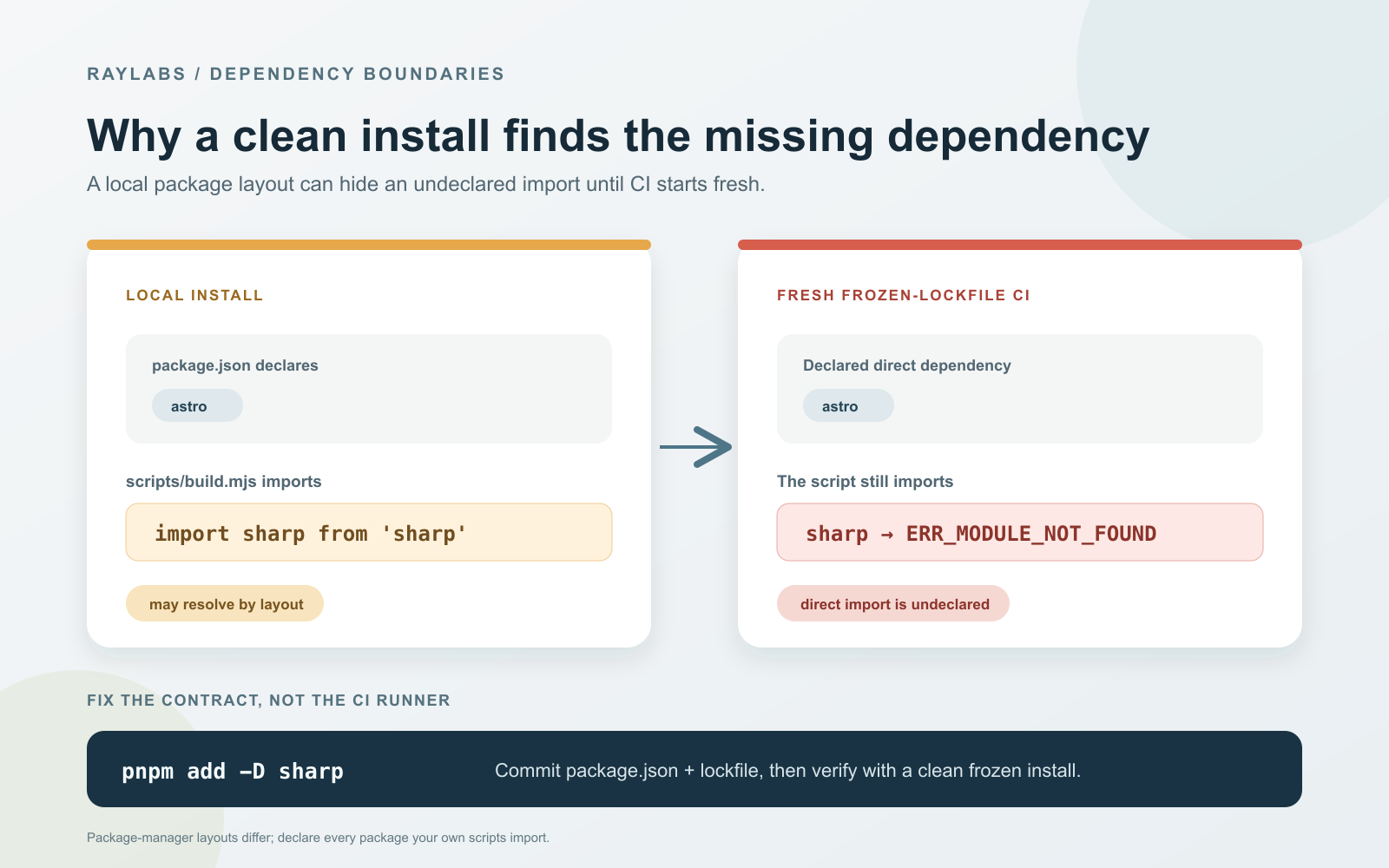
Fix pnpm Migration Phantom Dependency Errors
Learn how to diagnose and resolve ERR_MODULE_NOT_FOUND phantom dependency failures when transitioning from flat npm hoisting to strict pnpm in CI/CD pipelines.