Deterministic Topic Classification for Content Catalogs
Learn how to decouple topic display order from classification priority to prevent broad categories from swallowing specific ones in your content catalog.
Table of Contents5 sections

Content catalogs often suffer when a single list of tags dictates both navigation UI order and automated category assignment. When a general topic rule appears before a specific one, first-match classification algorithms can silently misfile specialized records.
Quick solution: Separate your UI display array from your classification precedence rules, then evaluate specific categories before broad ones using explicit methods like Array.prototype.find on normalized inputs.
const rules = [
  { id: 'javascript', keywords: ['javascript', 'js'] },
  { id: 'programming', keywords: ['programming', 'code'] }
];

function classifyItem(tags, precedenceRules) {
  const normalized = tags.map(t => t.toLowerCase().trim());
  const matched = precedenceRules.find(rule =>
    rule.keywords.some(kw => normalized.includes(kw))
  );
  return matched ? matched.id : 'unclassified';
}

const itemTags = ['Programming', 'JavaScript'];
console.log(classifyItem(itemTags, rules));
// Expected output: 'javascript'
The Dual-Use Taxonomy Problem
Reusing a single array for rendering menus and running classification introduces hidden coupling. If your sidebar renders tags alphabetically or by frequency, relying on that same sequence for automated tagging creates brittle behavior. A broad category like software can easily match before systems engineering if it appears first in the array.
Decoupling these concerns allows your front-end designers to reorder navigation items for user experience without accidentally breaking backend categorization logic. Similarly, maintaining a separate precedence list ensures that classification follows strict domain rules rather than UI convenience. When managing iterative updates to your taxonomy or reference materials, maintaining strict version control helps you track how Content review hash changes after citation edits across documentation pipelines.
Normalizing Inputs and Precedence
Before executing any match logic, normalize all incoming item tags and rule sets. Inconsistent casing, trailing spaces, or pluralization discrepancies frequently cause false negatives in classification pipelines.
When evaluating records, enforce an explicit specific-to-general order. Specialized tags must always be tested before broad umbrella categories.
Handling Ambiguous and Unclassified Records
Silent failures are difficult to debug in large content catalogs. When an item matches multiple categories or fails to trigger any rule, the system should log the occurrence rather than guessing a default fallback.
| Approach | When to Use It | Trade-off or Failure Mode | Recommendation |
|---|---|---|---|
| First-match rule | Simple, fast categorization | Broad rules can swallow specific tags if ordered incorrectly | Order rules strictly from specific to general |
| Explicit precedence array | Complex multi-topic taxonomies | Requires manual maintenance of rule order | Recommended for production catalogs |
| Fallback to unclassified | Strict data integrity workflows | Leaves items out of navigation until manually fixed | Ideal for catching editorial omissions |
Verification Checklist
- Normalize incoming tags: Confirm that uppercase or spaced inputs convert to lowercase and trim whitespace, resulting in accurate keyword matching.
- Enforce precedence order: Verify that specific category rules evaluate before broad umbrella definitions, resulting in correct specialized assignments.
- Handle ambiguous records: Submit items matching multiple rules to ensure they trigger an unclassified state or log instead of guessing.
- Validate display separation: Reorder UI navigation arrays and confirm that backend category assignment results remain unchanged.
Continue Exploring
You Might Also Like

1Password Security Breach November 2026 Explained
1Password confirmed a security breach involving unauthorized access to an employee's GitHub account, resulting in the exposure of customer names and email addresses.
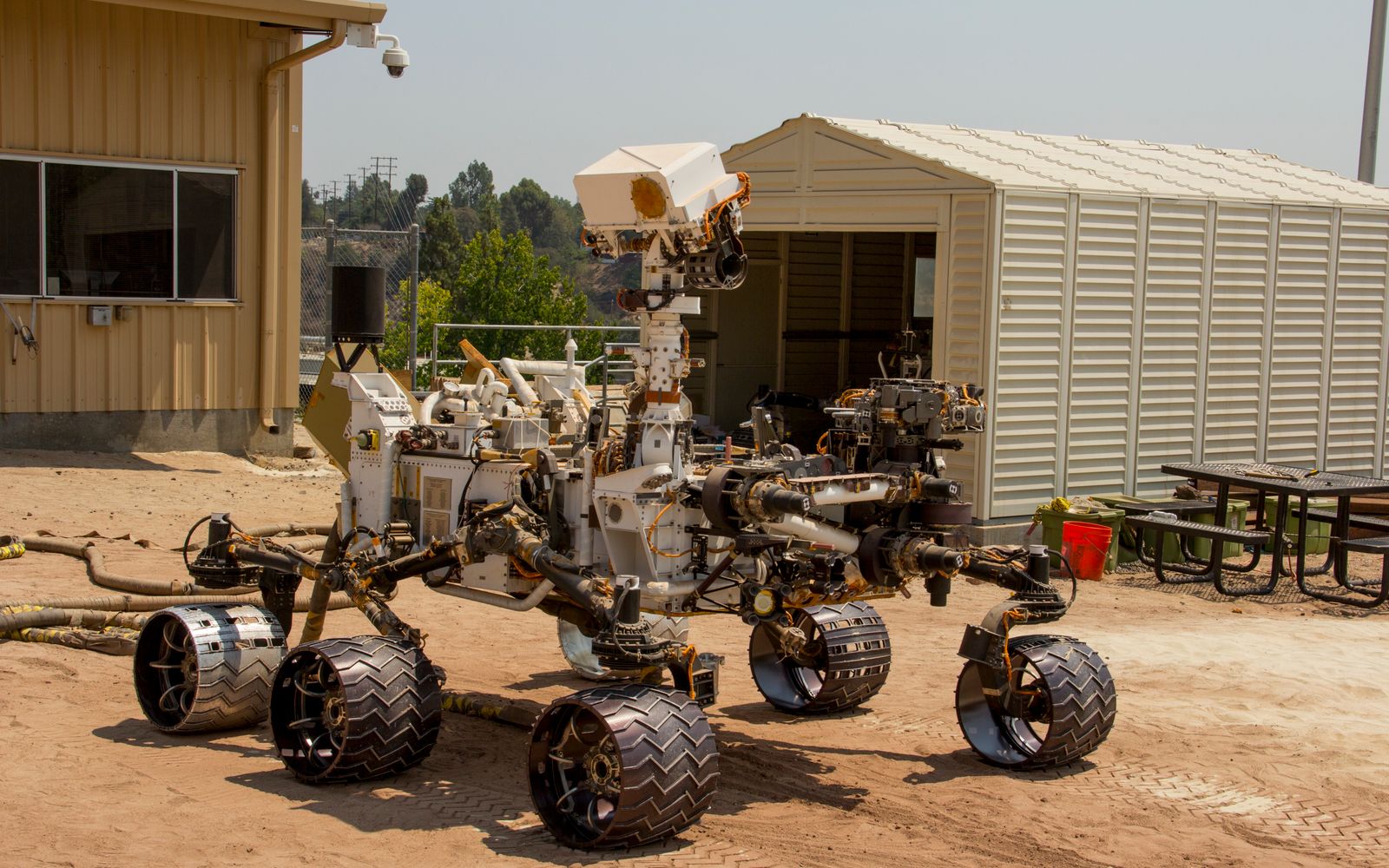
NASA Mars Fleet Faces Technical Challenges in 2026
NASA's aging Mars exploration fleet is experiencing significant technical disruptions, impacting both surface and orbital assets as of November 2026.

SpaceX Starshield Ukraine Funding Controversy
An incoming House committee chair has threatened to withhold SpaceX funding following reports of Starshield service disruptions in Ukraine, raising questions about government oversight of private military contracts.