Shipping Android Beyond One Store Without Multiplying Release Work
A practical architecture for distributing one Android product across multiple app stores without turning every release into a manual fork.
Table of Contents13 sections
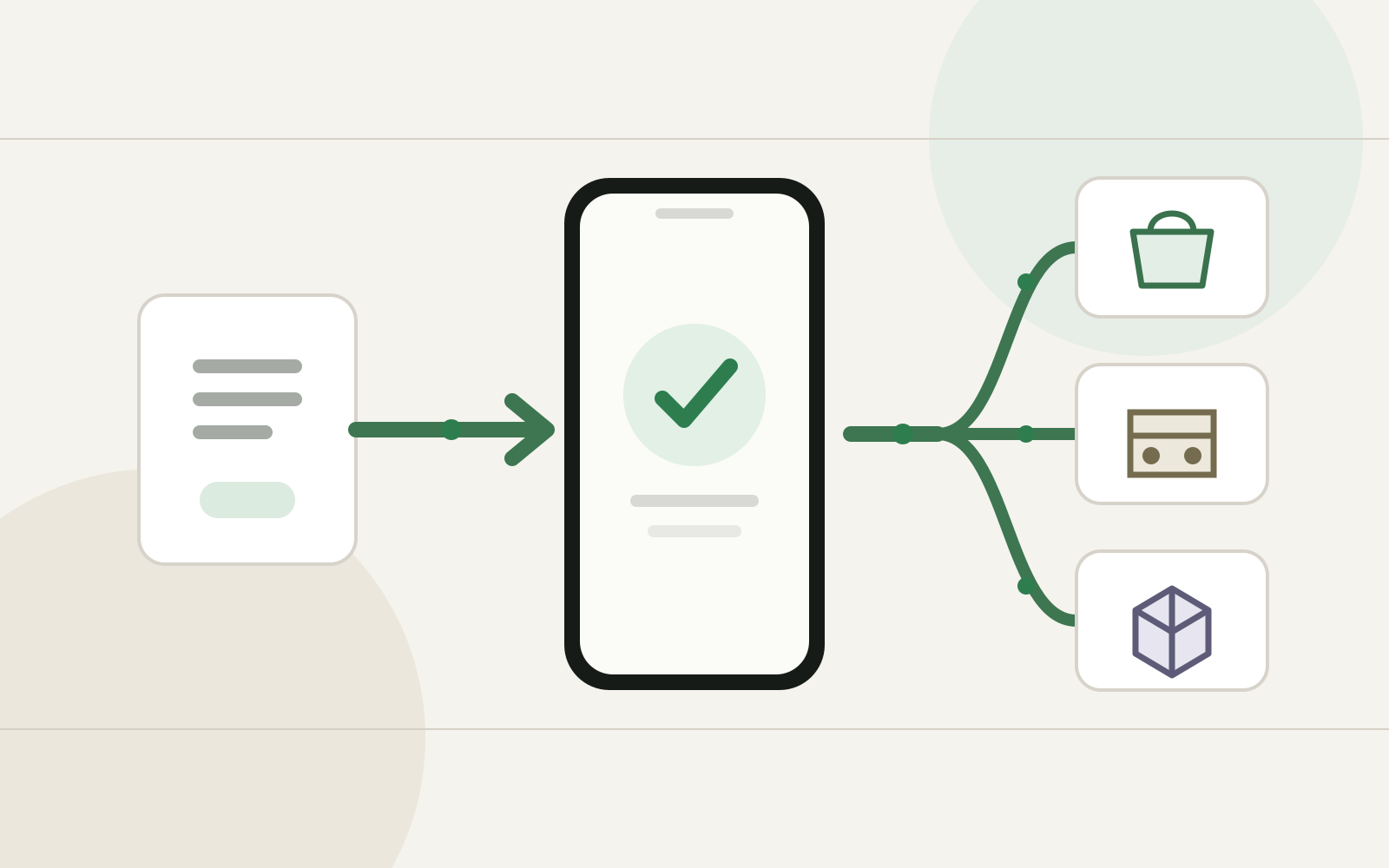
The hard part of multi-store Android distribution is not producing another APK. It is preventing every store from becoming its own product branch.
Publishing an Android app to a second store looks deceptively simple. Build the app, upload the binary, fill in the listing, and submit it.
Then the third store arrives.
Now one console wants a different screenshot set. Another has its own signing workflow. A device family behaves differently because Google Play services are missing. A release API supports APKs but not the artifact format you use elsewhere. Someone fixes a store-specific issue directly in the main app module, and six months later nobody remembers why the condition exists.
The engineering problem is not how to upload to more stores. It is how to keep one product while the distribution edges multiply.
A maintainable multi-store setup should therefore optimize for three things:
- one canonical application codebase;
- explicit, narrow distribution differences;
- repeatable release evidence for every target.
That sounds obvious. The architecture gets interesting when the stores stop behaving alike.
Treat Stores as Distribution Targets, Not Product Forks
The first rule is organizational: a new store should not automatically create a new application.
Keep the product logic, domain layer, data layer, UI, and most integrations shared. Store-specific behavior should live behind small boundaries that answer questions such as:
- Which billing provider is available?
- Which push implementation can this device use?
- Which store owns the update flow?
- Which binary format does the target accept?
- Which listing assets and compliance declarations belong to this channel?
This is the same reason Android product flavors work best when they describe a real build-time distinction rather than becoming a dumping ground for unrelated code. If you have already dealt with flavor-specific review feedback, separating flavor differences from shared application behavior is a useful companion pattern.
A store is usually a delivery concern first. Make it prove that it deserves a deeper code fork.
Start With a Distribution Matrix
Before adding Gradle flavors, write down the differences.
A compact matrix is enough:
| Concern | Canonical app | Store-specific override? |
|---|---|---|
| Package name | Shared where possible | Only when the store requires a separate identity |
| Version name | Shared | Rarely |
| Version code | Coordinated centrally | Store rule may constrain sequencing |
| Signing | Controlled release key | Store-managed signing may alter the operational flow |
| Billing | Interface in app | Provider implementation |
| Push | Interface in app | Provider implementation if required |
| Update UX | Shared abstraction | Store-owned mechanism |
| Screenshots | Shared source set | Store dimensions/localization |
| Release notes | Canonical source | Store formatting |
| Binary | Shared build when compatible | APK/AAB or device-specific variant |
This matrix prevents a common mistake: introducing a flavor before you know what the flavor needs to own.
If the only difference is listing metadata, you do not need another runtime build variant. If the difference is an SDK that cannot run on the target device family, then a build boundary is justified.
One Release Version, Multiple Delivery Artifacts
A multi-store pipeline becomes much easier to reason about when a release starts from one immutable version decision.
For example:
release 2.8.0
   |
   +-- canonical source commit
   +-- canonical release notes
   +-- canonical version name
   |
   +-- target: primary store
   |     +-- app bundle
   |
   +-- target: Amazon
   |     +-- APK or AAB
   |
   +-- target: OEM store
         +-- accepted Android package
The target artifacts may differ, but they should point back to the same release intent.
Amazon’s current submission documentation is a good example of why the artifact layer must remain explicit. For Fire OS, Amazon accepts APK or Android App Bundle files, while its wider ecosystem also includes a separate VPKG format for Vega OS. Amazon also documents versioning rules when multiple binary types live under one listing.
The lesson is broader than Amazon: do not encode “Android release” as one assumed file type. Encode a release, then derive target artifacts from it.
Keep Store SDKs Behind Capability Interfaces
The biggest source of long-term multi-store debt is letting store SDKs leak into feature code.
Imagine purchase handling spread across screens:
if (isAmazonBuild) {
    // Amazon purchase
} else if (isHuaweiBuild) {
    // Huawei purchase
} else {
    // default purchase
}
That scales badly because the store identity becomes a global condition.
Prefer a capability boundary:
interface BillingGateway {
    suspend fun purchase(productId: String): PurchaseResult
    suspend fun restore(): List<Purchase>
}
Then bind the implementation at the distribution edge.
The same pattern works for:
- push messaging;
- store reviews;
- update prompts;
- analytics adapters;
- attribution;
- licensing or entitlement checks.
This keeps the core application unaware of which storefront delivered it.
It also makes testing much cleaner. Shared feature tests can use a fake capability. Only the adapter needs store-specific integration tests.
Signing Is a Product Continuity Problem
Signing deserves its own release design, not a note in a deployment README.
Android updates depend on application identity and signing continuity. A store may also offer managed app signing, which changes who holds which key and what certificate downstream services observe.
Huawei’s AppGallery Connect documentation, for example, explicitly describes app-signing workflows and warns that update continuity depends on the signing relationship. It also notes that services relying on certificate fingerprints may need updated fingerprints when signing arrangements change.
That means your release ledger should track, per target:
store
package/application identity
upload key owner
app-signing key owner
SHA-256 certificate fingerprint
last published version
artifact type
Do not put private keys in the ledger. Record ownership and fingerprints, then keep credentials in the appropriate secret boundary.
This turns “Which key did we use for this store?” from archaeology into a deterministic lookup.
Metadata Should Be Data, Not Repeated Typing
The binary is often the easiest part of multi-store publishing. Listings are where manual drift accumulates.
Each store may ask for some combination of:
- title;
- short description;
- full description;
- category;
- screenshots;
- feature graphics;
- privacy URL;
- support contact;
- release notes;
- regional availability;
- content declarations.
Keep a canonical metadata source in the repository, then transform it for each store.
For example:
release-metadata/
  en-US/
    title.txt
    short-description.txt
    description.md
    release-notes.txt
  id-ID/
    ...
store-assets/
  shared/
  amazon/
  xiaomi/
  huawei/
The goal is not to automate every console immediately. The goal is to stop the console from becoming the only place where the current truth exists.
Xiaomi’s current developer flow illustrates the predictable shape of these portals: create an account, create an app, submit a version, pass automated/manual review, then launch. The exact fields can change; your canonical product metadata should not depend on remembering them by hand.
Automate the Stable Parts First
Multi-store automation is tempting because uploading the same release repeatedly is tedious. But the best first automation is usually not “submit everywhere.”
Start with deterministic preparation:
source commit
→ tests
→ build target artifacts
→ verify signing identity
→ generate checksums
→ package listing metadata
→ validate screenshots
→ produce per-store release bundle
Only then automate submission where a supported API is stable enough.
Amazon, for example, provides an App Submission API for programmatic updates, but its documentation also describes capability limitations. This is exactly why submission should be an adapter after a common preparation pipeline rather than the center of your release architecture.
The same principle appears in automating Android CI with GitHub Actions: automate repeatable evidence before automating irreversible delivery.
Build a Store Compatibility Test Layer
A build succeeding does not prove a store target is healthy.
For each distribution target, define a small compatibility suite around the differences that matter:
- app launches on a representative physical device;
- authentication works without assuming unavailable services;
- push registration uses the expected provider;
- purchase initialization succeeds or fails gracefully;
- deep links resolve correctly;
- update behavior points to the correct channel;
- analytics initialization does not crash when a provider is absent;
- the release artifact reports the expected package name, version, and certificate.
Amazon explicitly recommends physical-device testing before submission. That is a useful baseline for any alternative store because device ecosystems often expose assumptions that an emulator or primary-store test device hides.
A release matrix can then record evidence rather than confidence:
2.8.0
primary  PASS  build / smoke / signing
amazon   PASS  build / Fire device / signing
xiaomi   PASS  build / device / listing
huawei   PASS  build / HMS path / signing
Now “ready for all stores” has a measurable meaning.
Do Not Couple App Updates to Your Own Store Logic
There is another subtle trap: once you support several stores, it is tempting to build a universal self-updater inside the app.
That is usually the wrong abstraction.
The application can expose an UpdateCoordinator, but the actual update path should respect the distribution channel and its policies. The store that installed the application should normally remain the authority for binary updates.
If what you really need is changing behavior without a new binary, separate that requirement from distribution. Remote configuration, server-driven content, and constrained server-driven UI solve different problems from executable code replacement. The native Android OTA guide goes deeper into that boundary.
Multi-store distribution should not become an excuse to invent an unsafe code-push mechanism.
A Practical Gradle Shape
You may eventually need product flavors, but keep them boring.
A reasonable structure is:
android {
    flavorDimensions += "distribution"

    productFlavors {
        create("primary") {
            dimension = "distribution"
        }
        create("amazon") {
            dimension = "distribution"
        }
        create("oem") {
            dimension = "distribution"
        }
    }
}
Then use flavor source sets only for the pieces that genuinely differ:
src/main/       shared product
src/amazon/     Amazon adapters and resources
src/oem/        OEM-specific adapters
Do not duplicate activities, repositories, or entire dependency graphs just because the folder exists.
If a capability can be injected, inject it. If a resource can be generated, generate it. If metadata belongs outside the APK, keep it outside the APK.
The Release Pipeline Should Fail Closed
The final design principle is simple: a missing store requirement should stop that target, not corrupt the whole release.
A useful state model is:
release candidate
→ shared checks pass
→ target artifacts built
→ target compatibility verified
→ target metadata complete
→ target submission
→ target review
→ target live verification
Each target advances independently after the shared gates.
If Amazon metadata is incomplete, the Huawei artifact should not need to be rebuilt. If an OEM review rejects a screenshot, the canonical Android binary should not change. If a signing fingerprint is unexpected, that target should fail before upload.
This is how you avoid the operational equivalent of if (store == ...) spreading across the release process.
Multi-Store Is Worth It Only If the Pipeline Stays One Product
Supporting more Android stores can expand reach, reduce dependence on one distribution channel, or simply make an app available on devices where the default ecosystem differs.
But every new storefront creates recurring operational cost.
The sustainable approach is not to pretend the stores are identical. It is to isolate their differences while keeping product ownership centralized:
- one source of product truth;
- one release version decision;
- explicit target artifacts;
- capability-based SDK boundaries;
- signing records per channel;
- canonical listing metadata;
- target-specific compatibility tests;
- independent submission adapters.
When those boundaries are clear, adding another store becomes a new distribution adapter.
Without them, it becomes another product you accidentally have to maintain.
Continue Exploring
You Might Also Like

Android elapsedRealtime and Monotonic Deadlines
Learn how to use Android elapsedRealtime and Kotlin cancellation to reject late coroutine responses during startup health checks, preventing stale data from overwriting UI state.

CameraX ZXing YUV rowStride pixelStride crop QR scanner
Learn how row stride, pixel stride, crop bounds, and rotation interact when feeding CameraX YUV frames into ZXing, and ensure proper proxy lifecycle management.

Fix Firebase Variant CI Configuration
Learn how the Google Services Gradle plugin matches build variants to configuration files, where variant-specific JSON files live, and how to verify that your CI pipeline exercises the intended Firebase project.